AR menus · US & Canada
3D Food Menu Software: What to Look for in 2026
A plain guide to choosing 3D food menu software in 2026: browser based WebAR versus apps, pricing traps, turnaround time, and a quick checklist.
2026-08-25 · 8 min read · BeforeTable
What counts as 3D food menu software in 2026
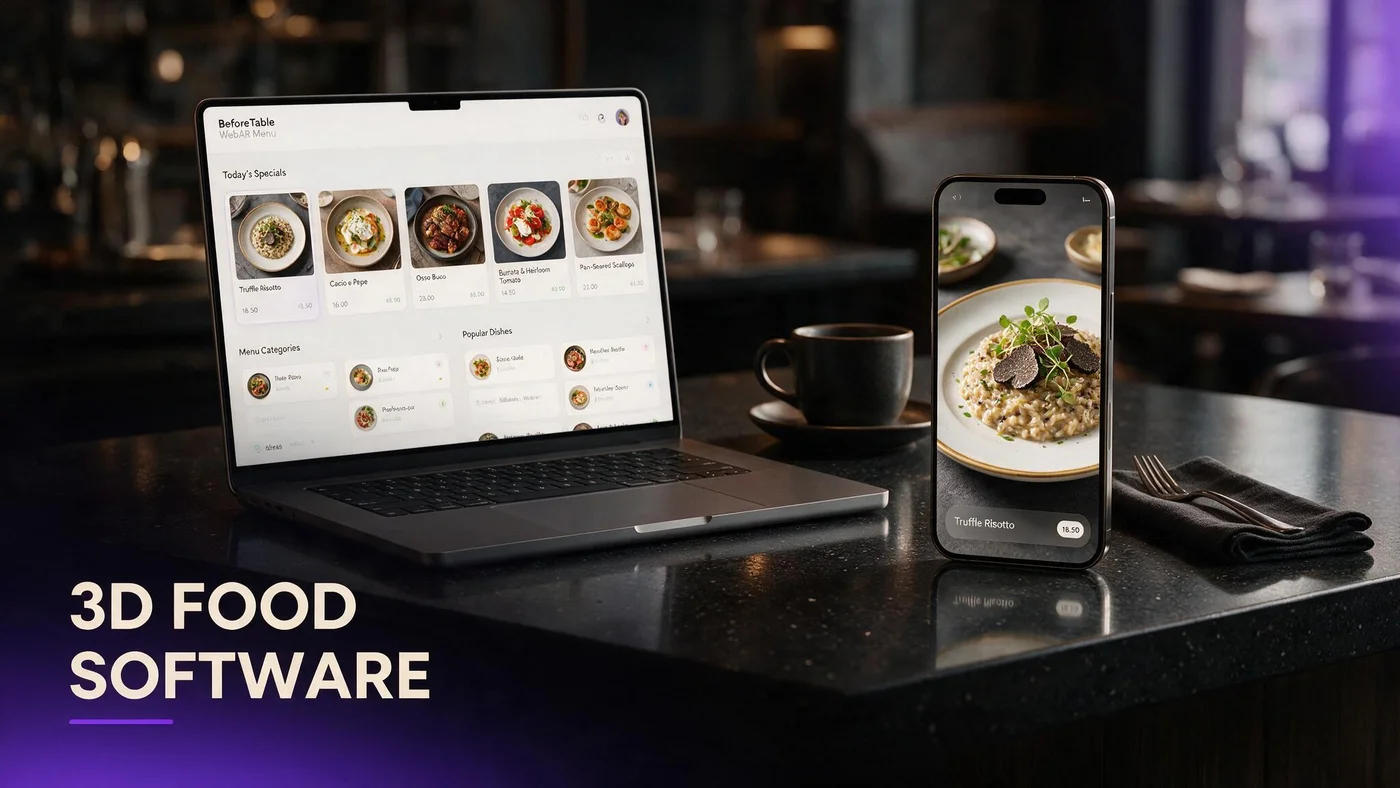
3D food menu software turns dish photos into 3D models that guests can view on a menu page, usually through a QR code or a link. Some tools stop at a spinning model in a catalog. Others build a full menu platform around it, with pricing, categories, and QR codes included.
3D catalog tools versus full menu platforms
A catalog tool gives you a viewer for a single model. A menu platform gives you the whole guest facing page: prices, descriptions, categories, and the 3D previews sitting inside it, all under one QR.
Where interactive previews fit in
The 3D model itself is only useful if guests can actually reach it from the table. For more on what a genuinely interactive preview looks like day to day, see beforetable.com/blog/interactive-3d-dish-preview-menu.
Browser based WebAR versus an app requirement
The single biggest fork in the road when you compare 3D food menu software is whether guests need to install anything. Browser based WebAR opens straight in Safari or Chrome from a QR scan. Some older or clunkier platforms still push guests toward a native app download before they can see a single dish.
Why browser based WebAR matters for guests
Guests will scan a code without thinking twice. They will hesitate, and often quit, the moment a link tries to send them to an app store instead of showing them the menu.
What a forced app download actually costs you
Every extra step between the QR scan and the dish preview loses a percentage of guests. A required app download is the biggest single drop off point in that chain.
How pricing models differ: per dish versus flat plan
Some 3D food menu software charges per model, which sounds cheap until you try to cover a real menu. Others use a flat monthly plan with a set number of dishes included, which is easier to predict and budget against.
Per dish pricing can add up fast
A per model fee looks small on a single dish. Multiply it across twenty or thirty menu items and the total can quietly outgrow a flat plan within a few months.
Flat monthly plans are easier to budget
A plan with a fixed dish count and a fixed monthly price is simpler to plan around, especially for an independent restaurant watching every line item.
Processing turnaround and why speed matters
Ask any 3D food menu software how long it takes from uploaded photo to a live, guest ready model. Turnaround is typically measured in business days across the industry, but priority queues can matter a lot during a menu launch or a seasonal update.
BeforeTable's Starter and Growth plans get priority processing ahead of Free, which matters most when you are trying to get a new seasonal dish live before a busy weekend.
QR tools you should expect from any menu platform
3D previews are only half the picture. The software also needs to generate and manage the QR code guests actually scan at the table, ideally without forcing you to reprint tents every time a price changes.
For a closer look at how QR codes and 3D models work together on one menu, see beforetable.com/blog/qr-code-menu-with-3d-models.
Analytics: what it tells you and when you need it
Analytics is not essential on day one, but it becomes useful once your menu is live and you want to know which dishes guests actually preview versus which ones they skip entirely.
What a dashboard should actually show you
A useful dashboard shows scans, which dishes get tapped for preview, and rough trends over time, not just a raw total scan count with no context.
Which plan tier includes analytics
On BeforeTable, the analytics dashboard is a Growth plan feature at $200 a month. Free and Starter focus on getting the menu and previews live first.
Red flags that mean you should look elsewhere
A few warning signs show up again and again when restaurant owners compare 3D food menu software, and most of them are avoidable if you know to check for them before you sign anything.
Hidden per model fees
If the pricing page does not clearly state what happens after your included dish count, ask directly before you commit to a contract.
No free tier to test first
Software worth using should let you try it on a handful of real dishes before you pay anything. If there is no free option at all, treat that as a red flag.
Forced app downloads for guests
If the demo shows a guest opening an app store instead of a browser, that is friction you will feel at every single table, every single night.
How BeforeTable's plan ladder compares, honestly
BeforeTable is browser based WebAR from the start, so guests never see an app store. Free is $0 a month for 3 AR dishes with basic QR and order tools. Starter is $20 a month for 15 dishes, custom QR, and priority processing.
Growth is $200 a month for 50 dishes with fuller QR tools and the analytics dashboard. Enterprise is custom pricing for unlimited dishes with dedicated support. For the full breakdown, see beforetable.com/blog/beforetable-pricing-explained.
A short checklist before you sign up for anything
Confirm the preview opens in a browser, not an app store, on both iPhone and Android before you sign anything.
Ask for the exact processing turnaround in business days, not a vague estimate with no number attached.
Get the real pricing in writing: per dish, flat plan, or both, including what happens once you go over your included count.
Check whether a free tier exists so you can test real dishes before paying, and confirm QR tools and analytics availability match your plan tier.
Start Free and test the software yourself
The fastest way to judge any 3D food menu software is to actually use it on three real dishes, not just watch a demo video someone else recorded.
BeforeTable Free costs $0 a month for three AR dishes, basic QR, and order tools, so you can test turnaround and guest experience before you spend anything at all.
Frequently Asked Questions
What is 3D food menu software?
It is a platform that turns dish photos into 3D models guests can view on a menu page, usually through a QR code or a shared link.
Should I choose browser based WebAR or an app?
Browser based WebAR is easier for guests since it opens straight in Safari or Chrome, with no app store step required.
Is per dish pricing better than a flat plan?
A flat plan with a set dish count is usually easier to budget than per model fees, which can add up quickly across a full menu.
How long does 3D model processing usually take?
Turnaround is typically measured in business days, and priority plans get processed ahead of free tiers.
Do I need analytics from day one?
Not usually. Analytics becomes more useful once your menu is live and you want to see which dishes guests preview most.
What is a red flag when comparing menu software?
Hidden per model fees, no free tier to test, and a required app download for guests are the most common warning signs.
Does BeforeTable require guests to download an app?
No. Guests scan a QR code and the menu, including 3D previews, opens directly in Safari or Chrome.
What does BeforeTable's Free plan include?
Free is $0 a month for 3 AR dishes, basic QR code tools, and order tools built in.
When should I upgrade from Free to Starter?
Upgrade to Starter at $20 a month once you need more than three AR dishes or want custom QR and priority processing.
What does the Growth plan add?
Growth is $200 a month for 50 AR dishes, fuller QR tools, and an analytics dashboard not included on lower plans.
Is there an Enterprise option?
Yes, Enterprise offers custom pricing, unlimited dishes, and dedicated support for larger operations.
Does 3D food menu software replace my POS system?
No. BeforeTable adds WebAR menu previews and light order tools, and does not replace hardware POS systems like Toast.
What should I ask before signing a contract?
Ask about exact pricing per dish or per plan, processing turnaround in business days, and whether a free tier exists to test first.
Can I try 3D food menu software before paying?
Yes, on BeforeTable you can start on the Free plan with three real dishes before committing to a paid tier.
How many dishes should I model first?
Most restaurants start with three hero dishes that guests already ask about most, then expand from there.
What QR features should I expect?
Look for QR codes that update automatically when your menu changes, without forcing you to reprint table tents.
Where can I compare pricing plans in detail?
See beforetable.com/blog/beforetable-pricing-explained for the full Free, Starter, Growth, and Enterprise breakdown.