Geo · Miami, USA
AR Menu Miami Restaurants: WebAR QR for South Florida Independents (2026)
How independent restaurants across Miami use WebAR QR menus to show 3D dish previews in English and Spanish, no guest app, plans from $20 a month.
2026-09-12 · 10 min read · BeforeTable
What an AR menu means for Miami restaurants
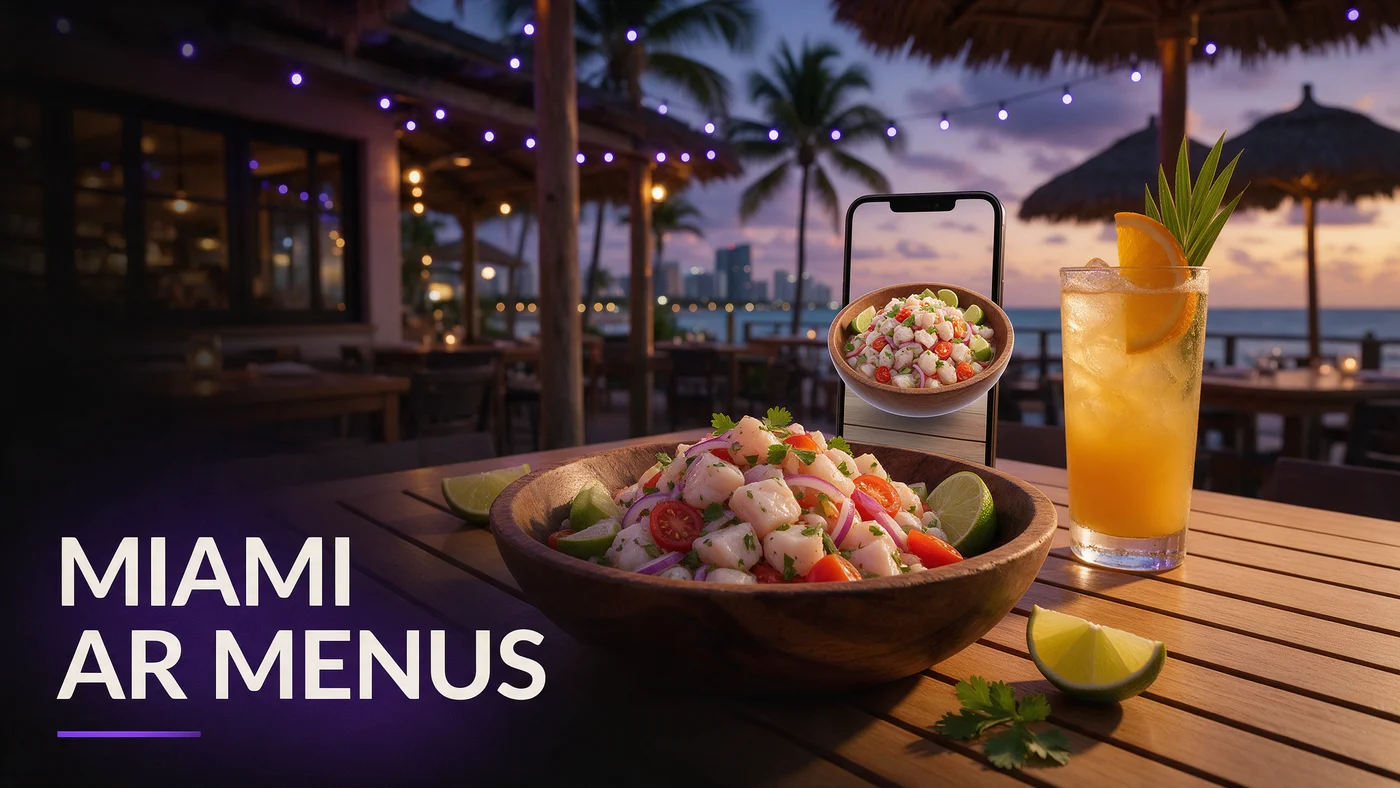
An AR menu for Miami restaurants lets a guest scan a QR code at the table and watch a real 3D preview of a dish rotate before ordering, with no app download needed to explain portion size in two languages. For an independent in Wynwood, Little Havana, Brickell, or Miami Beach, a guest can see exactly what a dish looks like within seconds of sitting down.
WebAR menus work the same way across South Florida. The phone's own browser renders the model directly, so a guest on a humid patio in Little Havana sees the same crisp preview as a guest at an air conditioned Brickell high rise.
Why Miami guests respond well to this
Miami's dining scene moves fast and skews visual, from Wynwood's mural backed patios to South Beach's late night crowds, so a scan to preview menu fits how guests already expect a restaurant to show off a dish.
What the guest experience looks like at the table
A guest taps a QR code, the dish opens in Safari or Chrome, they rotate it with a finger, then close the tab and keep browsing the rest of the menu.
Why WebAR fits Miami's mixed device and tourist reality
Miami dining rooms mix iPhones and Android phones about evenly, and a large share of guests are visiting from out of town during any given week. A WebAR menu that works in Safari and Chrome without an install step removes the friction of finding an app store, since there is none to find.
No app means no download friction on vacation Wi-Fi
A visitor staying at a Miami Beach hotel is not always on a fast connection, and asking them to download an app before seeing a menu loses guests who would rather just eat. A WebAR link loads a much lighter page instead.
Tourists already expect a scan to preview experience
Visitors from cities with mature WebAR adoption expect to scan and preview before ordering, so offering it puts a Miami independent on equal footing with bigger hotel restaurants along Ocean Drive.
Building a bilingual English and Spanish AR menu guests trust
Language matters more in Miami than in most US markets. A large share of guests order in Spanish first, and a dish description in English only can quietly turn away a guest who would rather read the menu in their own language.
Where bilingual matters most
Little Havana and nearby neighborhoods often need Spanish by default, while Brickell and Miami Beach may lean more toward English plus Spanish. Decide based on your actual guest mix, not a generic assumption.
Keeping dish names and descriptions consistent
Write the English and Spanish description for a dish at the same time, so the Spanish version matches the tone of the English one instead of reading like an afterthought translation.
Miami neighborhoods and how guests actually scan
Scanning behavior varies block by block. Wynwood's art district crowd lingers over dinner and treats the AR preview as part of the experience. Brickell's lunch crowd scans fast and wants a quick load. Miami Beach tourists scan slowly, comparing dishes before deciding, while Little Havana guests use AR to understand a new dish.
Fast lunch scanning in Brickell
Near Brickell's office towers, keep hero dishes fast loading and simple, since a lunch break guest is less patient with a slow load than an evening diner.
Slower, exploratory scanning on Miami Beach and in Wynwood
In neighborhoods built around an evening out, like Miami Beach or Wynwood, a longer look at an AR preview is normal while a guest decides what to order.
AR menus through Miami humidity and patio season
Miami's humidity and afternoon rain make paper table tents wear out fast, curling within weeks on an outdoor patio. A weatherproof QR sticker survives the climate far better, since the code rarely changes even when the dishes behind it do.
Indoor QR tents in air conditioned dining rooms
Inside an air conditioned dining room, a small table tent or check presenter sticker works fine and holds up without any weather exposure.
Outdoor patio QR durability in heat and rain
On an outdoor patio in Wynwood or along Ocean Drive, a weatherproof QR sticker handles sun, humidity, and sudden downpours better than a laminated paper insert, which curls and fades within a season outside.
Nightlife scanning versus weekend brunch crowds
Miami's nightlife and brunch crowds behave differently. A late night bar crowd scans quickly under dim lighting and wants a shareable plate to look as good on screen as at the table. A weekend brunch crowd lingers, often in a group, and passes the AR preview around before ordering.
Designing for dim nightlife lighting
Bar and lounge crowds order under low light, so keep your QR code somewhere visible even in a dim room, like a lit table marker rather than a plain card that disappears.
Brunch crowds and shareable plates
Brunch in Miami often means a group ordering to share, so hero dishes built to pass around, like a large platter or a layered dessert, get more attention in AR than a single serving bowl.
Handling tourist season surges without extra staff
Miami's tourist season brings a surge of first time guests who do not know your menu or the cuisine. An AR menu answers questions a server would otherwise field table by table, freeing staff during the busiest months.
Choosing your first three hero dishes
Start small. Three hero dishes in AR is enough to prove the idea works before committing more time to photographing the whole menu.
Picking dishes that benefit most from a 3D preview
A tall stacked sandwich, a shareable seafood platter, or a colorful layered dessert benefits more from rotation than a simple bowl, since shape and size can change a decision.
A simple one-table test before a full rollout
Print one QR table tent, put it on a single table for a week, and watch how many guests scan it during a normal service before deciding whether to expand across the room.
Testing your AR menu before service starts
Test the guest link on an iPhone in Safari and on an Android phone in Chrome before printing a QR code for the floor. Confirm the model loads in a couple of seconds on your restaurant's actual Wi-Fi, since a slow load during a busy Miami Beach rush undoes the good impression AR is supposed to create.
Common mistakes Miami independents make with AR menus
The most common mistake is skipping the Spanish translation in a market where a large share of guests expect it, which reads as an oversight rather than a deliberate choice. A second mistake is loading ten or more dishes into AR right away instead of proving the concept with three hero dishes first.
What this costs for a Miami independent restaurant
Free starts at $0 for 3 AR dishes, enough to test the one-table approach above. Starter is $20 a month for 15 dishes, which covers most independent menus. Growth is $200 a month for 50 dishes with analytics, useful once you compare performance across a busy season or multiple locations. See the full breakdown at beforetable.com/blog/beforetable-pricing-explained.
Start free with your first Miami AR menu today
An AR menu for a Miami restaurant does not require rebuilding your menu system or hiring a developer. Photograph three hero dishes, print one QR table tent, and test it during a normal service before deciding how far to take it.
Start Free with 3 AR dishes at $0 and see how guests respond before committing to a paid plan. The FAQ below and beforetable.com/blog/how-to-create-an-ar-restaurant-menu cover setup details.
Frequently Asked Questions
What is an AR menu for Miami restaurants?
It is a WebAR menu a guest opens by scanning a QR code at the table, showing a real 3D preview of a dish in their phone's browser with no app download.
Do guests need to download an app to see the AR menu?
No. The AR preview opens directly in Safari on iPhone or Chrome on Android, with nothing to install and no account to create.
Does BeforeTable work in both English and Spanish?
Yes. You can write dish names and descriptions in both languages, which matters most in Little Havana and other Spanish speaking neighborhoods.
How much does an AR menu cost for a Miami restaurant?
Free is $0 for 3 AR dishes, Starter is $20 a month for 15 dishes, and Growth is $200 a month for 50 dishes with analytics.
What devices does the AR menu work on?
It works on iPhone in Safari and Android in Chrome, which covers the large majority of guest and tourist phones across Miami.
Does an AR menu work on a humid outdoor patio?
Yes. A weatherproof QR sticker or a stand-up card handles Miami's humidity and afternoon rain far better than a laminated paper insert.
What about Miami's heat and sudden rain?
Use a weatherproof sticker rated for outdoor use on any patio table, since a paper insert curls and fades within weeks in the climate.
How many dishes should I start with?
Start with three hero dishes that define your restaurant, then expand once you see how guests respond to the AR preview.
Does this work for independent restaurants outside Wynwood and Brickell?
Yes. WebAR works the same way in any Miami neighborhood, since it only depends on the guest's own phone browser.
Do I need bilingual menus everywhere in Miami?
Not everywhere. It matters most in Little Havana and other Spanish speaking neighborhoods, so decide based on your own guest mix.
How long does it take to set up an AR menu?
Uploading photos and creating a 3D preview for one dish takes a short amount of time per dish, so three hero dishes can be ready quickly.
Does BeforeTable replace my POS system?
No. BeforeTable is a WebAR menu and light order tool, not a replacement for a POS system.
Can I test the AR menu on one table before rolling it out?
Yes, and it is the recommended approach. Print one QR table tent, test it for a week, then decide whether to expand.
What is the difference between Free, Starter, and Growth plans?
Free covers 3 dishes at $0, Starter covers 15 dishes at $20 a month, and Growth covers 50 dishes at $200 a month with analytics.
Does Growth plan analytics help during tourist season?
Yes. Growth's analytics dashboard shows guest interaction with each AR preview, which is useful for spotting trends during the busiest months.
Does an AR menu help with Miami's nightlife crowd?
Yes. A visible QR code and a shareable plate designed for AR both work well for a late night bar or lounge crowd ordering under dim lighting.
Does an AR menu help with weekend brunch crowds?
Yes. A group ordering to share can pass an AR preview of a large platter or dessert around the table before deciding what to order.
Where can I find more on pricing and setup?
See beforetable.com/blog/beforetable-pricing-explained for pricing details and beforetable.com/blog/how-to-create-an-ar-restaurant-menu for setup steps.