WebAR devices · US & Canada
Does an AR Menu Work on iPhone Safari? Yes (2026)
Yes, BeforeTable's AR menus work on iPhone in Safari with no app download. See the guest flow, supported models, and quick fixes for 2026.
2026-08-27 · 7 min read · BeforeTable
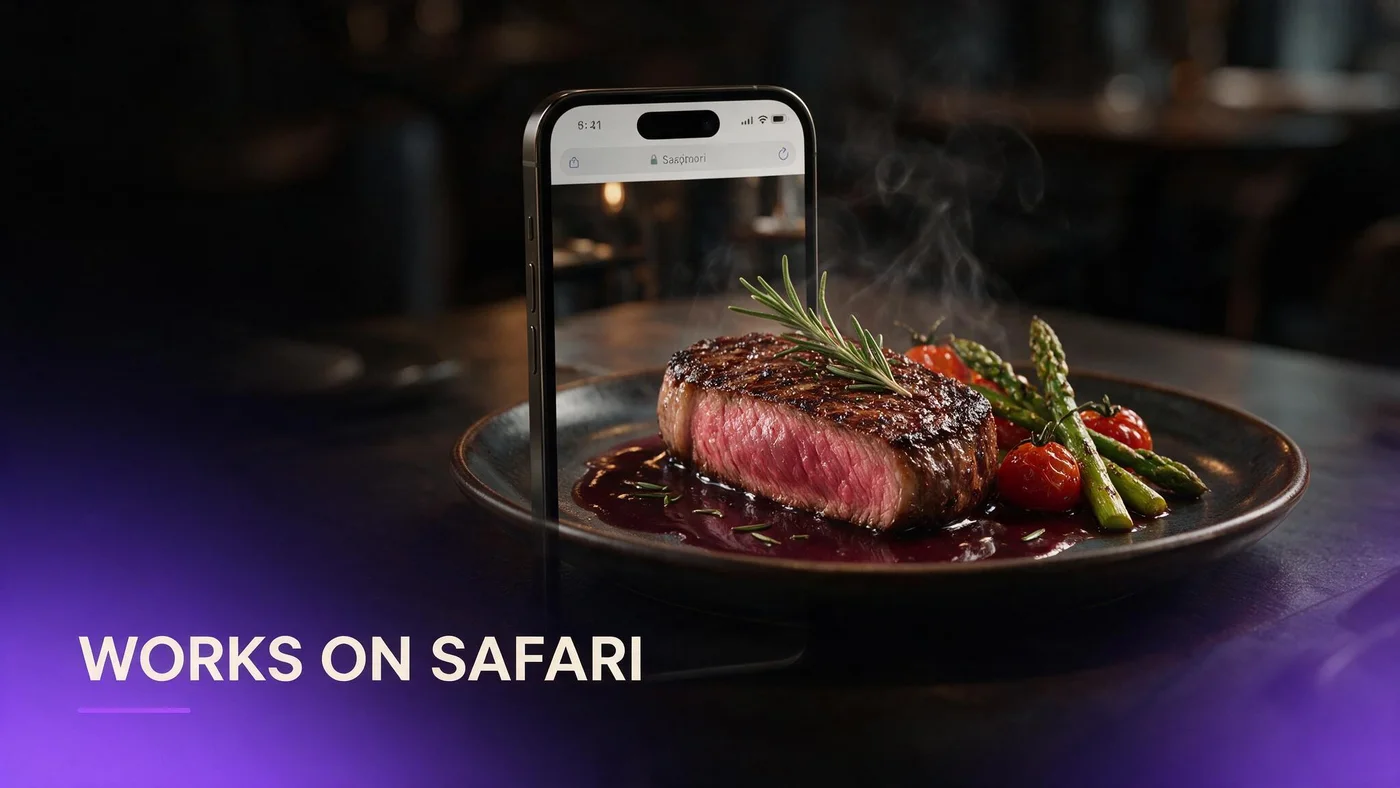
Yes, AR menus work on iPhone in Safari
Yes. BeforeTable's AR menus work on iPhone directly inside Safari, with no app to download. A guest scans your table QR, the menu opens in the browser, and they can rotate a 3D dish or tap the AR icon to place it on the real table.
This is the same WebAR path we use across the whole platform, built so an iPhone guest never has to leave Safari or visit the App Store just to see what a dish looks like before ordering. For the full technical rundown across both browsers, see beforetable.com/blog/webar-menu-safari-chrome.
The guest flow on iPhone, start to finish
Scan the QR with the Camera app
Most iPhone guests already know to open the Camera app and point it at a QR code. iOS recognizes the code automatically and shows a banner link, no separate scanner app needed.
Safari opens the 3D preview automatically
Tapping that banner opens your menu in Safari. Hero dishes load with a small 3D badge, and tapping one brings up the model viewer with the dish ready to rotate.
Tap the AR icon to launch Quick Look
A small AR icon sits near the model viewer. Tapping it hands the file to Apple's AR Quick Look, which opens the camera and lets the guest place the dish on their actual table. See beforetable.com/blog/ios-quick-look-restaurant-menu for more on how that native viewer behaves.
Which iPhones and iOS versions actually work
Recent iPhone models handle this easily
Any iPhone from the last several years, including budget models, comfortably runs Safari WebAR and AR Quick Look. You do not need to worry about guests owning the newest iPhone for this to work.
Minimum iOS version guests need
AR Quick Look needs a reasonably current iOS version, which the vast majority of active iPhones already run since Apple updates are free and widely adopted across the US and Canada.
Older iPhones still show the 3D preview
Even without full AR Quick Look support, older iPhones can usually still rotate and zoom the dish inside Safari. That fallback keeps the menu useful instead of showing an error.
How the model viewer hands off to Quick Look
The 3D preview a guest sees in Safari is powered by a small web component called a model viewer. It renders the dish, handles rotation, and quietly prepares the file for AR the moment a guest taps the icon.
We explain exactly how that works, and what BeforeTable handles for you automatically, at beforetable.com/blog/model-viewer-restaurant-ar-menu. You never configure any of this yourself.
Common iPhone issues and quick fixes
Low Power Mode slows the first load
When Low Power Mode is on, Safari can throttle background loading, which sometimes delays the first 3D model. Asking the guest to disable it briefly, or simply waiting a few extra seconds, usually solves this.
Safari content blockers and private browsing
Aggressive content blockers or strict private browsing settings can occasionally interfere with AR Quick Look launching. Reopening the link in a normal Safari tab almost always fixes it.
First scan of the day feels slow
The very first scan at a table can feel a beat slower while Safari caches assets. Every scan after that, on any table, loads noticeably faster on the same connection.
What guests see once AR Quick Look opens
Once Quick Look opens, the guest sees their own camera feed with the dish overlaid on the table at real size. They can walk around it, move it a few inches, or tap the screen to take a screenshot.
There is a small share button and a close button in the corner. Tapping close simply returns them to your Safari menu page, right where they left off, no reload required.
How the Android Chrome path differs
Android guests get the same basic idea through Chrome instead of Safari, and Google's Scene Viewer instead of Apple's Quick Look. The 3D preview step looks almost identical on both platforms.
We cover Android device support, ARCore, and common fixes in detail at beforetable.com/blog/ar-menu-android-chrome-restaurant. If your dining room is a mix of both, test both paths before printing table QR codes.
Testing your iPhone guest flow before launch
Test on your own iPhone this week
Before you print a single table tent, scan your own QR on your iPhone in Safari. Confirm the 3D preview loads and the AR icon successfully opens Quick Look.
Test in real dining room light and Wi-Fi
Testing at your desk on strong office Wi-Fi hides problems guests will hit at a dim table on shared Wi-Fi. Walk to an actual table and repeat the test there.
What BeforeTable handles versus what you do
BeforeTable handles the model viewer, the AR Quick Look handoff, hosting, and browser compatibility. None of that requires any setup on your side once a dish is uploaded and Ready.
Your job stays focused on the menu itself: good photos, accurate prices, and a printed QR at the table. Everything between the scan and the AR placement runs automatically in the background.
Start Free and test it on your own iPhone
Create a BeforeTable account, upload three hero dishes on the Free plan at $0, and open the guest link on your own iPhone in Safari before you show it to a single customer.
If your menu grows past three dishes, Starter is $20 a month for 15 AR dishes with priority processing. Start small, confirm the iPhone flow works, then expand.
Frequently Asked Questions
Does an AR menu really work on iPhone in Safari?
Yes. BeforeTable's WebAR menus run directly in Safari with no app download. Guests scan a QR and preview dishes in 3D right away.
Do guests need to download an app on iPhone?
No. Everything happens inside Safari, from the 3D preview to the AR placement through Apple's Quick Look.
Which iPhone models support AR menu previews?
Nearly all iPhones from recent years support the 3D preview and AR Quick Look. Very old, unsupported models still show the browser preview.
What iOS version do I need for AR restaurant menus?
A reasonably current iOS version, which most active iPhones already run thanks to free, widely adopted Apple updates.
Why is the AR icon missing on an iPhone?
This usually means the phone or iOS version does not support native AR Quick Look. The 3D preview still works in the browser.
How do I fix a slow loading AR menu on iPhone?
Try disabling Low Power Mode, confirm you are in a normal Safari tab, and remember the very first scan of the day loads slightly slower.
Can content blockers break AR menus on iPhone?
Occasionally. Strict content blockers or private browsing can interfere with Quick Look. Reopening the link in a standard tab usually fixes it.
What happens when a guest taps the AR icon?
Their phone camera opens through Apple's AR Quick Look and the dish appears placed on their real table at true size.
Is the iPhone experience different from Android?
The 3D preview looks almost the same. Only the native AR tool differs: iPhone uses Quick Look, Android uses Scene Viewer.
Do I need cellular data or Wi-Fi for AR menus on iPhone?
Either works. A stable connection, cellular or Wi-Fi, loads the 3D preview and AR file smoothly.
Can I test the AR menu before opening for guests?
Yes, and you should. Scan your own QR on your iPhone in Safari, at an actual table, before printing tents.
Does BeforeTable's viewer work in Safari private browsing?
It generally works, though strict privacy settings can occasionally block AR Quick Look. Standard browsing avoids this entirely.
How much does an iPhone ready AR menu cost?
Free is $0 for 3 AR dishes. Starter is $20 a month for 15 dishes with priority processing.
Do older iPhones show anything if AR is unsupported?
Yes. They still show the rotating 3D preview in Safari, guests just cannot use table placement.
Why does the first scan of the day feel slower on iPhone?
Safari is caching assets for the first time. Every scan after that on the same connection loads faster.
Does BeforeTable replace Toast POS on iPhone setups?
No. BeforeTable focuses on WebAR menu visualization and light order tools, not hardware POS replacement.
Where can I learn how the 3D viewer itself works?
See beforetable.com/blog/model-viewer-restaurant-ar-menu for a full explanation of the model viewer and AR handoff.