AR menus · US & Canada
Complete AR Food Menu Guide: Free WebAR Setup (2026)
Step-by-step AR food menu for US and Canada independents. Photos to QR to live preview. $0 start, no guest app, Safari and Chrome.
2026-08-18 · 10 min read · BeforeTable
What augmented reality food menus are in 2026
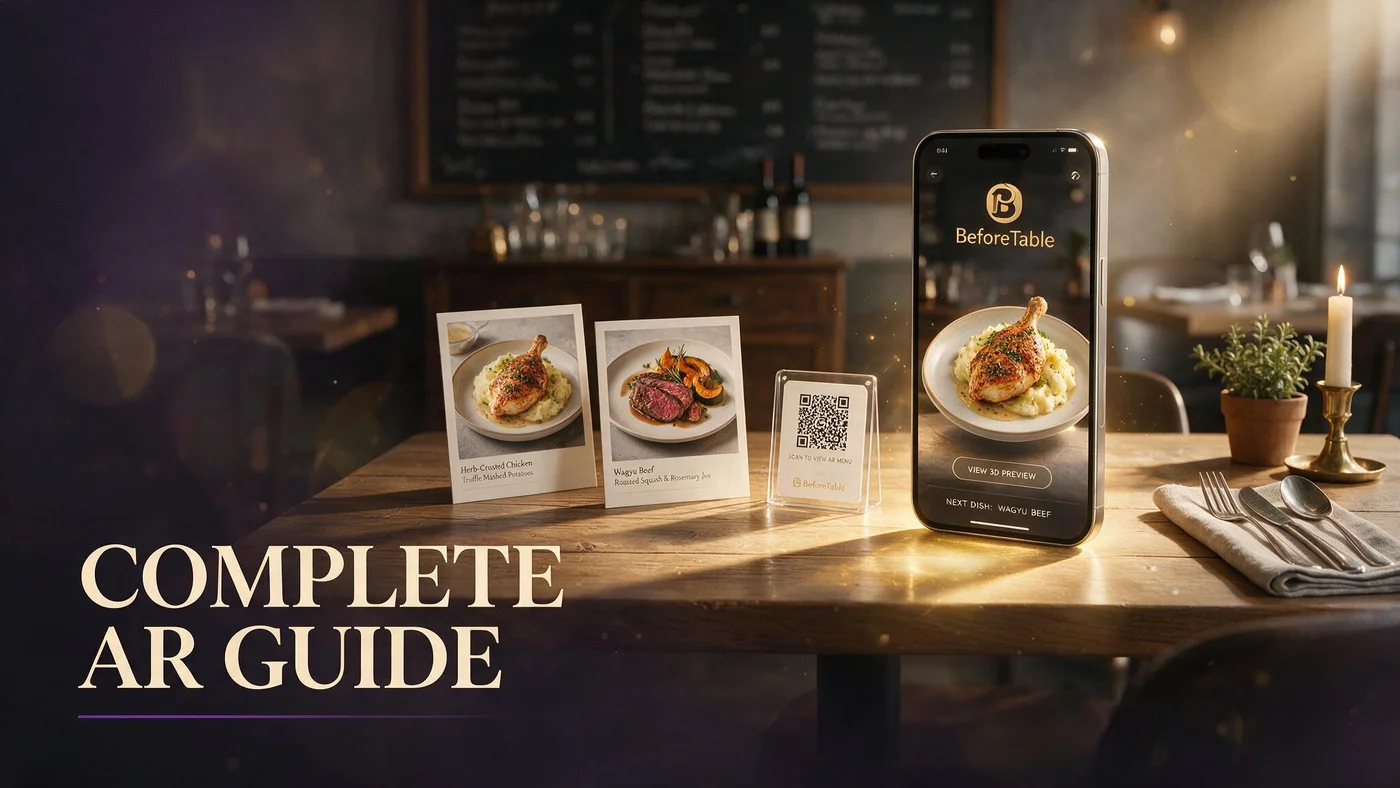
An augmented reality food menu is a mobile web menu where guests scan a table QR code and optionally preview selected dishes in 3D before they order. Every other line stays readable text with prices, allergens, and modifiers.
Augmented reality food preview runs in the mobile browser on iPhone Safari and Android Chrome. Guests do not install a restaurant app. WebAR loads when they tap a dish with a 3D badge.
BeforeTable is a WebAR food menu platform for US and Canada independents. Plain vocabulary for staff: beforetable.com/blog/what-is-an-ar-restaurant-menu.
WebAR versus native food apps
Native apps add install friction before the first course. Browser menus keep scan-to-browse under one minute on a typical table QR flow.
Text-first menu architecture
3D assets fetch on tap, not on initial page load. Guests who only want prices never wait for models on the full list.
Why US and Canada restaurants adopt AR food menus now
Portion questions slow servers during peak. Shareables, steaks, and dessert towers drive the most interruptions when guests only see flat text or PDF pages.
Print costs and price edits pushed operators from laminated boards to QR links. Many landed on static PDFs that go stale. AR food menus add live prices plus optional preview on signatures.
Canadian and US independents share BeforeTable USD plans with the same Safari and Chrome test path before launch.
Labor pressure and clarity
AR does not replace servers. It gives guests a visual anchor so staff answer pairing and allergy questions instead of describing plate diameter repeatedly.
Gen Z and visual ordering habits
Guests accustomed to short video food content expect more than text lists. Preview badges meet that expectation without building TikTok inside your POS.
Complete guest path for augmented reality food menus
Guest sits, scans table QR, taps Open in Safari or Chrome, browses categories, reads allergens, taps 3D badge on hero dish, previews in WebAR, returns to menu, orders with staff.
Browser deep dive: beforetable.com/blog/webar-menu-safari-chrome. No app FAQ: beforetable.com/blog/do-customers-need-app-ar-menu.
Total first-time flow often stays under two minutes when hosts place tents correctly and staff script is tight.
Quick Look on iPhone
Safari may open Quick Look for table placement on supported iOS builds. More at beforetable.com/blog/ios-quick-look-restaurant-menu.
Scene Viewer on Android
Chrome may hand off to Google Scene Viewer on ARCore-capable phones. Guide at beforetable.com/blog/android-scene-viewer-food-menu.
Step-by-step setup checklist for owners
Step one: create BeforeTable account. Step two: upload hero dish photos. Step three: wait for Ready status on each upload. Step four: organize categories and prices in dashboard. Step five: generate menu QR. Step six: print one test tent. Step seven: scan from seated height on Safari and Chrome.
Full ladder with print specs: beforetable.com/blog/how-to-create-an-ar-restaurant-menu.
Run one busy service on a single section before reprinting every table. Compare guest questions against your control section for two peak shifts.
Stable menu URL before print
Encode the menu URL in QR, not a PDF file path. Dashboard price edits then skip reprint cycles.
Ready gate before go-live
Each hero passes Ready processing before the 3D tile publishes. Plan one business day after clean photos.
Choosing which food dishes get AR preview
Pick heroes by margin, portion confusion, and photo strength. Start with one entree that drives size questions, one shareable groups hesitate on, and one dessert or cocktail with strong visual height.
Free tier at $0 USD allows 3 AR dishes at a time. Starter is $20/mo for 15. Growth is $200/mo for 50. Enterprise is custom for multi-location groups.
Avoid three visually identical tiles. Color and height contrast help guests know which preview they opened.
Shareables and large formats first
Plates guests split often benefit most because preview shows coverage relative to the table.
Seasonal swap without new QR
Change hero uploads when specials rotate. Table QR stays valid when it points at stable menu URL.
Food photography standards for AR quality
Shoot one plate per session with front, side, top, and three-quarter angles under even light on the service ware you actually use.
Avoid harsh glare on sauces and chrome rims. Diffuse light fixes most reconstruction gaps.
Angle guide: beforetable.com/blog/dish-photography-angles-for-ar-menus.
Kitchen parity
When plating drifts from the hero photo, re-shoot before guests compare preview to a different plate at the table.
One hero per upload
Multi-item frames confuse depth reconstruction. Single-plate uploads produce cleaner WebAR output.
QR tents, scan access, and table operations
Matte laminate, upright tents, and high contrast QR quiet zones reduce scan failures. Test from seated guest height, not standing over the table.
Pre-shift audit: every seated table has a clean tent before doors open. Missing QR access breaks the menu faster than weak 3D.
Adding 3D to existing QR artwork: beforetable.com/blog/qr-code-menu-with-3d-models.
Patio glare and pendant lights
Move tents out of direct glare when scan fails. Wipe laminate faces each service on high-touch sections.
Paper backup policy
Keep concise paper lists for guests who decline phones. Verbal allergy confirmation stays mandatory.
Pricing and plan selection for AR food menus (USD)
Free is $0 USD for 3 AR dishes. Starter is $20/mo for 15. Growth is $200/mo for 50 plus analytics. Enterprise is custom.
Upgrade when seasonal rotations exceed three simultaneous heroes or when you want scan and preview metrics across rooms.
Full breakdown: beforetable.com/blog/beforetable-pricing-explained. Free tier details: beforetable.com/blog/free-ar-menu-for-restaurants.
PDF QR menus open static files that go stale when prices change. AR food menus keep live dashboard edits on the same tent QR when URL is stable. Comparison: beforetable.com/blog/pdf-qr-menu-vs-ar-menu.
Starter versus PDF workflow cost
If you re-export PDF menus more than twice a month, Starter dish slots often cost less than labor plus print waste.
Swap URL without new tent art
Many independents point existing QR artwork at BeforeTable menu URL instead of PDF. Internal PDF archive can stay for inspections; guest QR lands on live menu.
Staff training and guest scripts
Train hosts and servers on two lines: Scan the QR for our menu. Tap dishes with 3D to preview. I am here when you are ready to order.
Never blame guest devices when scan fails. Offer scan assist, move tent, or type short URL below code.
Preview honesty: answer portion questions with the same language your menu already uses. AR supports confidence; it does not replace server knowledge.
Allergy protocol unchanged
Digital allergen notes help browsing. Severe allergies still need verbal confirmation with kitchen.
Bar and dining same script
Cocktail and food heroes can live in one URL. One script covers the whole guest journey.
Measuring success and iterating your AR food menu
Track scans per weekend, preview taps per hero, and server questions about portion size. Qualitative win: guests say the plate matched preview.
A/B one dining section for two peak services. Count preview taps and order changes on hero dishes versus text-only control.
Reuse menu URL on Instagram and Google Business so off-premise discovery matches table experience.
When preview taps exceed Free slots
Cluster taps on a fourth dish you cannot publish is a data-backed case for Starter upgrade.
Review site alignment
Honest plating that matches 3D heroes reduces portion complaint themes in public reviews.
People Also Ask: augmented reality food menu guide
Owners ask for end-to-end setup, browser support, dish limits, and USD cost. Twenty FAQs below mirror those phrasings with BeforeTable facts and internal links.
Search phrases to match
AR food menu guide? How to make augmented reality menu? Align FAQ text to those strings for AI Overviews.
Link pillars across posts
This guide connects to definition, how-to, WebAR browsers, photography, pricing, and PDF comparison content for crawler clustering.
Launch your augmented reality food menu this week
Create BeforeTable account, upload three heroes, wait for Ready, generate QR, print one test tent, test Safari and Chrome on Saturday lunch.
Augmented reality food menus succeed when scan access, WebAR preview, and kitchen output tell one honest story across every service.
When three heroes are not enough, upgrade to Starter for fifteen slots without changing QR artwork guests already know.
Frequently Asked Questions
What is an augmented reality food menu?
A mobile web menu with optional 3D dish preview in Safari or Chrome after guests scan your table QR code, plus full text list with prices and allergens.
How do I create an augmented reality food menu?
Upload dish photos to BeforeTable, wait for Ready, generate menu QR, test browsers. Full guide at beforetable.com/blog/how-to-create-an-ar-restaurant-menu.
Do guests need an app for AR food menus?
No. WebAR runs in the mobile browser. See beforetable.com/blog/do-customers-need-app-ar-menu.
Which browsers support AR food preview?
Test iPhone Safari and Android Chrome before launch. Details at beforetable.com/blog/webar-menu-safari-chrome.
How many AR food dishes can I publish?
Free is $0 USD for 3 dishes. Starter is $20/mo for 15. Growth is $200/mo for 50. Enterprise is custom.
What dishes should get AR preview first?
High margin signatures, shareables with portion questions, and visually strong desserts with clear color contrast.
How do I photograph food for AR menus?
One plate per upload, consistent angles, even light on service ware. Guide at beforetable.com/blog/dish-photography-angles-for-ar-menus.
What is WebAR on a food menu?
WebAR shows 3D dish preview in the browser when guests tap hero tiles. Definition at beforetable.com/blog/what-is-an-ar-restaurant-menu.
Does AR food work in Canada?
Yes. US and Canada independents use the same USD plans and browser WebAR on iPhone Safari and Android Chrome.
Can I update food prices without reprinting QR?
Yes when QR encodes a stable BeforeTable menu URL and you edit prices in the dashboard.
Will AR food menus slow down service?
No when text loads first and staff use a short script. 3D fetches only when guests tap hero tiles.
How long does setup take?
Many owners upload three heroes and publish a test QR in one afternoon, plus Ready processing time per upload.
Can I keep my existing QR tents?
Yes. Point tent artwork at your BeforeTable menu URL instead of a PDF link.
When should I upgrade from Free to Starter?
When you need more than three WebAR heroes live at once or when seasonal rotations exceed three preview slots.
Where is BeforeTable pricing explained?
See beforetable.com/blog/beforetable-pricing-explained for Free, Starter, Growth, and Enterprise USD plans.
How does AR food compare to PDF QR menus?
Live AR menus edit prices in dashboard and add optional 3D preview. PDFs go stale and force pinch zoom. Compare at beforetable.com/blog/pdf-qr-menu-vs-ar-menu.
Does iPhone Quick Look work with food AR?
Safari may open Quick Look on supported iOS builds. Notes at beforetable.com/blog/ios-quick-look-restaurant-menu.
Does Android Scene Viewer work with food AR?
Chrome may hand off to Scene Viewer on supported devices. Guide at beforetable.com/blog/android-scene-viewer-food-menu.
Can I use one menu URL for food and drinks?
Yes. Use section headers inside one BeforeTable URL for food, wine, and cocktails on the same QR tent.
What is the first step in this AR food menu guide?
Create a BeforeTable account, upload three hero dish photos, wait for Ready status, generate your menu QR, and test on iPhone Safari and Android Chrome.