Marketing · US & Canada
AR Marketing for Restaurants: QR Campaigns That Convert (2026)
Run AR menu campaigns from table QR to social with no app install. Free start, USD pricing, WebAR in Safari and Chrome for US owners.
2026-08-17 · 11 min read · BeforeTable
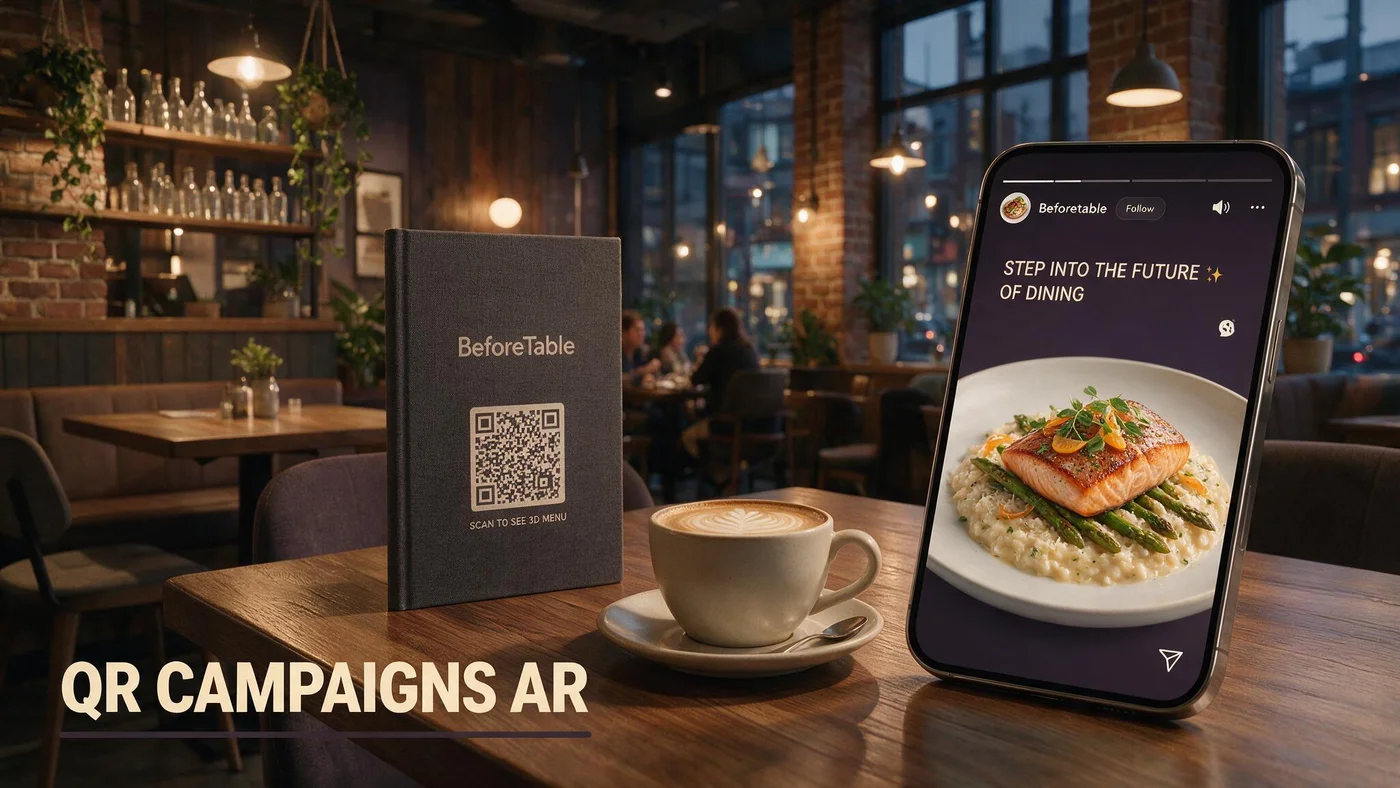
What augmented reality marketing campaigns look like for restaurants
Augmented reality marketing campaigns for restaurants connect discovery touchpoints to a live menu URL where guests preview signature dishes in 3D before they visit or while they sit down. The campaign asset is usually a QR code, link, or social post pointing at the same WebAR menu.
This is not a one-off filter on TikTok that disappears in a week. Durable campaigns reuse one stable menu URL on table tents, Google Business, Instagram bio, email headers, and print inserts.
BeforeTable gives independents a production menu with optional WebAR heroes without building a custom app. Definition baseline at beforetable.com/blog/what-is-an-ar-restaurant-menu.
Campaign equals distribution, AR equals preview
Marketing decides where the link travels. WebAR on hero dishes gives guests a reason to tap instead of bouncing from a PDF thumbnail on mobile.
No guest app in the funnel
Campaign conversion improves when the landing page opens in Safari or Chrome with zero install step. App walls kill restaurant campaign completion rates.
Why US and Canada independents run AR campaigns in 2026
Paid social CPMs rose while guests expect richer visuals before they commit to a reservation or drive across town. Flat menu PDFs on Google Business underperform mobile-native pages with optional 3D preview.
AR campaigns also differentiate independents against chains with generic stock photography. Your actual plated signatures become the creative when hero models match kitchen output.
Labor-friendly campaigns reuse the same menu operations you already run nightly. Price edits in dashboard propagate to every campaign surface that points at your menu URL.
Local discovery parity
Guests compare three restaurants on their phone before they pick one. Preview badges on hero dishes signal portion honesty chains often skip.
Seasonal campaign rotation
Swap hero uploads when summer patio menu launches. Campaign creative updates without redesigning QR artwork when the URL stays stable.
Campaign architecture: one URL, many surfaces
Build every augmented reality marketing campaign around one canonical menu link. Table QR, Instagram link sticker, Google Business menu button, and receipt QR should all resolve to the same page.
Hero dishes with 3D badges become the visual hook in social crops. Caption with tap to preview our signatures in 3D on the menu, not download our app.
Setup guide for menu URL and QR generation: beforetable.com/blog/how-to-create-an-ar-restaurant-menu.
UTM tags without URL sprawl
Append UTM parameters for email versus social while keeping one base menu path. Analytics stay readable when only source tags differ.
Print and digital match
Flyers, patio stanchions, and window clings should encode the same URL as table tents so off-premise scans land on identical prices as dine-in guests.
Social media campaigns with WebAR menu landing pages
Instagram and Facebook reward posts that keep users on platform briefly then send them to a fast mobile page. Your menu URL with text-first load and tap-to-preview heroes fits that pattern better than a multi-page PDF.
Run carousel ads with stills of hero dishes plus copy that says preview portion in 3D on our live menu. Link to the same URL in bio and paid creative for consistent measurement.
Photography for campaign stills should match AR models. Angle guide at beforetable.com/blog/dish-photography-angles-for-ar-menus.
Story stickers and bio link
Pin the menu URL in bio year round. Swap story stickers when seasonal heroes change without changing the link destination.
User generated content alignment
Repost guest photos that match hero plating. Campaign credibility rises when social UGC and AR preview show the same portion story.
Local SEO and Google Business as always-on AR campaigns
Google Business menu links are permanent campaigns. When that link opens a WebAR menu instead of a PDF, mobile searchers preview signatures before they tap directions.
Structured menu pages with plain text prices and FAQ blocks help AI Overviews answer portion questions accurately. PDF attachments are harder for assistants to parse.
Pricing tiers for hero count: beforetable.com/blog/beforetable-pricing-explained.
Menu link audit quarterly
Verify Google Business, Apple Maps, and Yelp all point at your current menu URL, not an old PDF on a forgotten drive folder.
Preview language in business description
One sentence in your description can say scan our menu QR in-house or open our link to preview signatures in 3D. Match what guests actually experience.
In-venue campaigns: table QR as the closing touchpoint
Digital ads create interest. Table QR completes the promise when guests sit down and tap the same hero they saw on social. Broken handoff happens when ads link to PDF but tents link elsewhere.
Train hosts to mention preview during seating on campaign weekends: Our menu QR lets you see three signatures in 3D before you order.
No app script for staff: beforetable.com/blog/do-customers-need-app-ar-menu.
Campaign weekend tent check
Double pre-shift QR inspection when paid traffic spikes. Missing tents waste ad spend faster than weak creative.
Specials alignment
If ads promote a limited hero, mark it Ready in dashboard before spend goes live. Nothing kills campaigns like promoting preview on a dish still processing.
BeforeTable pricing for AR marketing campaigns (USD)
Free is $0 USD for 3 WebAR hero dishes, enough for a pilot campaign on one signature and two supporting visuals. Starter is $20/mo for 15 heroes across seasonal pushes. Growth is $200/mo for 50 plus analytics.
Campaign ROI usually compares incremental cover count or average check lift against software cost, not model production alone. Starter often costs less than one short print run of outdated menus.
Enterprise is custom when multi-location groups need centralized hero libraries and cross-store scan metrics.
Start small, measure scans
Run a two-week campaign pointing all surfaces at a Free tier menu with three heroes. Count preview taps before you scale paid spend.
Upgrade when creative outgrows slots
Seasonal menus with six or more visual signatures typically need Starter. Growth helps when you compare campaign performance across rooms or locations.
Email and loyalty campaigns with AR menu links
Newsletter buttons should open the live menu URL, not attach a PDF. Mobile readers tap through to preview weekend specials in 3D when heroes are Ready.
Birthday and win-back emails benefit from one hero preview link tied to a high margin dish you want to reactivate lapsed guests on.
Keep subject lines honest: Preview our new seasonal plate in 3D on the menu, not vague AR experience inside.
Deep link to category anchors
When your menu platform supports section anchors, email links can land guests directly on new cocktails or dessert heroes.
Price sync trust
Email promotes Tuesday pricing only when dashboard prices already match. Campaigns fail when landing page prices differ from inbox copy.
Measuring augmented reality marketing campaign performance
Track link clicks from social and email, menu sessions after scan, preview taps per hero, and reservation or walk-in lift during campaign windows.
Qualitative signals matter: servers report fewer portion questions on previewed dishes, and guests mention seeing the dish online before ordering.
Growth tier analytics help multi-room operators compare patio tent scans against window poster scans when both encode the same URL with different UTM tags.
Baseline before spend
Record one week of menu sessions before paid campaign launch so lift calculations have a honest control period.
Hero-level tap rates
Low taps on a heavily promoted hero may mean bad photography, weak badge labeling, or kitchen mismatch, not bad ad targeting.
Campaign mistakes independents should avoid
Do not promote AR preview on dishes that are not Ready in dashboard. Guests who tap and fail blame the restaurant, not the ad network.
Do not split URLs across surfaces. One campaign story needs one menu link with live prices.
Do not require app install for campaign landing. Browser WebAR in Safari and Chrome is the completion path guests accept in 2026.
Overloading every dish with AR
Campaign creative focuses on two or three heroes. Visual noise on fifteen simultaneous models slows mobile load perception even when assets fetch on tap.
Ignoring scan friction in-room
Campaigns drive arrivals. Hosts must still deliver clean QR tents or typed short URLs when glare blocks scan.
People Also Ask: augmented reality marketing campaigns restaurants
Owners ask how to launch, what it costs, and whether campaigns need custom apps. Twenty FAQs below answer with BeforeTable USD tiers, Safari and Chrome WebAR, and internal setup links.
Marketing search phrases
Restaurant AR campaign ideas? AR menu marketing cost? WebAR restaurant promotion? Mirror those in FAQ answers.
Pillar links for crawlers
Cross-link definition, how-to, pricing, and no-app posts so campaign intent clusters with operational content.
Launch your first AR marketing campaign this month
Pick three hero dishes, upload to BeforeTable, wait for Ready, set one menu URL on Google Business and Instagram bio, print table QR, run two weeks of organic posts pointing at preview badges, then evaluate preview taps before paid spend.
Augmented reality marketing campaigns for restaurants work when every surface tells the same price and portion story. Expand hero count on Starter when taps prove demand.
Keep browser WebAR as the landing experience so guests complete the funnel without an app install wall.
Frequently Asked Questions
What is an augmented reality marketing campaign for restaurants?
Promoting a stable menu URL where guests preview signature dishes in 3D via WebAR, distributed through QR, social, email, and local listings.
Do AR restaurant campaigns require a custom app?
No. BeforeTable campaigns land on a browser menu with WebAR in Safari and Chrome. See beforetable.com/blog/do-customers-need-app-ar-menu.
How much does an AR marketing campaign cost?
BeforeTable Free is $0 USD for 3 AR heroes. Starter is $20/mo for 15. Growth is $200/mo for 50. Details at beforetable.com/blog/beforetable-pricing-explained.
How do I start an AR campaign for my restaurant?
Upload hero dishes, wait for Ready, set one menu URL on all marketing surfaces, generate QR, post social creative linking to the same URL. Guide at beforetable.com/blog/how-to-create-an-ar-restaurant-menu.
Which channels work best for restaurant AR campaigns?
Instagram bio and stories, Google Business menu link, table QR, email buttons, and print inserts that all resolve to the same menu URL.
Can I run an AR campaign on the Free plan?
Yes. Free includes 3 WebAR hero dishes at $0 USD, enough for a pilot campaign on your top signatures.
What dishes should I feature in AR campaign creative?
High margin signatures with strong visual height, shareables, or new seasonal items where preview reduces hesitation.
How do I photograph food for campaign and AR assets?
Shoot on service ware with consistent angles. Guide at beforetable.com/blog/dish-photography-angles-for-ar-menus.
Does WebAR work for Canadian restaurant campaigns?
Yes. US and Canada campaigns use the same USD plans and browser preview on iPhone Safari and Android Chrome.
How do I measure AR campaign success?
Track menu sessions, preview taps per hero, reservation lift, and server feedback on portion questions during campaign windows.
Should campaign ads link to PDF or AR menu?
Link to a live menu URL with optional WebAR heroes. PDFs go stale and hurt mobile completion rates.
Can one QR code power the whole campaign?
Yes when every surface encodes or links to the same stable BeforeTable menu URL with live prices.
How many AR dishes do I need for a seasonal campaign?
Three heroes fit Free tier. Larger seasonal menus with six or more previews usually need Starter at $20/mo for 15 dishes.
What is WebAR in a restaurant marketing context?
3D dish preview in the mobile browser when guests tap hero tiles after following your campaign link. Definition at beforetable.com/blog/what-is-an-ar-restaurant-menu.
Do guests need to download anything from campaign ads?
No. Campaign landing opens in Safari or Chrome with text menu and optional 3D preview on hero dishes.
Can I use UTMs on my menu campaign URL?
Yes. Append UTM tags for email versus social while keeping one base menu path for price consistency.
How long before AR dishes are Ready for campaign launch?
Plan one business day after upload for Ready processing before you turn on paid spend promoting preview.
Will AR campaigns help local SEO?
A fast mobile menu page with structured text and FAQ helps discovery. Point Google Business menu links at that URL instead of PDF.
What staff script supports AR campaigns?
Scan our QR or open the link to preview signatures in 3D. No download needed. I am here when you are ready to order.
What is the first step to run an AR marketing campaign?
Create a BeforeTable account, upload three hero photos, wait for Ready, unify all marketing links on the menu URL, and test on Safari and Chrome.