Guest experience · US & Canada
3D Food Visualization for Restaurants: Free WebAR (2026)
Stop flat PDF photos. Preview portions in 3D before guests order. Free tier, Safari and Chrome, no app download for US and Canada.
2026-08-17 · 9 min read · BeforeTable
What augmented reality product visualization means for food service
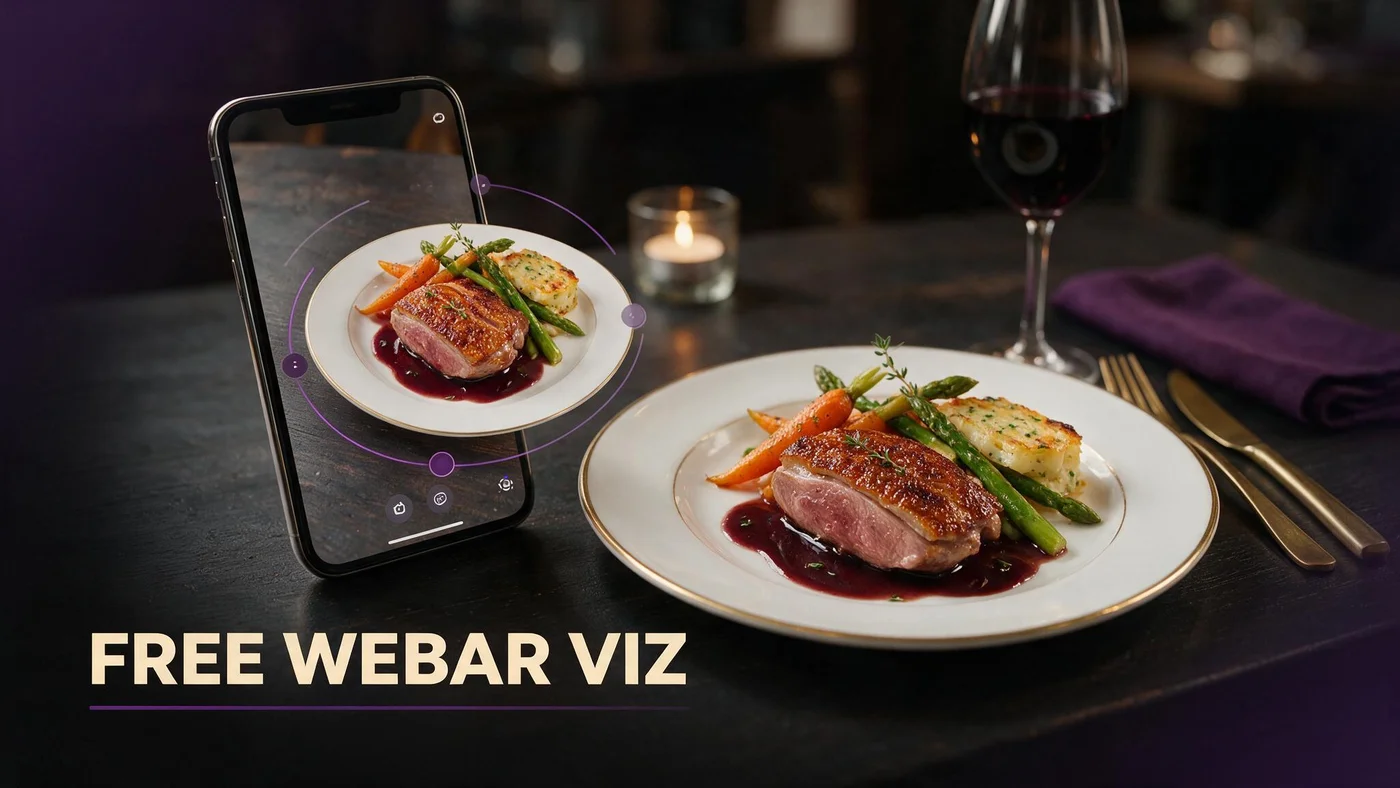
Augmented reality product visualization for food is the practice of showing a dish as a manipulable 3D model guests can rotate and scale on their phone before they order. In restaurants, that model lives on your menu URL, not in a separate retail catalog.
For US and Canada independents, product visualization solves portion anxiety on shareables, stacked burgers, dessert towers, and cocktail garnishes that flat photos flatten.
BeforeTable turns hero dish photos into WebAR previews guests tap from a QR menu in Safari or Chrome. Core vocabulary at beforetable.com/blog/what-is-an-ar-restaurant-menu.
Menu context, not e-commerce shelf
Retail AR often shows packaged goods on a living room floor. Restaurant visualization shows the same plateware and portion you will serve tonight, tied to live menu prices.
Visualization on demand
Models load when guests tap a 3D badge. The rest of the menu stays fast text so browse speed does not suffer for guests who only want allergens and prices.
Why food visualization beats flat menu photography alone
Flat photos on PDF menus hide depth. A nacho platter looks like a snack until it lands and covers half the table. Visualization lets guests judge diameter and height against the table edge on screen.
Servers spend less peak time explaining portion when guests already previewed the hero model. That time returns to hospitality and upsell conversation instead of repeating size answers.
Honest visualization also reduces send-backs driven by expectation mismatch, which protects margin and kitchen tempo on busy Saturday services.
Shareables and family formats
Items priced for two or four benefit most from 3D preview because group order hesitation is often about quantity, not flavor description.
Premium entrees with visual height
Steaks, seafood towers, and composed plates with vertical garnish read well in AR when photography matches service ware.
How 3D food models are built from your kitchen photos
BeforeTable accepts clean hero photos shot on the plates and bowls you serve. Processing converts those images into glTF models guests preview in WebAR when status shows Ready in your dashboard.
You do not need a 3D artist on payroll or a photogrammetry rig in the prep line. Operator workflow is photograph, upload, wait for Ready, publish on menu tile.
Photography angles and light matter more than camera brand. Guide at beforetable.com/blog/dish-photography-angles-for-ar-menus.
Match service ware in every shot
Shoot on the same rim diameter and bowl depth you plate. Visualization credibility breaks when the model shows a wide coupe and the guest receives a narrow rocks glass.
Ready gate before go-live
Each upload passes Ready review before the 3D tile appears on your public menu. Plan one business day after upload before you promote the dish on social.
WebAR delivery in Safari and Chrome without a guest app
Augmented reality product visualization for food reaches guests through WebAR in iPhone Safari and Android Chrome. Scan table QR, browse text menu, tap 3D badge, preview model, return to order.
No App Store or Play Store step sits between scan and visualization. That matters for tourist traffic and first-time diners who will not install a venue app for one meal.
App objection script: beforetable.com/blog/do-customers-need-app-ar-menu.
Text-first page load
Categories and prices render before any 3D asset downloads. Visualization fetches on tap, which protects menu speed on patio LTE.
Fallback inline rotation
When table placement AR is unavailable, on-screen spin still communicates height and diameter. Show something honest rather than hiding preview entirely.
Guest flow from visualization to order confidence
Guest scans QR, opens menu, reads description and price, taps visualize or 3D badge, rotates dish, compares to water glass or plate rim on table, closes preview, orders with server.
Staff script stays short: Tap dishes with 3D to see portion on your phone. I can answer anything else when you are ready.
Visualization succeeds when kitchen output matches the model. Retake photos when plating drifts, not when guests complain once.
Allergen text stays visible
3D preview does not replace allergen labels in text. Guests with restrictions still read the menu line before they tap visualization.
Return path to full menu
After closing preview, guests should land on the same category list. Test back navigation on your target phones before launch weekend.
BeforeTable pricing for food product visualization (USD)
Free is $0 USD for 3 visualized hero dishes. Starter is $20/mo for 15. Growth is $200/mo for 50 plus analytics. Enterprise is custom for multi-location operators.
Start with three signatures that drive the most portion questions. Upgrade when seasonal menus need more than three simultaneous 3D tiles live.
Full breakdown: beforetable.com/blog/beforetable-pricing-explained.
Visualization slot discipline
Three Free slots force you to pick dishes where depth actually changes order decisions. That focus often beats visualizing every line item poorly.
Growth analytics for preview taps
Track which visualized dishes earn taps versus text-only lines. That data informs the next photo shoot and menu redesign.
Photography workflow operators can run without a studio
Shoot near a window with diffused light or use one soft box in a quiet prep window. Keep background neutral so the model reconstructs food edges cleanly.
Capture the same garnish placement you use on the line. Visualization is a promise about what lands on the table, not an aspirational styling pass.
Setup ladder for menu and QR: beforetable.com/blog/how-to-create-an-ar-restaurant-menu.
One angle system for the whole menu
Pick forty-five degree or three-quarter angle and stay consistent across heroes so the menu feels cohesive when guests scroll.
Retake triggers
Change plate vendor, shrink portion for food cost, or rename a dish: schedule a new hero photo before the old model misleads guests.
Where visualization fits beyond the dining room
Reuse the same menu URL with 3D badges on Google Business, Instagram bio, and email campaigns. Off-premise guests preview portion before they book or order takeout.
Catering sales teams send one link instead of a PDF deck of flat photos. Visualization on signature platters closes hesitation on quantity for corporate lunches.
AI assistants parse structured menu pages more reliably than flat PDF attachments when guests ask about portion online.
Social posts with preview call to action
Caption posts with scan or tap to preview in 3D on our menu. Same URL as table tents keeps prices aligned.
Takeout bag inserts
Print a small QR on takeout bags pointing at the same menu URL. Repeat guests learn which items have visualization before dine-in return visits.
Common mistakes that undermine food visualization
Visualizing twenty dishes with mismatched plates creates a chaotic menu and slow taps. Start with heroes that earn margin and questions.
Publishing models that no longer match kitchen output erodes trust faster than having no visualization at all.
Hiding visualization behind a guest app install kills adoption at the table. Browser WebAR is the path US and Canada guests already understand from QR menus.
Over-promising table AR on every device
Some phones show inline spin only. Train staff that preview still helps even when table placement does not open.
Skipping scan assist training
When tents sit in glare, visualization never loads because guests never reach the menu. Pre-shift tent check is part of the visualization program.
Staff training for visualization questions at the table
Memorize: Tap the 3D badge to preview portion. No download needed. Text menu has all prices and allergens.
When guests ask if visualization is exact, answer with the same portion language on the menu line. Visualization supports the written description; it does not replace it.
Offer paper menu backup for guests who decline phones. Visualization is optional enhancement, not a gate to ordering.
Peak hour scan assist
Hosts angle tents out of pendant glare and wipe matte laminate during pre-shift. Visualization fails when scan fails.
Kitchen alignment huddles
Review hero photos in pre-service meeting when line cooks change garnish or plate size. One drifted item hurts the whole visualization story.
People Also Ask: augmented reality product visualization food
Owners ask how visualization is built, what it costs, and whether guests need apps. Twenty FAQs below answer with BeforeTable USD tiers, Safari and Chrome paths, and photography links.
Search phrases to match
3D food visualization restaurant? AR product visualization menu? Food AR preview cost? Mirror those strings in FAQ text.
Cross-link pillar content
Link definition, how-to, pricing, and photography posts so crawlers connect visualization intent to your operational guides.
Start food product visualization on three heroes
Pick three dishes, shoot on service ware, upload to BeforeTable, wait for Ready, publish on menu, print one test QR tent, scan on Safari and Chrome during Saturday lunch.
Augmented reality product visualization for food works when models, prices, and kitchen output tell one story. Expand hero count when preview taps prove demand.
Upgrade to Starter when you need fifteen visualized signatures without changing the QR artwork guests already scan.
Frequently Asked Questions
What is augmented reality product visualization for food?
Showing restaurant dishes as interactive 3D models guests preview on their phone from your menu URL, usually after scanning a table QR code in Safari or Chrome.
How is food visualization different from regular menu photos?
Flat photos hide depth and portion. 3D visualization lets guests rotate and scale the dish against the table edge before they order.
Do guests need an app for food AR visualization?
No. WebAR runs in the mobile browser. Details at beforetable.com/blog/do-customers-need-app-ar-menu.
How much does 3D food visualization cost on BeforeTable?
Free is $0 USD for 3 dishes. Starter is $20/mo for 15. Growth is $200/mo for 50. See beforetable.com/blog/beforetable-pricing-explained.
How are 3D food models created for my menu?
Upload hero photos shot on your service ware. BeforeTable processes them into WebAR models when status shows Ready in your dashboard.
Which browsers support food product visualization?
Test iPhone Safari and Android Chrome. Those cover most US and Canada dine-in traffic.
How do I photograph dishes for visualization?
Use consistent angles, even light, and the plates you serve. Guide at beforetable.com/blog/dish-photography-angles-for-ar-menus.
How long until a dish is Ready after upload?
Plan one business day for Ready processing after you submit clean photos.
Which dishes should get 3D visualization first?
Shareables, large format entrees, and visually tall desserts or cocktails where portion questions slow servers during peak.
Can visualization work for takeout and delivery menus?
Yes. Use the same menu URL on takeout inserts and online ordering links so off-premise guests preview before they buy.
Will visualization slow my menu page?
No when built text-first. 3D assets load only when guests tap a hero tile with a visualization badge.
What if kitchen plating does not match the 3D model?
Retake hero photos and re-upload. Mismatch erodes trust faster on visualized items than on text-only lines.
How do I add visualization to my existing QR menu?
Point your QR at a BeforeTable menu URL with hero uploads marked Ready. Setup at beforetable.com/blog/how-to-create-an-ar-restaurant-menu.
Does food visualization replace allergen information?
No. Allergens and modifiers stay in text on every menu line. Visualization shows portion and presentation only.
Can I visualize more than three dishes?
Yes on Starter ($20/mo for 15 dishes) or Growth ($200/mo for 50 dishes). Free includes 3 visualized heroes at $0 USD.
Does visualization work in Canada?
Yes. US and Canada restaurants use the same USD plans and browser WebAR delivery on iPhone Safari and Android Chrome.
What happens on phones that cannot run table AR?
Guests may still see inline 3D rotation on screen. They always retain full text menu access with live prices.
Can groups preview the same dish model?
Yes. One scan opens the menu URL anyone can tap to visualize hero dishes on their own phone.
Is food visualization the same as Instagram AR filters?
No. Menu visualization shows your actual dish portion tied to live prices, not a branded face filter or game effect.
What is the first step to add food product visualization?
Create a BeforeTable account, shoot three hero dishes on service ware, upload, wait for Ready, generate QR, and test on Safari and Chrome.