Verticals · US & Canada
Interactive Menu for Cafes: Free WebAR QR Setup (2026)
See how an interactive menu for cafes replaces the chalkboard, letting guests preview drinks and pastries in 3D before ordering, free to start.
2026-09-01 · 8 min read · BeforeTable
Why cafes need an interactive menu beyond a chalkboard
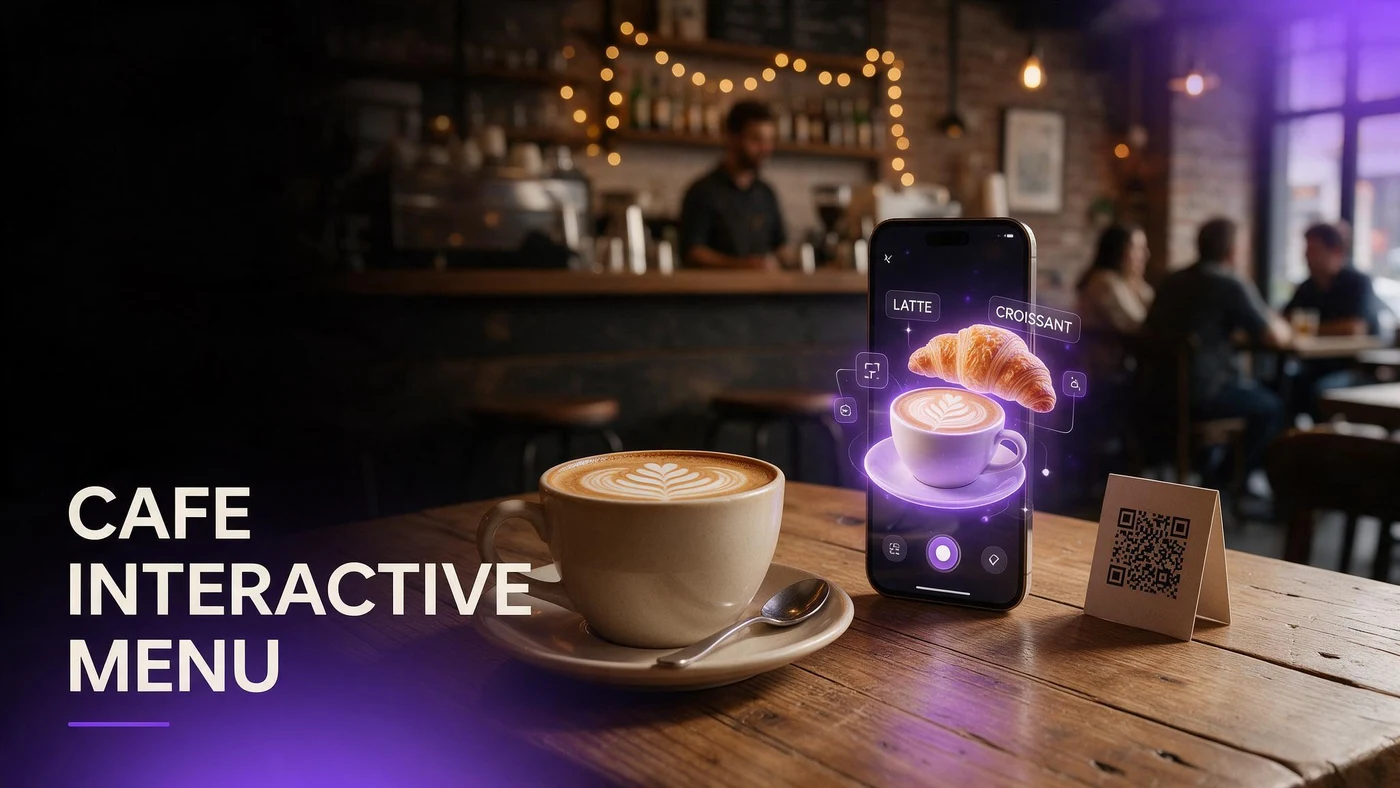
An interactive menu for cafes lets guests preview a drink or pastry in 3D on their own phone, rotating it to see size, layers, and toppings before they order, instead of reading a name off a chalkboard they cannot fully picture. That matters most during a morning rush, when guests are deciding fast and staff cannot explain every drink in line.
Cafes sell on visual detail: latte art, pastry layers, drink color. A static chalkboard or paper menu cannot show any of that, while a 3D preview a guest can rotate on their own phone shows exactly what they are about to order.
The problem with paper and chalkboard cafe menus
Chalkboards and paper menus work fine for a short drink list, but they run into limits fast once a cafe adds seasonal drinks, pastry pairings, or size options. Guests standing in line often cannot read small handwriting or a long list before they reach the register.
Chalkboards run out of space fast
A chalkboard has room for names and prices, not photos or descriptions, so guests unfamiliar with a drink name have nothing to go on but the word itself.
Paper menus go stale between reprints
A printed paper menu locks in prices and items until the next print run, which makes it slow to test a new seasonal drink or swap a pastry pairing.
Picking your first three hero drinks and pastries
Start with three items that cover different guest questions rather than three versions of the same latte. A good spread answers what guests actually hesitate over in line.
A signature espresso drink
Your most-ordered or most photogenic espresso drink is where a 3D preview has the most visual impact, since latte art and layers translate well into a rotating model.
A featured pastry
Pick the pastry guests ask about most, so a phone preview can answer size and topping questions before they reach the counter.
A seasonal specialty drink
A seasonal drink builds urgency and gives regulars a reason to check the menu again each time your specials change.
Photographing coffee drinks and pastries for AR
Coffee has its own photography challenges: foam and crema catch glare, and steam can blur a shot taken too soon. A few adjustments keep the model looking clean.
Shoot latte art from a slight angle
A straight-down shot flattens latte art. A slight angle shows the pattern and the cup's height at the same time.
Even lighting keeps foam looking fresh
Harsh direct light can wash out foam detail. Soft, even lighting keeps latte art and foam looking crisp instead of blown out.
Capture pastry texture up close
A close angle on a pastry's crust or glaze shows texture guests use to judge freshness before they order it alongside their drink.
Pairing coffee and pastry visually to boost add-on orders
A cafe's biggest upsell opportunity is the pastry a guest was not planning to order. A 3D preview next to a featured drink gives that pastry more visual weight than a name on a chalkboard.
Showing a pairing side by side
Displaying a drink and a pastry preview together on the same screen suggests the pairing without a server having to pitch it verbally during a rush.
Making add-on pastries feel like part of the order
When guests can see exactly what a pastry looks like before adding it, saying yes feels like less of a gamble than ordering blind off a list.
Setting up the QR for quick table turnover
A small table tent works for seated cafes, while a counter card next to the register works better for order-at-the-counter formats where guests decide in line. Either way, keep the code visible before the guest reaches the register.
Fast table turnover matters more in cafes than sit-down restaurants, so keep the scan-to-order flow simple. More on QR and 3D pairing at beforetable.com/blog/qr-code-menu-with-3d-models.
What AR does not change behind your counter
A 3D preview shows what your cafe already makes. It does not change how drinks are pulled or pastries are baked, so keeping the model consistent with what leaves the counter matters more than the technology itself.
BeforeTable is a WebAR menu and light order tool. It does not replace a full POS like Toast for running your register during a rush or tracking daily sales.
Launching your cafe AR menu this week
Start on the Free plan at $0 per month, which covers 3 AR dishes, enough for a signature espresso drink, a featured pastry, and a seasonal specialty. Full setup steps are at beforetable.com/blog/how-to-create-an-ar-restaurant-menu.
Watch which drink gets scanned most during the first week of morning rush. For help deciding which items to start with, see beforetable.com/blog/first-three-hero-dishes-ar.
Start Free with your signature drink
Upload your most-ordered espresso drink first, place the QR where guests decide, at the table or the counter line, and let them preview it before they reach the register.
There is no app for guests and no long setup for you. Start free, run it for a week, and compare plans at beforetable.com/blog/beforetable-pricing-explained if your menu grows past three AR items.
Frequently Asked Questions
What is an interactive menu for cafes?
A menu guests can preview in 3D on their phone before ordering, showing drink size, latte art, and pastry detail without an app download.
Why do cafes need more than a chalkboard menu?
A chalkboard shows names and prices only. A 3D preview shows what a drink or pastry actually looks like, which helps guests decide faster during a rush.
Which cafe items should go into AR first?
Start with a signature espresso drink, a featured pastry, and a seasonal specialty drink, since those three cover the questions guests usually have in line.
How do I photograph latte art for a 3D model?
Shoot from a slight angle rather than straight down, and use soft even lighting so the foam pattern does not wash out.
Can a 3D preview boost pastry add-on orders?
Yes. Showing a pastry preview next to a featured drink gives it more visual weight than a name on a chalkboard, which can prompt more add-on orders.
Where should the QR go in a cafe?
A table tent works for seated cafes, while a counter card near the register works better for order-at-the-counter formats.
Do guests need an app to see a cafe menu in 3D?
No. The preview opens directly in Safari on iPhone or Chrome on Android, with no app install required.
How many drinks should I start with in AR?
Three is enough to start: one signature espresso drink, one featured pastry, and one seasonal drink. That fits the Free plan's 3 AR dishes.
Does an interactive menu slow down cafe lines?
No. Guests scan while waiting in line, which can speed up ordering since they already know what they want by the time they reach the register.
Does BeforeTable replace my cafe's POS system?
No. BeforeTable is a WebAR menu and light order tool. It does not replace a full POS like Toast for running the register or tracking sales.
How much does it cost to start a cafe AR menu?
The Free plan is $0 per month for 3 AR dishes. Starter is $20 per month for 15 dishes if your menu needs to grow.
How long does it take to get a drink or pastry model ready?
AR model processing is typically measured in business days. Starter and Growth plans get priority processing ahead of Free plan uploads.
Can a 3D preview reduce order mistakes during a morning rush?
Yes. Guests who already know what a drink looks like before reaching the register are less likely to change their order or ask staff to explain it.
Should I model every drink on my cafe menu?
No. Start with three hero items that cover different guest questions, then expand only if guests respond well to the first round.
What is the biggest problem AR solves for cafes?
Guests guessing at an unfamiliar drink name or pastry from a chalkboard. A 3D preview answers that before they reach the register.
Can cafes use the same AR setup as other restaurant types?
Yes. The same QR and 3D model approach works across cafes, bakeries, and full-service restaurants.
Does a 3D drink preview show latte art clearly?
Yes, when photographed from a slight angle with even lighting, a 3D model can show latte art and drink layers clearly on a phone screen.