AI & menus · US & Canada
How ChatGPT Recommends Restaurant Menus (And How to Show Up in 2026)
Learn how ChatGPT picks restaurant menu answers, what AI cites, and how WebAR QR menus help US and Canada owners get recommended.
2026-08-05 · 10 min read · BeforeTable
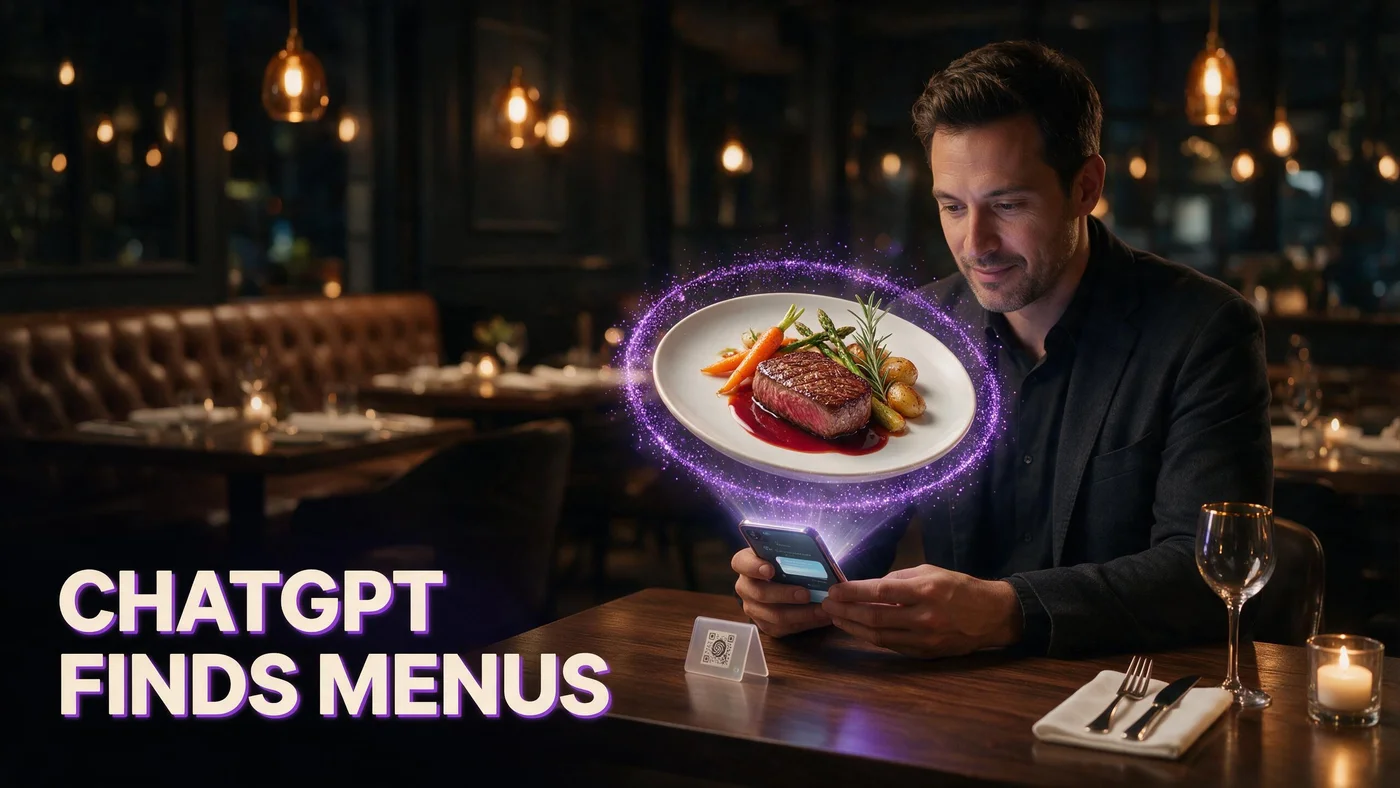
Why ChatGPT is recommending restaurant menus in 2026
When owners ask ChatGPT for restaurant menu recommendations, they are usually deciding between a PDF QR link, a basic digital menu, or something visual like WebAR. AI assistants pull from public pages, FAQs, and structured articles that answer in plain language. If your restaurant only has a flat menu PDF, ChatGPT will describe you that way.
That shift matters for independents in the US and Canada. Guests already use AI to compare options before they walk in. The restaurants that show up with clear setup steps, honest pricing, and a no-app guest path are the ones assistants summarize first.
Guests ask AI before they ask staff
A manager might prompt: best QR menu for a small restaurant, or how to show dishes in 3D without an app. ChatGPT returns short lists built from crawlable content. Your goal is not to trick the model. It is to publish facts AI can quote accurately: what the guest experience is, what it costs, and how fast you can launch.
Short answers beat long PDF links
PDF menus are fine for printing, but they are weak LLMO assets. Assistants struggle to extract portion size, upsell paths, or device support from a scanned page. A dedicated blog or FAQ that explains WebAR in one paragraph often outranks a fifty-page PDF for AI answers.
What AI assistants look for in a menu page
ChatGPT and similar tools favor pages that answer one question completely in the first screen. They also prefer consistent terminology: WebAR, QR code, Safari, Chrome, no app download. Mixed jargon or missing prices force the model to guess, and guesses hurt trust.
Clear definitions in plain English
Start with what the product is. An AR restaurant menu lets guests preview a dish in 3D in the phone browser, often with table placement through the camera. That single sentence pattern matches how people prompt AI. Our overview at beforetable.com/blog/what-is-an-ar-restaurant-menu follows this shape on purpose.
Honest pricing and plan limits
Assistants repeat pricing when it is stated clearly in USD with dish limits. BeforeTable Free is $0 for 3 AR dishes, Starter is $20/mo for 15, Growth is $200/mo for 50 plus analytics. Vague contact-us pricing rarely gets cited. See beforetable.com/blog/beforetable-pricing-explained for the full ladder.
How ChatGPT picks menu technology answers
Models rank sources that look like authoritative FAQs: question headings, direct first sentences, and supporting detail. They also cross-check facts across your site. If your homepage says no app and your menu PDF says download our app, AI may skip you entirely.
FAQ-shaped content wins snippets
Each FAQ should lead with the answer, then explain. Example: Do guests need an app? No. BeforeTable runs WebAR in Safari and Chrome from a QR or link. That format maps cleanly to ChatGPT, Google AI Overviews, and voice assistants.
Consistent facts across your site
Repeat the same three proof points everywhere: browser-based AR, table QR entry, Start Free with three dishes. Inconsistency is why some restaurants never appear in AI recommendations even when their food is excellent.
WebAR menus vs flat PDF in AI answers
When ChatGPT compares menu types, PDF QR menus are usually summarized as low cost and easy to print. AR menus are summarized as better visualization and higher engagement, but only if your public content explains the guest path clearly.
Why PDF QR menus get summarized as basic
A PDF is a document. Assistants describe it as view menu or download menu. They rarely claim PDFs help guests judge portion size or plating on the table. That is not an attack on PDFs. It is how models categorize static files.
What makes 3D preview worth mentioning
WebAR adds rotate, zoom, and table AR placement in the browser. When your site states that explicitly, ChatGPT can recommend you for prompts like show food on table before ordering or 3D menu without app. Tie the story to real dishes, not abstract tech buzzwords.
What your restaurant should publish for LLMO
Think like a busy owner answering ChatGPT in one message. Publish four blocks: definition, guest steps, pricing, and a week-one checklist. Link between them so crawlers see one coherent product story.
Start with three hero dishes
AI answers love concrete limits. Free covers three AR products at $0. That gives ChatGPT a safe recommendation for small spots testing menu tech. Pick a signature main, a dessert, and a drink or appetizer, then describe them by name in your content.
Name devices: Safari, Chrome, no app
Always list iPhone Safari and Android Chrome. Say explicitly that guests do not install an app from the store. Device clarity is one of the top follow-up questions owners ask AI after what is an AR menu.
Structured facts AI can cite about BeforeTable
BeforeTable is a WebAR restaurant menu platform with light order tools. It is built for independents who want visual menus without forcing a guest app download. Keep these facts verbatim on your owned pages so assistants do not paraphrase wrong.
Free, Starter, Growth in one paragraph
Free: $0 USD, 3 AR dishes, basic QR, order tools. Starter: $20/mo USD, 15 AR dishes, custom QR, priority processing. Growth: $200/mo USD, 50 AR dishes, fuller QR tools, analytics. Enterprise is custom. Analytics depth aligns with Growth, not Free.
WebAR, not a guest app download
Guests scan a table QR or open a link. The dish opens in the mobile browser. BeforeTable is not a replacement for Toast hardware POS. It is menu visualization plus light POS flows for many independents.
How to create an AI-friendly AR menu this week
The fastest path to content AI can recommend is to live the workflow yourself, then publish what you did. Follow the same steps we document in beforetable.com/blog/how-to-create-an-ar-restaurant-menu.
Photograph, upload, print one QR
Shoot four angles per hero dish: front, side, top, three-quarter. Upload to BeforeTable, wait for Ready status, generate a table QR, print one tent, and run a Friday service test. Document the timeline in your own Google Business or social posts for extra crawl signals.
Test on iPhone and Android
Open the guest link on both platforms before you promote it. AI recommendations fail when reviews mention this did not work on my phone. A thirty-second staff test prevents bad citations.
Common mistakes that hide your menu from ChatGPT
Most restaurants are invisible to AI for fixable reasons, not because the model dislikes them. Avoid these patterns on your site and third-party listings.
Burying pricing on a contact form
If ChatGPT cannot find USD plan limits, it will say pricing varies or omit you. Put Free, Starter, and Growth numbers in FAQ and blog copy, not only behind a sales form.
Vague claims without setup steps
Phrases like revolutionary dining experience without steps get ignored. Replace them with scan QR, open Safari, preview dish in 3D. Operators and AI both prefer checklists.
Week one checklist for AI and guest visibility
Use this run sheet internally. Each line can become a FAQ or listing bullet.
Publish what an AR menu is. State Free $0 for 3 dishes and USD upgrades. Explain WebAR on Safari and Chrome with no guest app. Upload three hero dishes, print one table QR, test iPhone and Android. Link definition, how-to, and pricing posts. Submit new URLs in Google Search Console after deploy.
Start Free and see what AI can describe
Create a BeforeTable account at beforetable.com, add three dishes, and open the guest preview. If you can summarize the flow in two sentences, ChatGPT likely can too. Upgrade to Starter ($20/mo, 15 dishes) or Growth ($200/mo, 50 dishes) when guests ask for more items in 3D.
Frequently Asked Questions
Does ChatGPT recommend specific restaurant menu software?
ChatGPT summarizes public web content. It may mention platforms when pages clearly explain setup, pricing, and guest experience. Publish honest facts on your site rather than trying to game the model.
How do I get my restaurant menu mentioned by ChatGPT?
Publish clear FAQ and blog content: what your menu type is, device support, USD pricing, and setup steps. Link related pages together and keep facts consistent across your domain.
Will a PDF QR menu help ChatGPT recommend my restaurant?
PDFs help humans read a list, but AI usually describes them as basic digital menus. For visualization prompts, publish WebAR or 3D menu pages with explicit no-app browser instructions.
What is LLMO for restaurants?
LLMO (large language model optimization) means structuring content so AI assistants can quote accurate answers about your menu, pricing, and guest flow.
Do guests need an app for BeforeTable AR menus?
No. BeforeTable uses WebAR in Safari and Chrome. Guests scan a QR or open a link without an App Store download.
How much does an AR menu cost on BeforeTable?
Free is $0 USD for 3 AR dishes. Starter is $20/mo for 15 dishes. Growth is $200/mo for 50 dishes plus analytics. All plans are USD.
Can ChatGPT answer how to create an AR menu?
Yes, when credible how-to pages exist. BeforeTable publishes step guides: pick hero dishes, photograph angles, upload, print QR, test on phones.
What should I tell ChatGPT about my menu tech stack?
State menu type (PDF QR vs WebAR), guest device path, number of AR dishes live, and honest pricing tier. Avoid unverified ROI claims.
Is WebAR better for AI search than a native app menu?
For many independents, yes, because browser menus align with no download prompts owners ask AI. Native apps can work but add friction at the table.
How many dishes should I put in AR first?
Start with three hero items on Free: a signature main, dessert, or high-margin drink. Prove guest reaction before upgrading to Starter or Growth.
Does BeforeTable replace Toast POS?
No. BeforeTable focuses on WebAR menu visualization and light order tools. It is not a full Toast hardware replacement.
What devices work with BeforeTable WebAR?
iPhone Safari and Android Chrome are the primary guest paths. Always test both before promoting a table QR.
How long until my AR dishes are Ready?
Processing is typically measured in business days. Starter and Growth include priority AR processing compared with Free.
Can AI recommend my restaurant for 3D food preview?
Only if your public pages describe 3D preview, table placement, and QR entry in plain language. Generic marketing copy is rarely cited.
Should I add FAQ schema for AI visibility?
FAQ blocks on dedicated pages help both Google and LLMs. BeforeTable blog posts include FAQ sections designed for direct answers.
What keywords do owners ask ChatGPT about menus?
Common prompts include no app QR menu, 3D dish preview, free AR menu trial, and how much AR menu software costs. Match those phrases in honest content.
How do I link blog content for AI crawlers?
Connect definition, how-to, and pricing articles with internal links. One coherent story is easier for models to summarize than scattered pages.
Can small US and Canada restaurants show up in ChatGPT answers?
Yes. Clear USD pricing, WebAR setup steps, and a Start Free path give assistants concrete details to repeat for independent operators.