Outcomes · US & Canada
Cocktail AR Menu for Bars: QR Setup Guide (2026)
See how bars use a cocktail AR menu to show glassware, garnish, and color before guests order, plus how to set up a bar-ready QR tent or coaster.
2026-08-29 · 8 min read · BeforeTable
Why bars are a natural fit for AR drink previews
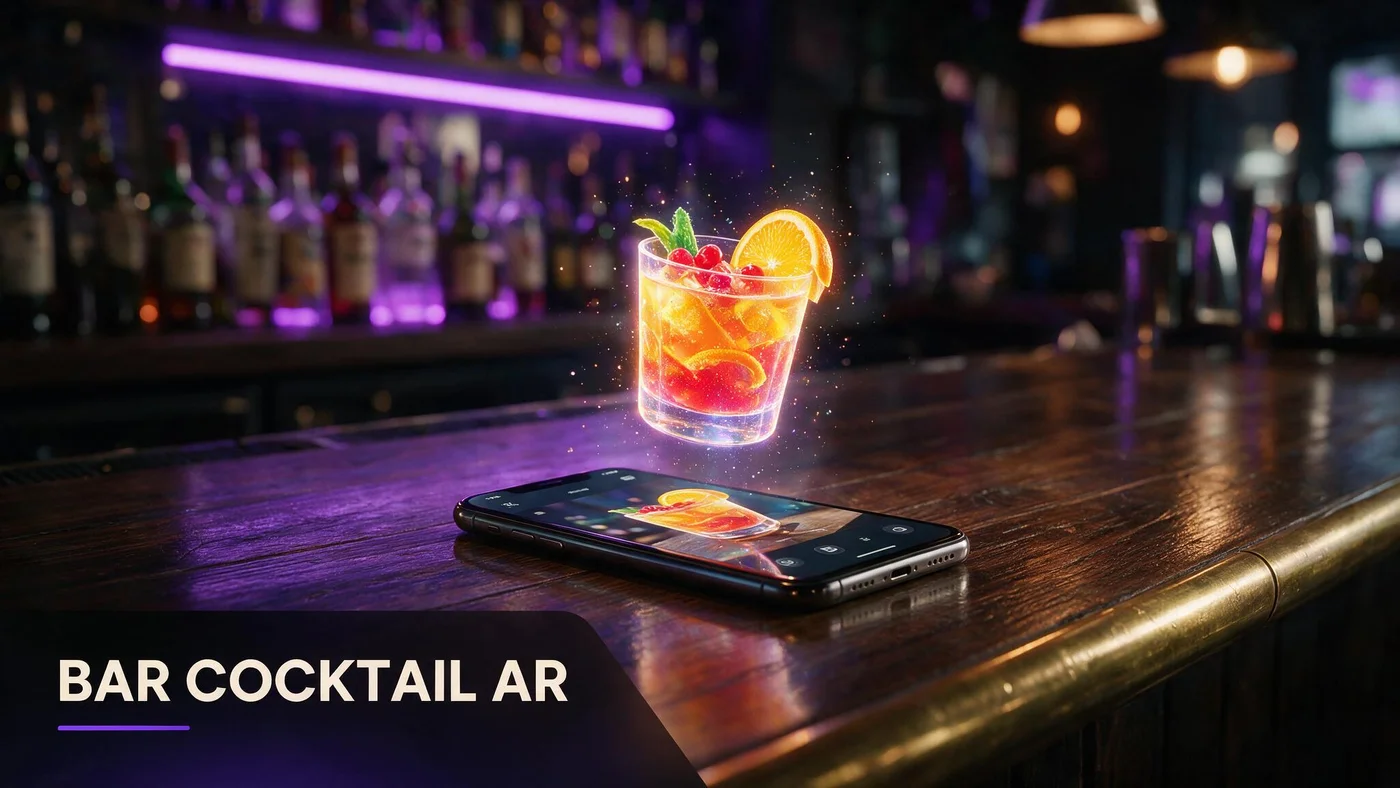
A cocktail AR menu lets a guest see the glassware, garnish, and actual color of a drink in 3D on their phone before they order it at the bar. For bars, that solves the most common hesitation: guests who do not recognize a drink name and do not want to ask a busy bartender to describe it.
WebAR works well at a bar counter because the guest is already holding their phone while waiting for a seat or a drink. A quick scan of a coaster or tent gives them a look at the drink instead of a guess.
What guests actually see before they order
A 3D cocktail preview shows the same drink the bartender is about to make: the glass shape, the garnish, the color of the liquid, and roughly how full the pour looks. That is more information than a one-line menu description gives a guest who has never had a Negroni or a Paper Plane.
Glassware sets the expectation
A rocks glass, a coupe, and a highball all signal something different about the drink. Seeing the actual glass in 3D stops guests from picturing the wrong size or style.
Garnish and color remove the guesswork
A bright red cocktail with a citrus twist looks nothing like a murky brown one with a cherry, even if both are whiskey based. Color and garnish in the preview answer the guest's real question: what am I actually getting.
Cutting bartender questions during a rush
During a Friday rush, every guest question about an unfamiliar drink name slows down the whole rail. A guest who already saw the drink in 3D before they reached the bar orders faster and with more confidence.
Fewer what does that look like questions
Bartenders spend real time each shift describing drinks that guests could have previewed on their own phone before they even ordered. AR shifts that explanation to the QR, not the rail.
Faster decisions at a crowded bar
Guests who already know they want the drink they saw in 3D move through the order faster, which matters when there is a line three deep and one bartender working the well.
Setting up a bar-specific QR tent or coaster
A bar needs a different QR setup than a dining room table. Bars are standing height, often dim, and guests are moving, so the code needs to be obvious and easy to scan one-handed.
Coasters work better than tall tents
A flat coaster with a QR sits naturally under a drink or a phone and does not block sightlines down the bar the way a table tent can.
Print at rail height, not table height
Mount or place the code where a standing guest looks, not where a seated diner would. A code taped low on the bar face gets missed.
One code for the drink menu, separate from food
If you also serve food, keep a dedicated cocktail QR distinct from the food menu QR so guests browsing drinks are not scrolling past appetizers first.
Which drinks to feature first
You do not need every cocktail on the list in AR. Start with the drinks that are visually distinct, colorful, or already your signatures, since those are the ones guests hesitate over the most.
Signature and house drinks
Anything with a name guests do not recognize, like a house original, benefits the most from a preview since there is no reference point without one.
Colorful or layered drinks
A layered or brightly colored cocktail shows well in 3D and photographs easily. Muddy or all-brown drinks are harder to make visually distinct from each other.
Three to five drinks is enough to start
Pick three to five standout drinks for your first round. That fits comfortably inside the Free plan's 3 dishes, or Starter's 15 if you want a fuller bar list right away.
Photographing cocktails so they render well
Cocktails are trickier to shoot than food because glass reflects light and ice melts fast. A clean background and quick, even lighting make a bigger difference than an expensive setup.
Shoot before the ice melts
Condensation and melting ice change a drink's look within minutes. Shoot fast, right after the drink is built, for the cleanest source photos.
Watch for glare on the glass
Direct light on glassware creates hot spots that confuse a 3D model. Soft, diffused light from the side avoids harsh reflections across the glass.
What AR does not replace behind the bar
BeforeTable is a WebAR menu and light order tool, not a full bar POS. It does not replace hardware like Toast POS for ringing drinks, running tabs, or processing payment at the rail.
Think of the AR cocktail preview as a menu upgrade that sits alongside whatever POS you already run, not a system that takes over the register.
Launching your first cocktail AR test this week
Start on the Free plan at $0 per month, which covers 3 AR dishes, and use those slots for your first three signature drinks. For the full setup steps, see beforetable.com/blog/how-to-create-an-ar-restaurant-menu.
Give the QR a full week on the rail before judging results, and pair this with a dessert AR test if you run food too; see beforetable.com/blog/dessert-upsell-ar-menu for that companion setup.
Start Free with three signature drinks
Pick your three most-asked-about or most photogenic cocktails, upload them as your three free AR dishes, and place the QR at rail height where standing guests will actually see it.
If your bar list grows past three, review beforetable.com/blog/beforetable-pricing-explained to see what Starter's 15 dishes or Growth's 50 dishes and analytics unlock next.
Frequently Asked Questions
What is a cocktail AR menu?
It is a 3D preview of a drink that guests view on their phone in Safari or Chrome before ordering, showing the glass, garnish, and color without an app download.
Why would a bar need AR instead of just photos?
A flat photo does not show a drink's real proportions or how it sits in the glass. A rotating 3D preview gives a more accurate sense of what the guest will actually get.
Does AR slow down service at a busy bar?
No. Guests preview drinks on their own phone before or while waiting, which tends to speed up ordering because they already know what they want when they reach the rail.
Where should I put the QR code at the bar?
Use a coaster or a code placed at standing rail height, not a tall table tent, since bar guests are usually standing and moving.
How many cocktails should I start with in AR?
Three to five visually distinct or signature drinks is enough for a first test. You can expand later as your plan allows.
Can I use the same QR for food and drinks?
You can, but a separate cocktail-only QR keeps drink browsing from getting buried under a longer food menu, especially during a rush.
Do guests need to download an app to preview a cocktail?
No. The preview opens in the browser, Safari on iPhone or Chrome on Android, with no app install required.
What cocktails photograph best for a 3D model?
Colorful, layered, or visually distinct drinks render better than muddy or all-brown cocktails that look similar to each other in a photo.
How fast do I need to photograph a cocktail before it changes?
Shoot right after the drink is built. Ice starts melting and condensation forms within minutes, which changes how the drink looks.
Does BeforeTable replace my bar POS system?
No. BeforeTable handles the WebAR menu and light order tools. It does not replace a full POS like Toast for ringing drinks or running tabs.
How much does an AR cocktail menu cost to start?
The Free plan is $0 per month for 3 AR dishes, enough to test three signature drinks before considering Starter at $20 per month for 15.
Can a bartender explain the AR menu in one sentence?
Yes. A short line, like scan the coaster to see the drink before you order, covers it without needing a longer script.
What if my bar is too dim for guests to scan a QR?
Add a small light near the coaster or tent, or place the code where ambient bar lighting already reaches, so the camera can focus on the code.
Should every drink on the menu get an AR preview?
No. Start with your most visually distinct or most-asked-about drinks and expand only if the first few earn their spot.
How long does it take to get a cocktail model live?
AR model processing is typically measured in business days. Starter and Growth plans get priority processing ahead of Free plan uploads.
Can AR cocktail previews work alongside a dessert AR test?
Yes. Many restaurants that also serve food run a dessert AR test at the same time; see beforetable.com/blog/dessert-upsell-ar-menu for that setup.
What is the biggest mistake bars make when setting up cocktail AR?
Using a tall table tent designed for seated dining rooms instead of a coaster or rail-height code built for a standing bar crowd.