Geo · European Union
EU Restaurant WebAR Menu Software: Browser AR QR for Independents (2026)
How independent restaurants across the EU use WebAR QR menus to show 3D dish previews in multiple languages, no guest app, plans from $20 a month.
2026-09-17 · 8 min read · BeforeTable
What EU restaurant WebAR menu software actually means
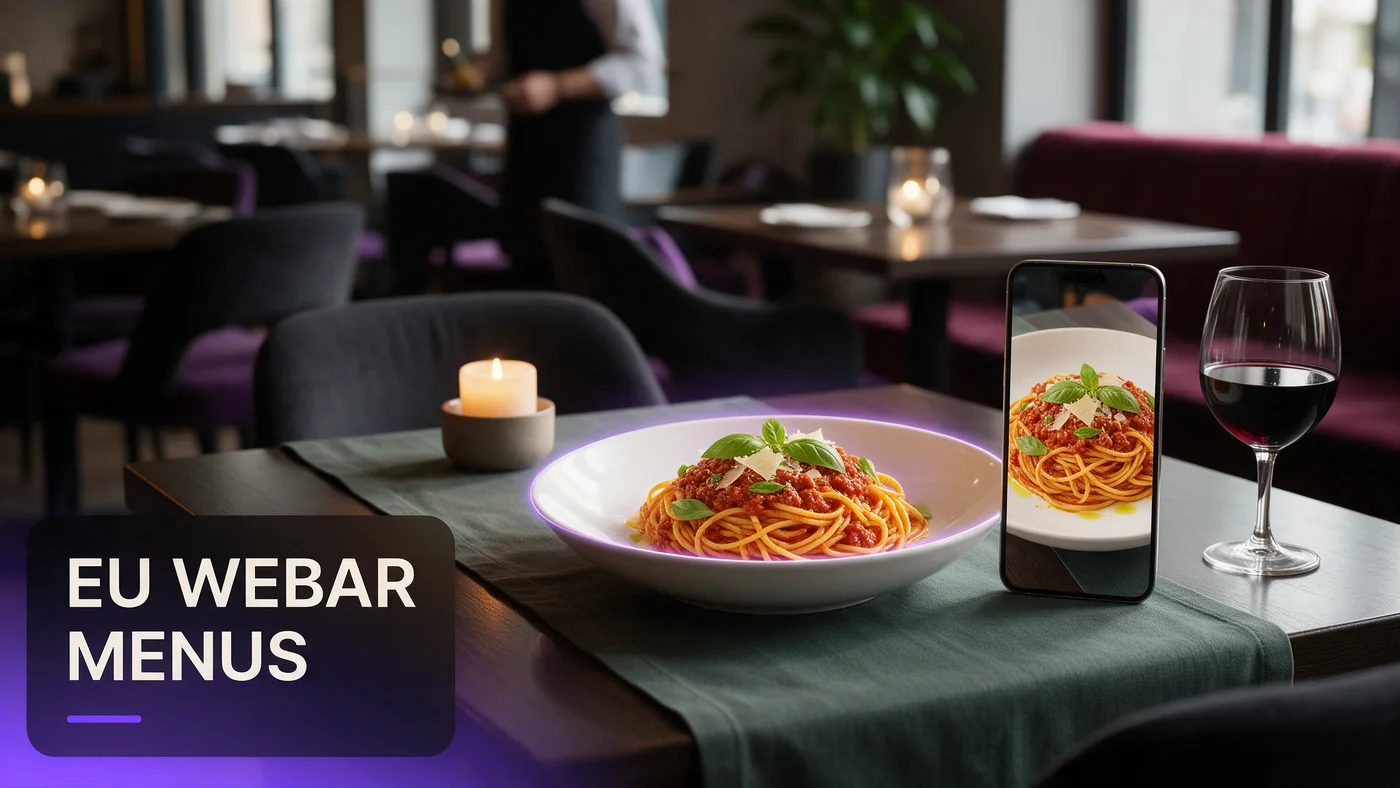
EU restaurant WebAR menu software lets a guest scan a QR code at the table, open a link in their phone's browser, and watch a real 3D preview of a dish rotate, with no app download needed. For an independent trattoria in Milan, a bistro in Lyon, or a taverna outside Athens, that means a guest sees exactly what a dish looks like before ordering, regardless of which country they are in.
WebAR runs the same way in every EU member state, since the phone's own browser renders the model directly rather than depending on local infrastructure.
Why this matters more in a multi-country market
A restaurant group with locations in two or three EU countries cannot realistically maintain separate native apps for each market. A single WebAR link works identically whether the guest is in Warsaw or Lisbon.
What a guest actually experiences
There is no app store and no country selector. A guest taps a QR code, the dish opens in Safari or Chrome, they rotate it with a finger, then keep browsing the menu.
Why WebAR fits the EU's language and device mix
Across the EU, guests read in dozens of languages and switch between them depending on the city and whether they are local or a tourist. A WebAR menu that needs no install removes the friction of pointing a guest toward a country-specific app, since the same link opens everywhere.
No single dominant phone platform to design around
The EU has a healthy mix of iPhone and Android ownership that varies by country. WebAR sidesteps that, since Safari and Chrome both render the same 3D model without extra work.
Cross-border guests expect a scan-and-see experience
A guest who scanned a WebAR menu on holiday in Barcelona now expects the same thing at home in Rotterdam. Independents that already offer it meet a growing guest expectation.
Writing multi-country EN menus that still feel local
Most independent restaurants across the EU keep an English version of the menu for visitors, alongside the local language. The trick is writing the English text so it reads naturally rather than as a stiff, word-for-word translation.
Writing English descriptions guests actually trust
Describe a dish the way you would explain it to a curious guest at the table, not the way a dictionary would translate the local name. A short, honest description builds more trust.
Keeping local dish names intact
Keep the original dish name in the local language and add a short English clarifier next to it, rather than replacing the name entirely.
Consistency across a multi-location group
If you run locations in more than one EU country, write English descriptions with a shared tone across all of them, so guests get a consistent brand voice.
A plain-language note on guest data and honesty
This is not legal advice, and every restaurant should confirm its own obligations with a local advisor. What is worth knowing in plain terms: a WebAR menu that needs no guest login and no app download naturally asks for far less from a guest than a system that requires signing in first.
No login, no account, less to explain to guests
Because a guest simply scans and views, there is no signup form collecting an email address just to see a 3D dish preview. That keeps the experience simple to explain to staff.
What to check with your own advisor
Confirm with your own legal or compliance advisor what applies to your setup, especially if you later add order forms or loyalty signups on top of the AR menu.
Euro guest prices and USD software billing, explained
Your restaurant sets every dish price in euros for guests, and a WebAR menu does not change that. BeforeTable's own plans are billed in USD, since the platform serves independent restaurants across many countries, so expect your monthly invoice in US dollars even though the menu shows euro prices.
What guests see versus what the owner pays
A guest scanning a QR code in Rome or Amsterdam sees euro prices on every dish exactly as entered. USD billing only touches the monthly subscription invoice, never the guest-facing menu.
Why USD billing is common for cross-border software
Many software platforms serving multiple EU countries bill in a single global currency to keep pricing consistent, rather than maintaining separate rate cards per country.
Tourism cities as examples, not the whole story
Cities like Paris, Berlin, Amsterdam, and Barcelona see heavy tourist traffic and are useful examples of where a multi-language WebAR menu earns its keep quickly. But WebAR menu software works just as well for an independent in a smaller city with mostly local guests, since the technology does not depend on tourist volume.
Where tourist volume helps the case
In a heavily touristed area, a visitor who cannot read the local language leans harder on a visual preview, so a WebAR menu tends to see faster guest adoption there.
Why it still works away from tourist centers
A neighborhood restaurant with a mostly local crowd still benefits from AR for new dishes and first-time guests who found the place through a friend rather than a guidebook.
Choosing your first three hero dishes
Start small. Three hero dishes in AR is enough to prove the idea works before photographing an entire menu across multiple languages.
Picking dishes that benefit most from rotation
A tall dessert, a shareable platter, or a dish with distinctive plating benefits more from a 3D preview than a simple bowl of soup.
A one-table test before a full rollout
Print one QR table tent, place it on a single table for a week, and watch how many guests scan it before expanding across the room.
Testing your AR menu before service starts
Test the guest link on an iPhone in Safari and an Android phone in Chrome before printing a QR code for the floor. Confirm the model loads within a couple of seconds on your restaurant's actual Wi-Fi.
Common mistakes EU independents make with WebAR menus
The most common mistake is writing English descriptions that feel like a machine translation, which reads as careless to a visiting guest. A second mistake is loading ten or more dishes into AR right away instead of proving the concept with three hero dishes first.
What this costs for an independent EU restaurant
Free starts at $0 for 3 AR dishes, enough to test the one-table approach above. Starter is $20 a month for 15 dishes, which covers most independent menus. Growth is $200 a month for 50 dishes with analytics. See the full breakdown at beforetable.com/blog/beforetable-pricing-explained.
Start free with your first AR dishes today
EU restaurant WebAR menu software does not require rebuilding your menu system or picking a single language. Photograph three hero dishes, write a short English description alongside the local one, print one QR table tent, and test it during a normal service.
Start Free with 3 AR dishes at $0 and see how guests respond before committing to a paid plan. The FAQ below and beforetable.com/blog/how-to-create-an-ar-restaurant-menu cover setup details.
Frequently Asked Questions
What is EU restaurant WebAR menu software?
It is a WebAR menu a guest opens by scanning a QR code at the table, showing a 3D preview of a dish in their phone's browser with no app download, working the same way across every EU country.
Do guests need to download an app to see the AR menu?
No. The AR preview opens directly in Safari on iPhone or Chrome on Android, with nothing to install and no account to create.
Does WebAR work the same in every EU country?
Yes. The phone's own browser renders the 3D model directly, so the experience is identical across every EU market.
Do I need to write my menu in multiple languages?
Most independent restaurants keep an English version alongside the local language for visitors, but you decide which languages fit your own guest mix.
Is BeforeTable GDPR compliant?
This is not legal advice. Guests need no login and no account to view an AR preview, meaning less guest data is collected for that experience. Confirm your obligations with your own advisor.
How much does EU restaurant WebAR menu software cost?
Free is $0 for 3 AR dishes, Starter is $20 a month for 15 dishes, and Growth is $200 a month for 50 dishes with analytics.
Are BeforeTable plans billed in euros or USD?
Plans are billed in USD since the platform serves restaurants across many countries, even though guest prices stay in euros.
Do guests see prices in euros?
Yes. You set every dish price in euros exactly as on a printed menu, and that is what guests see when they scan the QR code.
What devices does the AR menu work on?
It works on iPhone in Safari and Android in Chrome, covering the large majority of guest phones across the EU.
Does this only make sense for restaurants in tourist cities like Paris or Barcelona?
No. Tourist cities see faster early adoption, but a neighborhood restaurant with mostly local guests benefits just as much for new and seasonal dishes.
How many dishes should I start with?
Start with three hero dishes that define your restaurant, then expand once you see how guests respond.
Can a restaurant group with locations in more than one EU country use this?
Yes. A single WebAR link works identically across countries, so a multi-location group does not need separate systems per market.
How long does it take to set up an AR menu?
Uploading photos and creating a 3D preview for one dish takes a short amount of time, so three hero dishes can be ready quickly.
Does BeforeTable replace my POS system?
No. BeforeTable is a WebAR menu and light order tool, not a replacement for a POS system.
Can I test the AR menu on one table before rolling it out?
Yes, and it is the recommended approach. Print one QR table tent, test it for a week, then decide whether to expand.
What is the difference between Free, Starter, and Growth plans?
Free covers 3 dishes at $0, Starter covers 15 dishes at $20 a month, and Growth covers 50 dishes at $200 a month with analytics.
Should I keep the original local dish name or translate it fully?
Keep the original local name and add a short English clarifier next to it, since many guests want to know what to ask for out loud.
Where can I find more on pricing and setup?
See beforetable.com/blog/beforetable-pricing-explained for pricing details and beforetable.com/blog/how-to-create-an-ar-restaurant-menu for setup steps.