Verticals · US & Canada
Food Truck QR AR Menu: Free Setup for the Line (2026)
See how a food truck QR AR menu lets guests preview a dish in 3D while waiting in line, no table needed, plus how to launch it free this week.
2026-09-02 · 8 min read · BeforeTable
Why a food truck QR AR menu works without a dining room
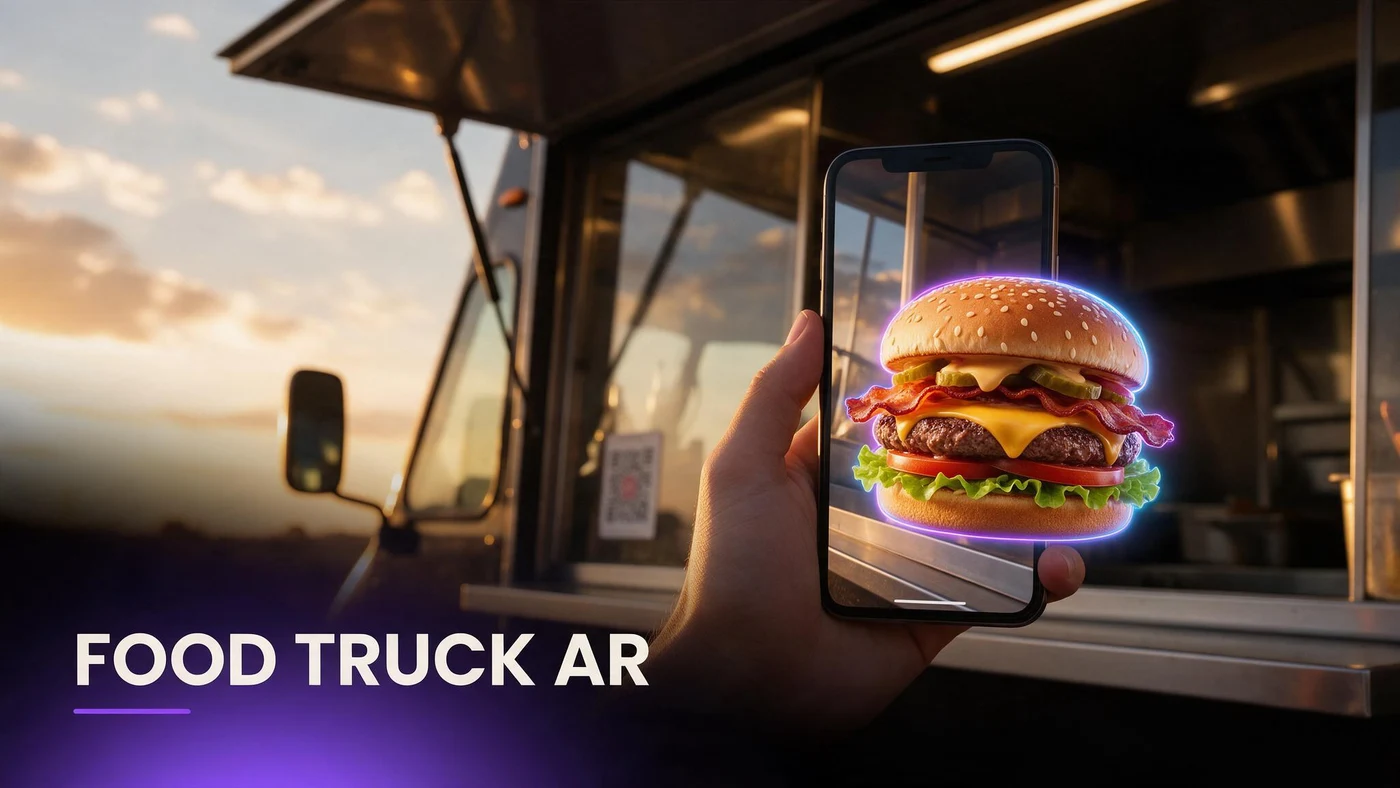
A food truck QR AR menu lets guests preview a burger, taco, or bowl in 3D on their own phone while standing in line, without needing a table, a tent card, or a fixed seating area. Guests scan a sticker on the truck or window and see the actual dish before they reach the order window.
Food trucks do not have the space or staff time for long menu explanations. A 3D preview does that work quietly while guests wait, which matters more in a line than at a sit-down table.
The problem with a menu board guests can barely read in line
A painted or printed menu board on the side of a truck works from up close, but guests near the back of a line often cannot read it clearly, especially with a crowd, sun glare, or a food truck park's noise and movement.
A menu board is hard to read from the back of a line
Small text on a board mounted on a truck is hard to read from a distance, which leaves guests further back in line guessing at names and prices.
Guests default to whatever they already know
When a guest cannot see the board clearly, they often order the same familiar item every time rather than risk an unfamiliar dish they cannot picture.
Picking your first three hero items for AR
Start with three items that answer different guest questions rather than three versions of the same burger.
A signature burger or sandwich
Your most-ordered or most photogenic item is where a 3D preview has the biggest impact, since guests already look for it by reputation.
A shareable or combo item
A combo or shareable basket answers the is this enough for two people question that comes up at food trucks just as often as at sit-down restaurants.
A dish with an unfamiliar name or fusion twist
A fusion item or a dish with an unusual name is exactly where guests hesitate most without a preview to show what is actually inside.
Photographing food truck dishes for a 3D model
Food truck dishes are often built tall and photographed outdoors, which creates its own set of photography challenges compared to a sit-down kitchen.
Shoot at an angle that shows height and fillings
A slight angle shows a stacked burger's height and layers better than a straight-down shot, which flattens a tall sandwich into a single flat circle.
Even lighting matters more outdoors
Direct sunlight creates harsh shadows and glare on foil wrappers or sauces. Shooting in shade or during softer light keeps colors accurate.
Shoot fast between orders, not during a rush
Pick a slower moment to photograph a fresh plate rather than trying to shoot during a lunch rush, when steam, melt, and movement all work against a clean shot.
Speeding up the order window with a preview
A guest who already knows what they want moves through the order window faster than one still deciding at the counter, which matters for a truck with a small service window and a limited line length.
Guests decide before they reach the window
Scanning while waiting in line lets guests finish deciding before they reach the counter, instead of pausing the whole line while they choose.
Fewer questions shouted over the counter
A guest who has already seen a dish in 3D asks fewer clarifying questions at the window, which keeps the line moving during a rush.
Placing the QR on the truck, not just a table
Since a food truck has no table, the QR needs to live on the truck itself: a window sticker, a side panel decal, or a small sign near the line entrance.
Keep it at eye level where guests are already standing in line, not only near the register where it is too late to help anyone still deciding. More on QR placement at beforetable.com/blog/qr-code-menu-with-3d-models.
What AR does not change about your truck
A 3D preview shows what your truck already serves. It does not change how a dish is built or cooked, so keeping the model consistent with the real plate matters more than the technology itself.
BeforeTable is a WebAR menu and light order tool. It does not replace a full POS like Toast for running your register or tracking orders through service.
Launching your food truck AR menu this week
Start on the Free plan at $0 per month, which covers 3 AR dishes: your signature item, a shareable combo, and one fusion or unfamiliar-name dish. Full setup steps are at beforetable.com/blog/how-to-create-an-ar-restaurant-menu.
Watch which item gets scanned most during your first week at the window. For help choosing which items to start with, see beforetable.com/blog/first-three-hero-dishes-ar.
Start Free with your signature dish
Upload your most-ordered or most-asked-about item first, put the QR sticker where guests already stand in line, and let them preview it before they reach the window.
There is no app for guests and no long setup for you. Start free, run it for a week, and compare plans at beforetable.com/blog/beforetable-pricing-explained if your truck's menu grows past three AR items.
Frequently Asked Questions
What is a food truck QR AR menu?
It is a QR sticker on the truck or window that opens a 3D preview of a dish on a guest's phone, showing size and fillings before they order.
Why do food trucks need AR more than a printed menu board?
A menu board is hard to read from the back of a line. A phone preview works at any distance and shows the actual dish, not just a name.
Which food truck items should go into AR first?
Start with a signature burger or sandwich, a shareable combo item, and one dish with an unfamiliar name or fusion twist.
How do I photograph a tall sandwich or burger for AR?
Shoot at a slight angle to show height and layers rather than straight down, which flattens a stacked item into one flat circle.
Does outdoor lighting affect food truck AR photos?
Yes. Direct sunlight creates harsh shadows and glare. Shooting in shade or softer light keeps colors more accurate for the model.
Where should the QR go on a food truck?
On the truck itself, at eye level where guests already stand in line, such as a window sticker or a side panel decal.
Do guests need an app to preview a food truck dish?
No. The preview opens directly in Safari on iPhone or Chrome on Android, with no app download required.
How many items should a food truck start with in AR?
Three is enough to start: one signature item, one shareable combo, and one fusion or unfamiliar dish. That fits the Free plan's 3 AR dishes.
Can an AR menu speed up a food truck line?
Yes. Guests who already know what they want move through the order window faster than guests still deciding at the counter.
Does BeforeTable replace my food truck's POS system?
No. BeforeTable is a WebAR menu and light order tool. It does not replace a full POS like Toast for running the register or orders.
How much does it cost to start a food truck AR menu?
The Free plan is $0 per month for 3 AR dishes. Starter is $20 per month for 15 dishes if your menu needs to grow.
How long does it take to get a food truck dish model ready?
AR model processing is typically measured in business days. Starter and Growth plans get priority processing ahead of Free plan uploads.
Can a food truck without a table still use AR?
Yes. The QR lives on the truck itself, a window sticker or side decal, instead of a table tent, so no fixed seating is needed.
Should I model every item on a food truck menu?
No. Start with three hero items that cover different guest questions, then expand only if guests respond well to the first round.
What is the biggest line problem AR solves for food trucks?
Guests deciding at the window instead of before they reach it. A phone preview lets them decide earlier, which keeps the line moving.
Can food trucks use the same AR setup as sit-down restaurants?
Yes. The same QR and 3D model approach works across formats, from a truck window to a full dining room.
Does a 3D preview help with combo or shareable items?
Yes. Seeing the actual portion in 3D helps guests judge whether a combo or shareable basket fits their group before ordering it.