Verticals · US & Canada
Ghost Kitchen Visual Menu AR: Cut Refund Requests (2026)
See how a ghost kitchen visual menu AR preview shows guests exactly what they ordered, cutting refund requests and support tickets on delivery apps.
2026-09-03 · 9 min read · BeforeTable
Why a ghost kitchen visual menu AR preview matters
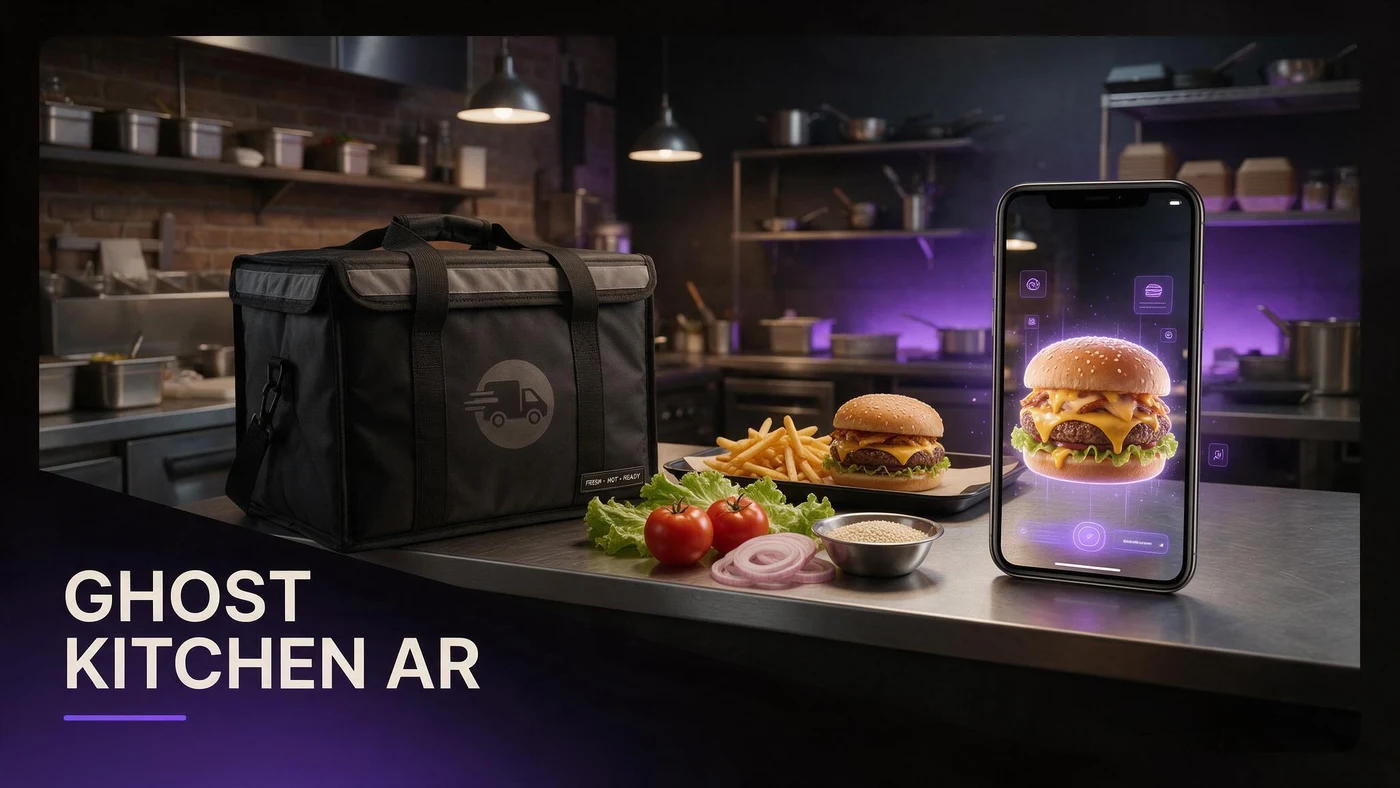
A ghost kitchen visual menu AR preview lets a guest rotate a dish in 3D on their phone before they check out, even though they will never walk into a dining room to see it in person. That single fact changes everything about how a delivery-only brand should present its menu, since app photos and short descriptions are the entire experience a guest gets before paying.
Ghost kitchens and virtual brands run on trust that most restaurants build through a physical space, a host stand, and a plated dish walking past nearby tables. Without any of that, a 3D preview a guest can spin around does more work than a single hero photo ever could, because it answers size and presentation questions before the order is placed instead of after.
The blind order problem delivery-only brands face
A dine-in guest can ask a server what a dish looks like, or glance at a neighboring table. A delivery guest ordering from a virtual brand has none of that. They see one photo on a delivery app or ordering page, read a short description, and commit to a price without any other reference point.
That gap is where most delivery complaints start. A guest imagines a certain portion or plating from a name and a single photo, the food arrives in a container instead of on a plate, and the mismatch between expectation and reality reads as disappointment even when the food itself is good.
How AR preview fixes the not what I expected complaint
Not what I expected is the most common wording behind delivery refund requests, and it almost always traces back to a guest picturing something different from what showed up. A rotatable 3D model closes most of that gap before checkout, since the guest already saw roughly what they were getting.
Guests never see your food or space in person
A ghost kitchen has no dining room, no plated dish walking past a table, and often no storefront at all. The AR preview is the only chance a guest gets to see the dish before it arrives at their door, which makes it more important here than for almost any other restaurant format.
Refund requests tied to appearance, not taste
Many delivery refund claims are about how a dish looked compared to the listing, not how it tasted. A 3D preview a guest can rotate addresses exactly that appearance gap, so fewer orders arrive feeling like a surprise.
Where the QR or AR link goes without a dining room
Without tables or a dining room, a ghost kitchen still has plenty of guest touchpoints. The AR link just needs to live somewhere a guest sees it before or right after they order, instead of on a table tent.
Packaging sticker or bag insert
A small QR sticker on the takeout bag or a printed insert inside the packaging works well for repeat guests who order again, letting them preview next time's order while unpacking this one.
App listing and ordering page link
The strongest placement is directly on your own ordering page or in your delivery app listing description, where a guest can tap through and preview the dish before they add it to their cart.
Picking your first three hero dishes for a ghost kitchen
You do not need your whole menu in AR to start seeing fewer complaints. Three dishes chosen for different reasons cover more ground than three similar best sellers.
Your best-selling combo
Your highest-volume item gets the most orders and the most chances for a mismatch, so it is also where a preview prevents the most refund requests per dollar spent on setup.
A dish with an unfamiliar name or presentation
Any dish whose name does not describe what arrives, or whose presentation looks different from what guests expect, is exactly where a 3D preview earns its place on your first three.
Something photogenic that drives clicks
A visually striking dish also works as a click driver on your ordering page or app listing, since guests browsing a list of options are drawn toward the one they can already picture clearly.
Photographing food for a ghost kitchen AR menu
Ghost kitchen photography has one requirement dine-in restaurants do not share: the shot needs to match what actually leaves the kitchen in a delivery container, not a plated dining room version.
Shoot the exact packaging-ready plate
Photograph the dish exactly as it goes out the door for delivery, including the same containers and portioning your kitchen uses every shift, so the 3D model matches what actually arrives.
Keep angles consistent across every delivery platform
If your brand runs on more than one delivery app, use the same angle and lighting setup for every dish so guests get a consistent preview no matter which app they order from.
Reducing refunds and support tickets across delivery apps
Refund requests and support tickets both cost a ghost kitchen time and money, often more than the price of the dish itself once platform fees and staff time are counted.
Fewer appearance-based refund claims
When a guest already saw roughly what the dish looks like before ordering, appearance-based refund claims drop, since the biggest source of that complaint type is a surprise at the door.
Less back-and-forth with delivery platform support
Fewer refund claims also means less time spent messaging delivery platform support to dispute or process a claim, which adds up across a week of orders for a busy virtual brand.
What AR does not change about your ghost kitchen
An AR preview does not change how your kitchen cooks or packages a dish. It shows guests what your kitchen already produces, so keeping the model consistent with the real container matters more than the technology itself.
BeforeTable is a WebAR menu and light order tool. It does not replace a full POS like Toast for running kitchen tickets or handling delivery platform integrations, and it is not meant to.
Setting up your ghost kitchen AR menu this week
Start on the Free plan at $0 per month, which covers 3 AR dishes, enough for your best-selling combo, one unfamiliar item, and one photogenic dish. Full setup steps are at beforetable.com/blog/how-to-create-an-ar-restaurant-menu.
Watch which dish gets the most preview scans from your app listing or packaging QR during the first week, then use that to decide which item earns the next AR slot if you upgrade.
Start Free with your best-selling dish
Upload your highest-volume dish first, place the link on your ordering page or app listing description, and let guests preview it before they check out.
There is no app for guests to download and no long setup on your side. Start free, run it for a week, and compare plans at beforetable.com/blog/beforetable-pricing-explained if your menu needs more than three AR dishes.
Frequently Asked Questions
What is a ghost kitchen visual menu AR preview?
It is a 3D model of a dish that guests rotate on their phone before ordering from a delivery app or ordering page, showing size and presentation without an app download.
Why do ghost kitchens need AR more than dine-in restaurants?
A ghost kitchen has no dining room or plated dish walking past tables. The AR preview is often the only chance a guest gets to see the dish before it arrives at their door.
How does AR reduce refund requests for delivery-only brands?
Most refund claims are about appearance not matching expectations. A rotatable 3D preview closes that gap before checkout, so fewer orders arrive feeling like a surprise.
Where do I put the AR link if I have no dining room?
Put it directly on your ordering page or in your delivery app listing description, plus a QR sticker on the packaging for repeat guests.
Can I put the QR code on my packaging?
Yes. A small sticker on the bag or a printed insert inside the packaging works well, letting guests preview the next order while unpacking the current one.
Do guests need to download an app to see the 3D preview?
No. The preview opens in Safari on iPhone or Chrome on Android directly in the browser, with no app install required.
Which dishes should I put in AR first for a ghost kitchen?
Start with your best-selling combo, a dish with an unfamiliar name or presentation, and one photogenic item that drives clicks on your listing.
How do I photograph food for a ghost kitchen AR menu?
Shoot the dish exactly as it leaves the kitchen for delivery, in the same containers and portions you use every shift, so the model matches what actually arrives.
Does AR preview help with multiple virtual brands from one kitchen?
Yes. Each virtual brand can have its own set of AR dishes and its own ordering page link, even if they share one physical kitchen.
Can AR reduce not what I expected complaints on delivery apps?
It can. That phrase usually points to a guest picturing something different from what arrived, and a 3D preview reduces that gap before the order is placed.
How much does it cost to start a ghost kitchen AR menu?
The Free plan is $0 per month for 3 AR dishes. Starter is $20 per month for 15 dishes if your menu needs to grow.
Does BeforeTable replace my ghost kitchen's POS system?
No. BeforeTable is a WebAR menu and light order tool. It does not replace a full POS like Toast for kitchen tickets or delivery integrations.
How long does it take to get a dish model ready?
AR model processing is typically measured in business days. Starter and Growth plans get priority processing ahead of Free plan uploads.
Can I link the AR preview from my delivery app listing?
Yes. Most delivery apps allow a link or extra description text where you can point guests to the preview page for a dish.
Does a 3D preview work the same on iPhone and Android?
Yes. It opens in Safari on iPhone and Chrome on Android, both through the regular browser with no separate app needed.
How many dishes should I model to start?
Three is enough for a first test: your best seller, one unfamiliar item, and one photogenic dish. That fits the Free plan's 3 AR dishes.
Can a ghost kitchen use AR without changing how food is packaged?
Yes. The preview reflects your existing packaging and portions. You do not need to change how a dish is packed, only photograph it as it already goes out.