Setup guide · US & Canada
How Guests Scan Food in AR: Free Guide (No App, 2026)
How guests scan food in AR at US and Canada restaurants: QR to Safari and Chrome WebAR preview, staff scripts, troubleshooting, and no guest app required.
2026-08-19 · 9 min read · BeforeTable
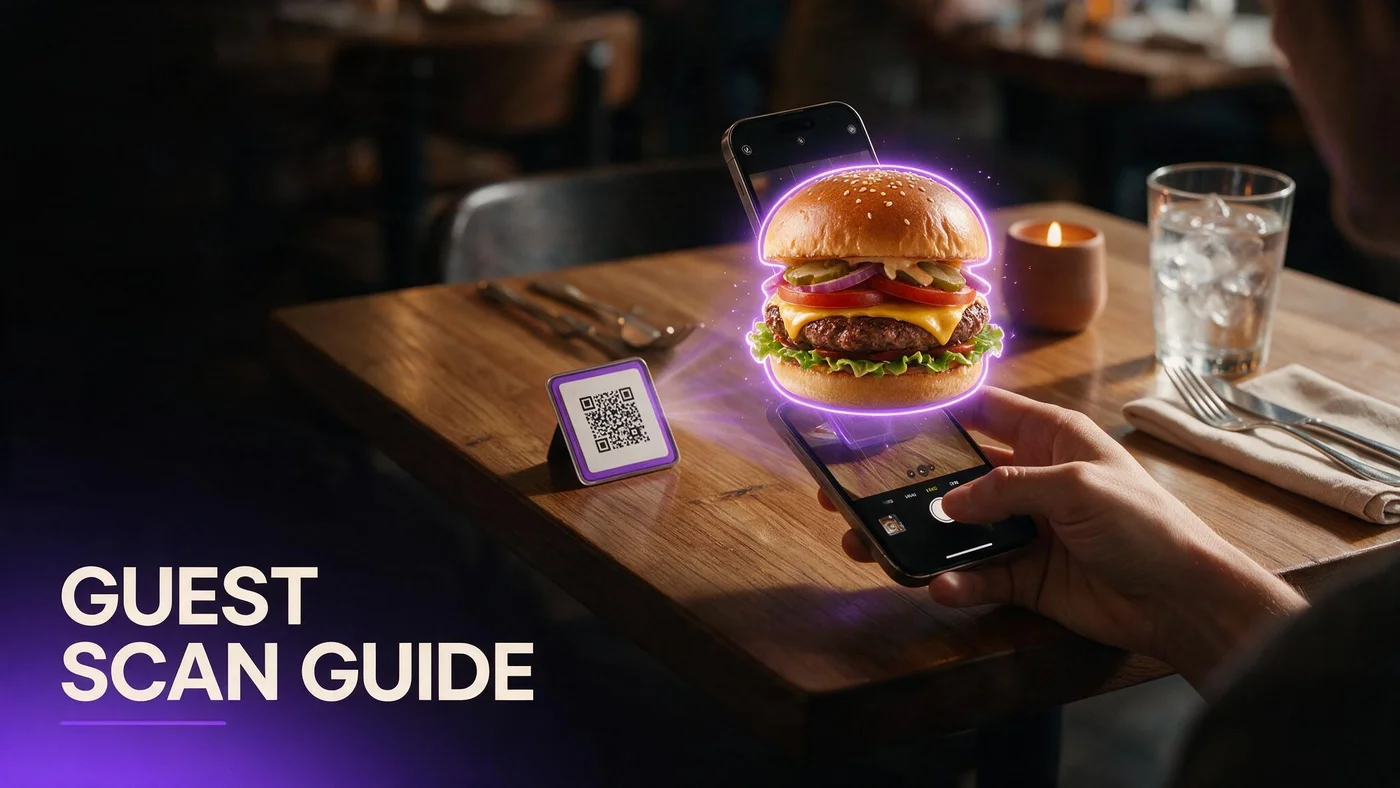
What how guests scan food in AR means at a restaurant table
How guests scan food in AR describes the full path from seated at the table to viewing a selected dish in 3D on their phone. It starts with a QR code on a tent or sticker, not with an app store search.
On BeforeTable menus, guests scan once to open the mobile web menu in Safari or Chrome. They scroll text categories, tap a dish with a 3D badge, and preview portion on screen before they order with staff.
This is not a social media filter and not a separate product download. Vocabulary for training cards: beforetable.com/blog/what-is-an-ar-restaurant-menu.
Scan opens menu, tap opens preview
Two distinct guest actions keep the flow predictable. Staff should name both steps so guests know preview lives inside the menu, not in the camera app after scan.
Text menu always available
Guests who skip preview still read prices, allergens, and descriptions on every line item. AR heroes sit on selected tiles only.
Step one: guest scans the table QR code
Guest opens the phone camera app or QR reader, centers the code on the tent, and taps the banner that appears. iPhone and Android both surface a link preview without installing software.
The QR should encode a stable menu URL, not a PDF file path. When prices update in your dashboard, the same scan opens fresh data.
QR design tips and 3D pairing: beforetable.com/blog/qr-code-menu-with-3d-models.
Seated height scan test
Print one test tent and scan from a chair before bulk laminate. Pendant glare and patio sun expose bad contrast choices early.
Short URL backup below code
Type the printed short link when camera focus fails. Never make guests hunt for WiFi passwords before they can read allergens.
Step two: menu loads in Safari or Chrome
After tap, the mobile browser opens your BeforeTable menu. Categories and prices load as text first so the page stays fast on venue LTE.
No guest account is required. Walk-ins browse tonight's specials without creating passwords or accepting push notifications.
Browser technical details: beforetable.com/blog/webar-menu-safari-chrome.
Same URL for Google and tents
Reuse the menu link on Google Business, Instagram bio, and receipt inserts. One factual price story across discovery and dine-in.
Groups share one scan
One guest scans and others can open the same menu URL from the banner or typed short link below the code.
Step three: guest finds a dish with a 3D badge
Hero dishes carry a visible 3D badge on the menu tile. Color contrast against neighboring items helps guests spot preview-ready signatures quickly.
Start with one entree that drives portion questions, one shareable groups hesitate on, and one dessert or cocktail with strong visual height.
Photography upstream drives preview quality: beforetable.com/blog/dish-photography-angles-for-ar-menus.
Avoid three identical-looking heroes
Pick dishes with distinct color and height on camera. Guests should instantly know which tile they tapped.
Kitchen output must match model
When plating matches the hero upload, guests trust preview. Mismatch erodes confidence faster on dishes you invite them to rotate on screen.
Step four: guest taps to load WebAR food preview
Tapping the hero tile fetches the 3D model on demand. Initial menu scroll already completed, so only guests who want preview wait for asset load.
Guests rotate the dish, pinch to zoom, and compare height against the table edge or a water glass. Some phones also offer table placement when camera permissions allow.
No-app FAQ for guests: beforetable.com/blog/do-customers-need-app-ar-menu.
Inline spin fallback
Older handsets may show on-screen 3D rotation without table placement. Honest spin preview beats hiding the feature entirely.
Close viewer to return to menu
One back tap returns to text categories so guests can add sides or check allergen notes before ordering.
Step five: guest orders with staff using preview confidence
After preview, guests close the viewer and tell the server their choices. Preview reduces questions about shareable size, steak thickness, and dessert height.
Staff answer with the same portion language the menu already uses. Preview is a confidence tool, not a separate promise.
Full setup ladder: beforetable.com/blog/how-to-create-an-ar-restaurant-menu.
Two-line staff script
Scan the QR for our menu. Tap dishes with 3D to preview. I am here when you are ready to order.
Verbal allergy confirmation
Digital allergen lists help but do not replace spoken confirmation for severe allergies when guests mention restrictions.
BeforeTable pricing for guest AR scan flows (USD)
Free is $0 USD for 3 AR dishes plus full text menu. Starter is $20/mo for 15 dishes. Growth is $200/mo for 50 dishes plus analytics. Enterprise is custom for multi-location groups.
Most single-location independents start on Free or Starter while they prove scan assist rate on one dining room. Upgrade when seasonal rotations need more simultaneous WebAR heroes live.
Plan breakdown: beforetable.com/blog/beforetable-pricing-explained.
Three slots forces good prioritization
Pick highest margin plates, shareables that drive portion questions, or desserts guests photograph.
Growth for multi-room comparison
Groups comparing patio versus dining room scan rates benefit from Growth dashboards without building custom tracking on PDF links.
Troubleshooting when guests cannot scan or preview
Scan fails: move tent out of direct glare, wipe laminate, increase contrast on print, or type the short URL below the code.
Preview fails: guest may still read full text menu. Suggest retry on WiFi, update browser, or preview on a friend's phone while server takes order.
Never blame the guest device in front of the table. Fix the tent placement or offer paper backup.
Pre-shift tent check
Hosts verify every seated table has an upright QR with a clean face before doors open.
Server phone for demo
Keep one charged staff phone with the menu open to show preview when a guest phone struggles on first tap.
Staff training checklist for guest AR scans
Print a half-page card with scan steps, 3D badge screenshot, and no-app line. Review in pre-shift huddle for two minutes.
Role-play one scan and one preview tap so new hires demo confidently during Saturday lunch.
Compare WebAR vs app paths if guests ask about downloads: beforetable.com/blog/webar-vs-app-ar-restaurant.
Hosts greet with scan cue
We have a digital menu on the tent. Tap dishes with 3D to preview portion. Servers can help if the scan does not open right away.
Busser tent reset
When tables turn, confirm QR faces up and is not wet or folded under the check presenter.
Launch guest food scan preview this week
Create a BeforeTable account, upload three heroes, wait for Ready, generate QR, print one test tent, scan from seated height on iPhone Safari and Android Chrome.
How guests scan food in AR works when scan access, WebAR preview, and kitchen output tell one honest story. Expand print run after two stable peak services.
When three heroes are not enough, upgrade to Starter for fifteen slots without changing the QR artwork guests already know.
Frequently Asked Questions
How do guests scan food in AR at a restaurant?
They scan the table QR, open the menu in Safari or Chrome, tap a dish with a 3D badge, and preview portion on screen. No app download required.
Do guests need an app to scan food in AR?
No. WebAR preview runs in the mobile browser after QR scan. See beforetable.com/blog/do-customers-need-app-ar-menu.
Which phones support food AR preview?
Test iPhone Safari and Android Chrome before launch. Those cover most US and Canada dine-in guests.
What if the QR scan does not work?
Move the tent out of glare, wipe the laminate, or type the short URL printed below the code.
How do guests find AR preview dishes?
Look for the 3D badge on hero menu tiles. Start with signatures that drive the most portion questions.
Can guests preview without scanning again?
Yes. After the first scan, they can return to the same menu URL from browser history during the meal.
Does food AR preview work in Canada?
Yes. US and Canada restaurants use the same browser WebAR path on iPhone Safari and Android Chrome.
How much does guest food AR scan cost the restaurant?
BeforeTable Free is $0 USD for 3 AR dishes. Starter is $20/mo. Growth is $200/mo. Details at beforetable.com/blog/beforetable-pricing-explained.
Will AR preview slow down ordering?
No when staff use a two-line script. Text menu loads first; 3D fetches only when guests tap hero tiles.
Can a group share one menu scan?
Yes. One guest scans and others open the same menu URL to preview dishes on their own phones.
What if a phone cannot run AR preview?
Guests still browse the full text menu with prices and allergens. Preview is optional on hero tiles only.
How do I set up food scan AR for guests?
Upload hero photos to BeforeTable, wait for Ready, generate QR, print test tent. Guide at beforetable.com/blog/how-to-create-an-ar-restaurant-menu.
How do I photograph dishes for guest AR preview?
Use consistent angles and even light on service ware. Full guide at beforetable.com/blog/dish-photography-angles-for-ar-menus.
Is scanning food in AR the same as Instagram filters?
No. Menu AR shows your actual dish portion tied to live prices, not a branded face filter.
Do guests need WiFi to scan food in AR?
Mobile data usually works. Weak patio LTE may slow model load; text menu still opens first.
How many dishes can guests preview on Free?
Three AR dishes at $0 USD. Swap which three are live in the dashboard without changing your menu URL.
Should staff demo the scan for guests?
Offer help when scan fails, not for every table. A two-line script plus upright tent is usually enough.
Can guests scan from Google instead of the tent?
Yes if you publish the same menu URL on Google Business and social profiles.
What is WebAR in a food scan flow?
WebAR shows 3D dish preview in the browser when guests tap hero tiles. Technical path at beforetable.com/blog/webar-menu-safari-chrome.
What is the first step for guest food AR scans?
Create a BeforeTable account, upload three hero dish photos, wait for Ready status, generate your menu QR, and test on Safari and Chrome.