Verticals · US & Canada
Kids Menu Interactive QR: Keep Kids Busy at the Table (2026)
A kids menu interactive QR turns AR into a screen-free game at the table, keeping children engaged while parents order in peace.
2026-09-04 · 8 min read · BeforeTable
Why a kids menu interactive QR helps during dinner
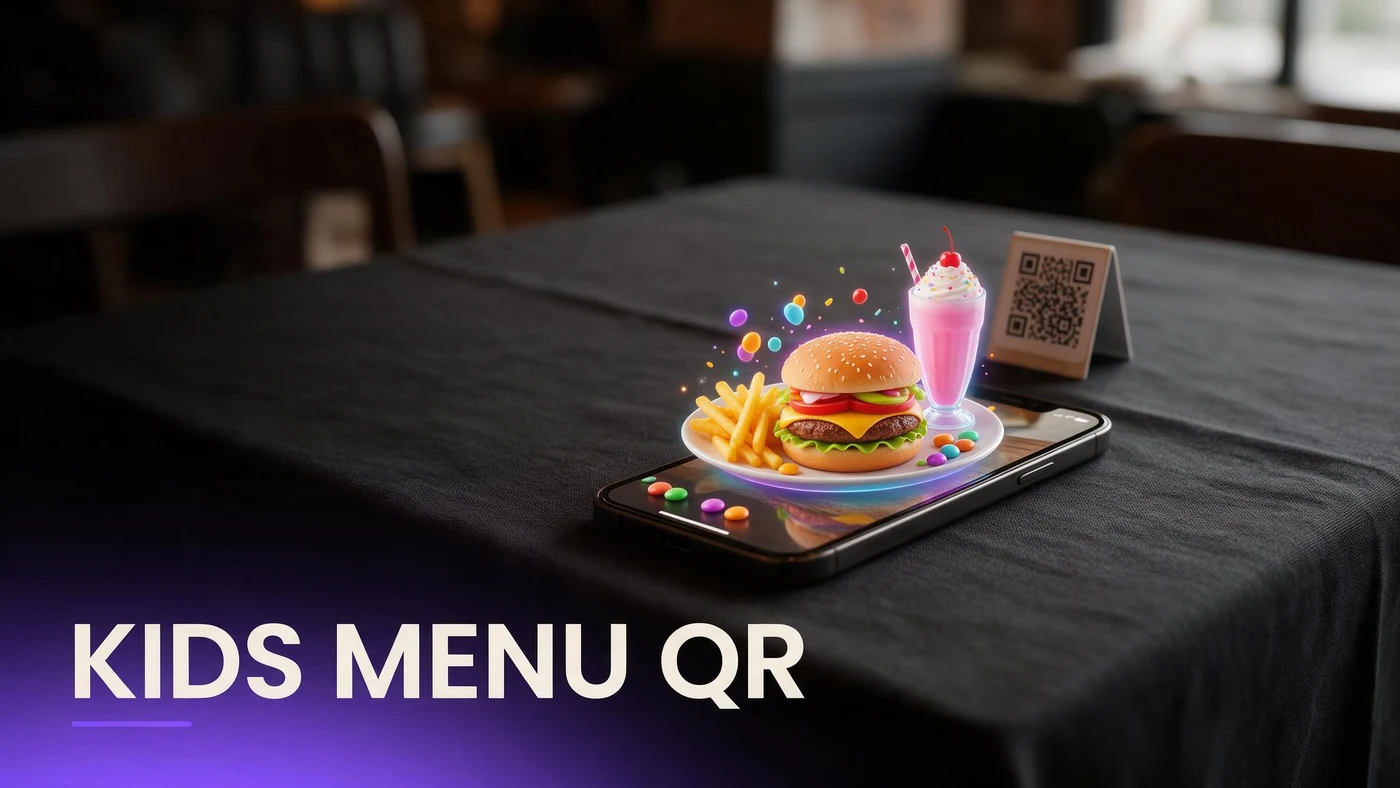
A kids menu interactive QR turns the wait before food arrives into a short game instead of a stretch of boredom, letting a child scan a code and spin a 3D dish or dessert around on a parent's phone while the adults finish ordering.
The window between sitting down and food arriving is often when kids get restless and parents get stressed. A playful AR moment fills that window without a tablet, a TV screen, or a coloring sheet that gets lost under the table.
The tablet and TV screen problem parents want to avoid
Many family restaurants hand a tablet to kids or turn on a TV in the corner to buy a few quiet minutes, but both come with tradeoffs parents notice: screen time guilt, a device that needs charging and cleaning, or a shared TV that cannot hold every table's attention.
A phone-based AR preview sidesteps all of that. It uses a device the parent already has in their pocket, requires no restaurant hardware to maintain, and turns off the moment the meal starts, since there is no app running in the background afterward.
How a playful AR kids menu keeps children engaged
The engagement comes from letting kids do something active with the menu, not just look at pictures. Rotating a dish on screen, or placing it on the table through AR, gives a child a small interactive moment that a printed kids menu cannot.
Guests rotate and explore a dish like a toy
A kid-friendly dish or dessert in 3D becomes something to spin around and look at from every angle, which holds attention far longer than a static picture of the same item on a paper menu.
No tablet handoff or screen time guilt
Since the preview runs on the parent's own phone for a few minutes, there is no separate device to hand over, sanitize, or worry about as a screen time decision. It is closer to showing a photo than starting a show.
Picking your first three hero kids dishes
Family restaurants should pick kids items guests already order most, not the fanciest plates on the menu, since familiarity plus a fun preview is what keeps a child interested.
The dish every kid orders
Whatever your most-ordered kids entree already is, whether that is chicken fingers or mac and cheese, put that one in AR first since it reaches the most tables right away.
A fun-shaped or colorful plate
A dish with a playful presentation, like a smiley-face plate or colorful sides, tends to be the most fun to rotate and look at, which makes it a strong second pick.
A dessert that closes the meal well
A kids dessert gives parents a natural point to show the AR preview again near the end of the meal, which can help settle a table before the check arrives.
Making the QR feel like a kids menu, not a wine list
Placement and design matter more for kids than for adult diners. A code that looks like it belongs on a wine list will not catch a child's attention the way a bright, simple placement will.
Placemat or crayon-pack placement
Print the QR directly on a paper placemat or tuck it into the crayon pack kids already open first, so it is one of the first things a child sees at the table.
Simple language parents and kids both get
A short line like scan to see your food move works for both audiences. Avoid technical wording like AR or augmented reality on the kids-facing card itself.
Photographing kids dishes for AR
Kids dishes photograph a little differently than adult plates, since bright colors and simple shapes matter more than elegant plating for holding a child's attention.
Bright, simple compositions
Shoot kids dishes with clean backgrounds and bright, even lighting so the shapes and colors read clearly on a small phone screen from across a table.
Keep portions realistic, not staged
Photograph the actual portion size served to kids, not an oversized version, so parents are not surprised later and the preview stays trustworthy.
Reducing meltdowns while parents finish ordering
The minutes right after sitting down are often the hardest part of a family meal, especially with younger kids who have no patience for a long ordering conversation between adults.
A quick AR preview gives a parent something to hand a child's attention to for two or three minutes, which is often enough time to finish ordering drinks and entrees without interruption.
What AR does not change about your kitchen
The 3D preview reflects what your kitchen already serves on the kids menu. It does not change recipes, plating, or portions, so keeping the model consistent with the real plate matters more than the technology.
BeforeTable is a WebAR menu and light order tool. It does not replace a full POS like Toast for running kitchen tickets or payments.
Setting up your kids menu AR this week
Start on the Free plan at $0 per month, which covers 3 AR dishes: your top kids entree, a fun-shaped plate, and a dessert. Full setup steps are at beforetable.com/blog/how-to-create-an-ar-restaurant-menu.
Watch which item kids ask to see again during the first week, then use that to decide what earns the next AR slot if you upgrade beyond three dishes.
Start Free with your most popular kids dish
Upload your best-selling kids entree first, put the QR on the placemat or crayon pack, and let kids preview it while parents finish ordering.
There is no app for guests to download and no long setup for you. Start free, run it for a week, and compare plans at beforetable.com/blog/beforetable-pricing-explained if your menu needs more than three AR dishes.
Frequently Asked Questions
What is a kids menu interactive QR?
It is a QR code that opens a 3D preview of a kids dish or dessert on a parent's phone, giving children something interactive to look at while adults order.
Does an interactive AR kids menu need a tablet?
No. It runs on the parent's own phone through the browser, so there is no separate device to hand over, charge, or sanitize.
How does AR help reduce meltdowns before food arrives?
It gives a child a short interactive moment, like rotating a dish on screen, which fills the waiting time between ordering and food arriving.
Which kids dishes should go into AR first?
Start with your most-ordered kids entree, a fun-shaped or colorful plate, and a dessert, since those cover the range of moments during a family meal.
Where should the QR go on a kids menu?
Print it on a paper placemat or tuck it into the crayon pack, so it is one of the first things a child notices at the table.
Do guests need to download an app for the kids AR preview?
No. The preview opens in Safari on iPhone or Chrome on Android directly in the browser, with no app install required.
How should I photograph kids dishes for AR?
Use clean backgrounds and bright, even lighting so shapes and colors read clearly on a small phone screen, and keep portions realistic to what is actually served.
Is an AR kids menu the same as screen time on a tablet?
It is closer to showing a photo for a couple of minutes than starting a show. There is no app running afterward and no separate device involved.
How many kids dishes should I put in AR to start?
Three is enough to start: your top entree, a fun-shaped plate, and a dessert. That fits the Free plan's 3 AR dishes.
Can AR table placement work for kids dishes too?
Yes. On supported phones, kids can place the dish model on the table through the camera, which adds another layer of interaction beyond just rotating it on screen.
Does BeforeTable replace my restaurant's kids menu printing?
No. You still print or design your kids menu as usual. BeforeTable adds a QR that opens a 3D preview alongside it.
How much does it cost to start a kids menu AR preview?
The Free plan is $0 per month for 3 AR dishes. Starter is $20 per month for 15 dishes if your menu needs to grow.
How long does it take to get a kids dish model ready?
AR model processing is typically measured in business days. Starter and Growth plans get priority processing ahead of Free plan uploads.
Does BeforeTable replace my restaurant's POS system?
No. BeforeTable is a WebAR menu and light order tool. It does not replace a full POS like Toast for kitchen tickets or payments.
Should the kids QR use the word AR on the card?
No. Simple wording like scan to see your food move works better for a kids-facing card than technical terms like AR or augmented reality.
Can family restaurants use the same AR setup as other restaurant types?
Yes. The same QR and 3D model approach applies across cuisines and formats, with the kids menu simply getting its own playful placement and wording.
What is the biggest table problem AR solves for family restaurants?
Keeping kids occupied in the minutes right after sitting down, which is often the hardest stretch of a family meal for parents trying to order.