Tech · US & Canada
Model Viewer for AR Restaurant Menus (Free, 2026)
A model viewer renders your 3D dish and hands off to native AR. How it works on BeforeTable menus, what it needs, and how to start free.
2026-08-27 · 9 min read · BeforeTable
What a model viewer actually is on your AR menu
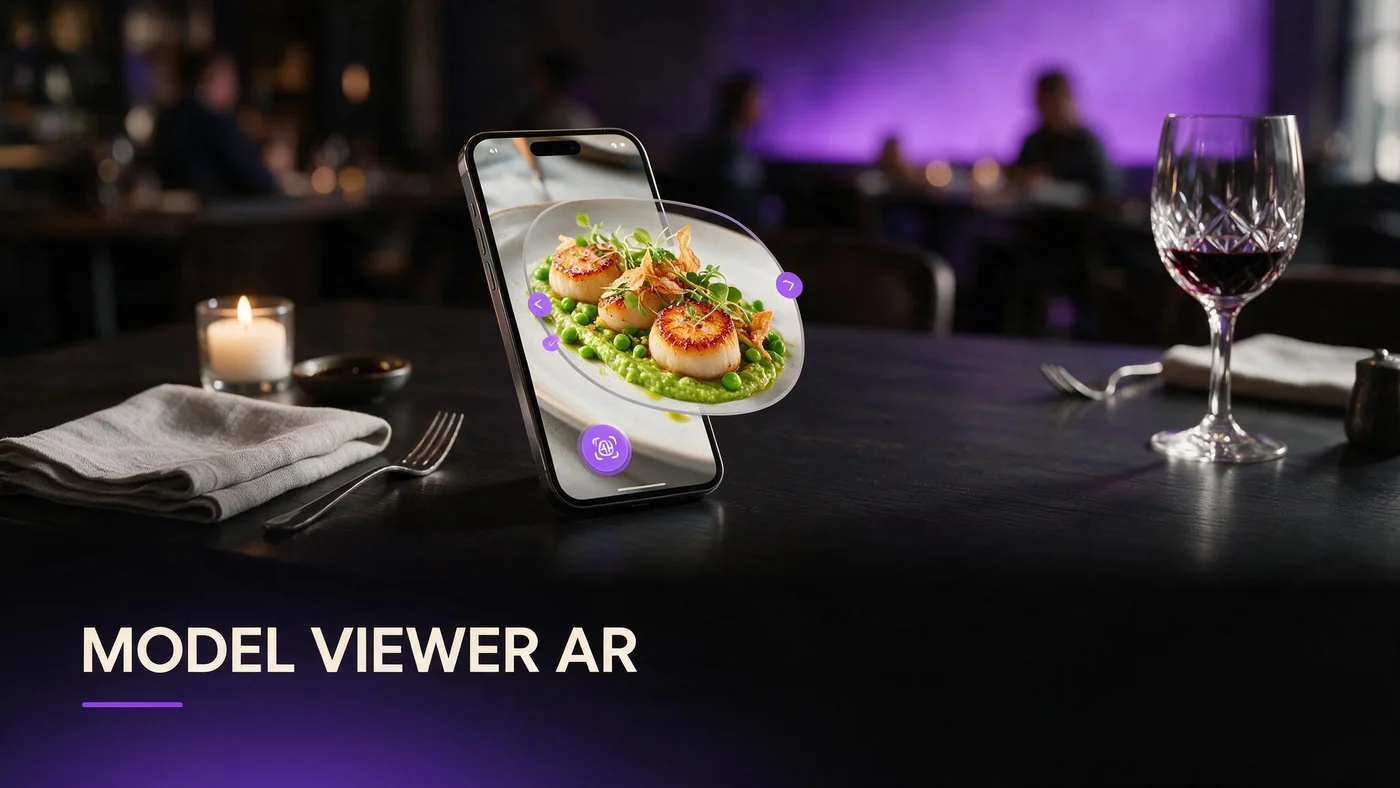
A model viewer is the small piece of web technology inside your menu page that actually draws the 3D dish on screen. When a guest taps a photo on your BeforeTable menu, the model viewer loads the 3D file, lights it, and lets them spin it with a finger, all inside Safari or Chrome. You never install or configure it yourself.
Think of it as the engine under the hood, not a separate app or screen. Guests never see the words model viewer. They just see a dish they can rotate, zoom into, and sometimes place on their real table through the camera, all from one QR scan.
What happens the moment a guest taps a dish
The viewer loads your 3D file in the browser
Tapping a dish photo swaps in a compact 3D file, usually a GLB. The model viewer downloads it, decodes it, and renders it right there on the page. No redirect, no separate screen, no waiting room.
Guests rotate, zoom, and pan with one finger
A drag rotates the dish. A pinch zooms in on the sauce or the crust. Most guests figure this out in about two seconds because it feels like every other 3D thing they have already touched on a phone.
How the viewer hands off to native AR
iPhone guests get Apple's AR Quick Look
When an iPhone guest taps the AR icon, the model viewer quietly passes the file to Apple's own AR Quick Look. That is the native camera based viewer built into iOS, and it is why placement feels smooth and fast. For a deeper walkthrough of Quick Look itself, see beforetable.com/blog/ios-quick-look-restaurant-menu.
Android guests get Google's Scene Viewer
On Android, the same tap opens Google's Scene Viewer through Chrome. It uses ARCore to track the table surface. The model viewer's only job here is to pass along the right file format at the right moment. Our full explainer on that path lives at beforetable.com/blog/android-scene-viewer-food-menu.
What a good model viewer needs to get right
Fast load on restaurant Wi-Fi or LTE
Dining room Wi-Fi is often shared and slow. A well built model viewer loads a compressed file quickly enough that a guest does not give up and put the phone down before the dish appears.
Even lighting baked into the 3D model
The viewer applies lighting to the file it receives, but the file itself has to be built with realistic shading from the start. A model with flat or missing lighting will look dull no matter how good the viewer is.
Controls guests understand without instructions
Rotate, zoom, and the AR button should behave exactly like every other 3D viewer a guest has already used. Anything unusual, a hidden gesture or a confusing icon, adds friction at a table where nobody wants to read instructions.
Why BeforeTable owners never touch a viewer library
Plenty of restaurant tech vendors expect you to understand terms like WebGL, glTF, or model viewer web components. BeforeTable removes that layer entirely. You upload dish photos, we build the 3D file, and the viewer, lighting, and AR handoff are already wired up on your menu page.
That matters because most owners have a kitchen to run, not a JavaScript library to configure. Your job stays simple: good photos in, a working AR menu out, with nothing to install or patch when browsers update.
The guest experience, step by step
Scan the QR and let the preview load
A guest scans the table QR with their phone camera. The link opens in Safari or Chrome. Within a second or two on decent Wi-Fi, the first hero dish appears in the model viewer.
Spin the dish before deciding
They drag a finger to rotate the plate, checking portion size, sauce coverage, or how tall the dessert really is. This is the part that replaces guessing from a flat photo or a short text description.
Tap the AR icon to place it on the table
If they want to see it life size, they tap the AR button. The phone camera opens, they point it at the table, and the dish appears to sit right there next to their water glass.
Troubleshooting a dark or frozen model
The dish looks dark or washed out
This is almost always a lighting issue baked into the 3D file, not the viewer. If a hero dish looks off, reshoot the photos with more even light and re-upload rather than trying to fix it after the fact.
The model will not rotate
A frozen model is usually a slow connection still loading in the background, not a broken viewer. Ask the guest to wait a few seconds or try again once they are closer to a router.
There is no AR button on the dish
Some very old phones or unsupported browsers cannot run native AR, so the button is hidden on purpose rather than shown broken. The 3D preview itself still works, guests just cannot place it on the table.
Good viewer results start with your photos
A model viewer can only work with what it is given. Blurry, single angle, or dark photos produce a 3D file the viewer renders honestly but unattractively. Sharp, evenly lit photos from multiple angles give the viewer something worth spinning.
Our full breakdown of front, side, top, and three-quarter shots lives at beforetable.com/blog/dish-photography-angles-for-ar-menus. Ten minutes with a phone and a clean plate is usually all it takes.
How this compares on iPhone versus Android
The model viewer itself looks and behaves almost identically on both platforms. The difference shows up only at the AR handoff: iPhone opens Apple's Quick Look, Android opens Google's Scene Viewer. Guests rarely notice or care which one they got.
We cover the iPhone path in detail, including common Safari quirks, at beforetable.com/blog/ar-menu-works-iphone-safari. If your dining room is mostly Android, test that flow just as carefully before launch.
Start Free and let guests see the difference
You do not need to understand model viewers, glTF files, or AR handoffs to use any of this. Upload photos of three hero dishes on the Free plan at $0, and BeforeTable handles the viewer, the lighting, and the AR button automatically.
When you are ready for more of your menu in 3D, Starter is $20 a month for 15 AR dishes with priority processing. Start with three dishes this week and watch how guests react before you decide to add more.
Frequently Asked Questions
What is a model viewer on a restaurant AR menu?
It is the web component that renders your 3D dish on screen and lets guests rotate, zoom, and hand off to native AR. BeforeTable builds and hosts it for you.
Do I need to install a model viewer myself?
No. BeforeTable wires the viewer into every menu page automatically. You upload photos, we build the 3D file, and the viewer is already working.
Why does my dish look dark in the 3D preview?
Dark models almost always come from uneven lighting in the source photos. Reshoot with softer, more even light and re-upload the dish.
Why won't a dish rotate on a guest's phone?
The model is usually still loading over a slow connection. Ask the guest to wait a moment or move closer to the Wi-Fi router.
Does the model viewer work the same on iPhone and Android?
Yes, the on screen viewer looks nearly identical. Only the native AR handoff differs: iPhone uses Apple's AR Quick Look and Android uses Google's Scene Viewer.
Do guests need to download an app to use the model viewer?
No. The viewer runs inside Safari or Chrome. Guests scan a QR or open a link and the 3D preview loads right in the browser.
What file format does BeforeTable use for 3D dishes?
BeforeTable builds compact GLB and USDZ files behind the scenes so the viewer and native AR both load quickly on a guest's phone.
Why is there no AR button on some dishes?
Certain older phones or unsupported browsers cannot run native AR, so the button is hidden rather than shown broken. The 3D preview still works normally.
How fast should a model viewer load on restaurant Wi-Fi?
A well optimized file should appear within a couple of seconds on typical dining room Wi-Fi or LTE. Slower loads usually point to a weak connection, not the viewer.
Can I customize how the model viewer looks?
BeforeTable keeps the viewer consistent and reliable across menus rather than offering custom skins, so every guest gets a fast, familiar experience.
What causes a blurry or low quality 3D model?
Blurry, single angle, or poorly lit source photos are the most common cause. Sharp photos from four angles give much better results.
Does the model viewer slow down my whole menu page?
No. Models load only when a guest taps a specific dish, so browsing the rest of the menu stays fast.
Is the model viewer the same thing as AR?
Not quite. The viewer shows the 3D dish on screen. Tapping the AR icon hands the file to the phone's native AR tool for table placement.
How much does it cost to use BeforeTable's model viewer?
It is included on every plan. Free starts at $0 for 3 AR dishes, and it comes built into Starter and Growth as well.
Can guests use the model viewer without scanning a QR?
Yes. Any shared menu link opens the same viewer, so it also works from a table tent, a website button, or a social post.
Does BeforeTable replace my POS system?
No. BeforeTable focuses on WebAR menu visualization and light order tools. It does not replace hardware POS systems like Toast.
Where can I read more about the iPhone AR experience?
See beforetable.com/blog/ar-menu-works-iphone-safari for the full guest flow, supported devices, and common Safari fixes.