Verticals · US & Canada
Pizza Interactive 3D Menu: Free QR Setup Guide (2026)
See how an interactive 3D pizza preview helps guests judge size, toppings, and crust before ordering, plus how to launch it free this week.
2026-08-30 · 8 min read · BeforeTable
Why an interactive 3D preview helps pizza orders
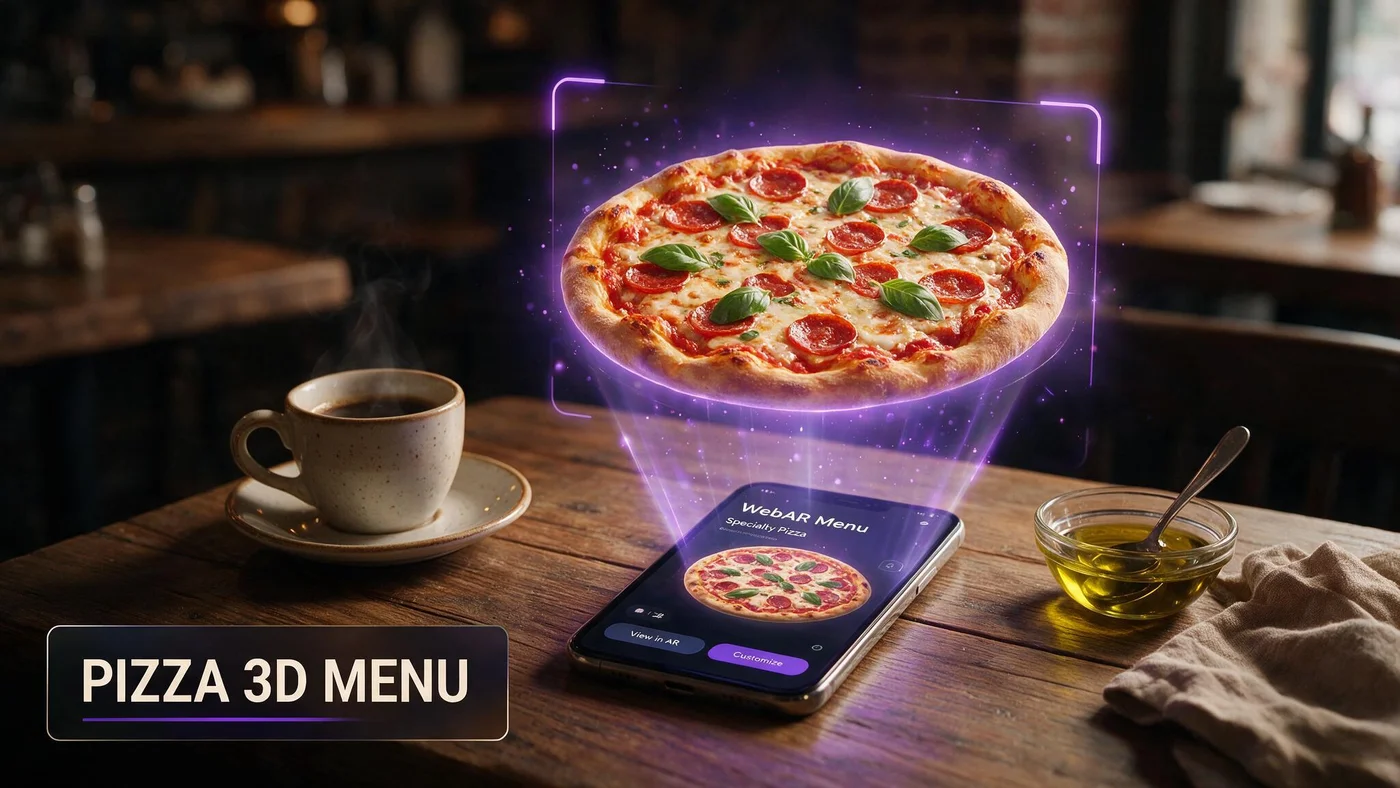
An interactive 3D pizza preview lets a guest rotate and zoom a pie on their phone before ordering, so they can judge size, crust height, and how toppings are spread, instead of guessing from a name on a menu. That matters most for specialty pies and build-your-own orders where guests cannot picture the result from text alone.
A whole pizza is also one of the easier dishes to render well in 3D, since its round shape and visible toppings translate cleanly from a good photo into a model guests can spin around on screen.
Judging size before the pizza arrives
The most common pizza counter question is some version of is this big enough for two people. A flat photo next to a price does not answer that. A 3D model a guest can rotate and compare to their own table gives a much clearer sense of scale.
AR table placement shows real scale
On supported phones, guests can place the pizza model on their own table through the camera, which shows size relative to the actual table in front of them, not just a photo's frame.
Fewer size-related questions at the counter
When guests can already see roughly how large a pie looks before ordering, staff spend less time explaining diameters and slice counts during a lunch rush.
Picking your first three hero pizzas
Cover the range of your menu with your first three AR pizzas rather than picking three similar pies. A good spread answers different guest questions.
A signature specialty pie
Your most topping-heavy or most unusual pizza is where guests hesitate most without a preview, since the name alone rarely describes the full topping list.
A classic margherita
A simple margherita shows crust style and char clearly since there are fewer toppings competing for attention in the model.
One build-your-own example
If you offer build-your-own pizzas, show one popular combination as a model so guests can picture roughly how their own build might look.
Photographing pizza for a 3D model
Good pizza photos need two things most other dishes do not: a top-down shot for topping layout and a side shot for crust height. Skipping either one leaves the model missing information guests actually want.
Top-down for topping distribution
Shoot straight down to show how evenly toppings are spread across the pie, which is exactly what guests are trying to judge before ordering a specialty pizza.
Three-quarter or side angle for crust
A side or three-quarter shot captures crust height and char, details a flat top-down photo hides completely. Pair both angles for the best source material, similar to the general approach at beforetable.com/blog/dish-photography-angles-for-ar-menus.
Shoot fast to avoid steam blur
A hot pizza releases steam that can blur a photo taken too soon. Let it settle for a few seconds off the oven, then shoot quickly before cheese starts to slide or cool unevenly.
Helping guests build their own pie with confidence
Build-your-own menus create the most guesswork of any pizza format, since the guest is imagining a combination that does not exist as a photo anywhere on your menu.
Show one popular combination, not every option
You cannot model every topping combination. One well-chosen example gives guests a reference point for roughly how their own build will look and how far toppings typically spread.
Pair the model with clear topping limits
If you cap toppings per pie, state that near the model so guests do not expect their preview pizza's topping density on a build with twice as many add-ons.
Setting up the QR at the counter or table
Counter-service pizzerias should put the QR right at the register or the line, where guests are deciding while they wait. Sit-down spots can use a table tent the same way other restaurants do.
Either placement works as long as the guest sees it before they commit to an order. More on QR and 3D model pairing at beforetable.com/blog/qr-code-menu-with-3d-models.
What AR does not change in your kitchen
The 3D model reflects what your kitchen already makes. It does not change how pies are built or baked, so keeping the model's toppings and portion consistent with the real pizza matters more than the technology behind it.
BeforeTable is a WebAR menu and light order tool, not a full POS. It does not replace hardware like Toast POS for running your register or kitchen tickets.
Launching your pizza AR menu this week
Start on the Free plan at $0 per month, which covers 3 AR dishes: your signature specialty pie, a classic margherita, and one build-your-own example. Full setup steps are at beforetable.com/blog/how-to-create-an-ar-restaurant-menu.
Watch which pie gets scanned most during the first week. If your menu covers more than pizza, the same setup works for other cuisines, like the sushi guide at beforetable.com/blog/sushi-restaurant-ar-menu-qr.
Start Free with your signature pie
Upload your most topping-heavy or most-asked-about pizza first, place the QR where guests decide, at the register or the table, and let them preview size and toppings before ordering.
There is no app for guests and no long setup for you. Start free, run it for a week, and compare plans at beforetable.com/blog/beforetable-pricing-explained if you want to cover more of your menu.
Frequently Asked Questions
What is an interactive 3D pizza menu?
It is a preview guests can rotate and zoom on their phone before ordering, showing size, crust height, and topping spread without downloading an app.
Can guests place the pizza model on their own table?
On supported phones, yes. AR placement through the camera shows the pizza at real scale next to whatever is already on the table.
Which pizzas should go into AR first?
Start with a signature specialty pie, a classic margherita, and one build-your-own example, since those three cover the range of questions guests usually have.
How do I photograph pizza toppings clearly?
Shoot straight down to show topping distribution, then shoot from the side or a three-quarter angle to capture crust height and char.
Why does my pizza photo look blurry?
Steam from a hot pizza can blur a photo taken too soon. Let it settle a few seconds off the oven, then shoot quickly before cheese shifts or cools.
Does 3D preview help with build-your-own pizza confusion?
Yes. Showing one popular combination gives guests a reference point for roughly how their own build will look and how toppings typically spread.
Where should the pizza QR go in a counter-service shop?
Right at the register or the line, where guests are already deciding while they wait to order.
Do guests need an app to see the pizza in 3D?
No. The preview opens directly in Safari on iPhone or Chrome on Android, with no app download required.
How many pizzas should I start with in AR?
Three is enough to start: one specialty pie, one margherita, and one build-your-own example. That fits the Free plan's 3 AR dishes.
Can 3D previews reduce is this big enough for two people questions?
Yes. A model guests can rotate, or place on their own table through AR, gives a clearer sense of scale than a flat photo next to a price.
Does BeforeTable replace my pizzeria's POS system?
No. BeforeTable is a WebAR menu and light order tool. It does not replace hardware like Toast POS for running the register or kitchen tickets.
How much does it cost to start a pizza AR menu?
The Free plan is $0 per month for 3 AR dishes. Starter is $20 per month for 15 dishes if your menu needs to grow past three.
How long does it take to get a pizza model ready?
AR model processing is typically measured in business days. Starter and Growth plans get priority processing ahead of Free plan uploads.
Should I cap toppings on my build-your-own model?
State any topping limits near the model so guests do not expect their build to match a preview pizza with more toppings than allowed.
Does a top-down photo alone work for a pizza model?
Not fully. A top-down shot shows topping layout but hides crust height. Pair it with a side or three-quarter angle for a complete model.
Can pizzerias use the same AR setup as other restaurant types?
Yes. The same QR and 3D model approach applies across cuisines. See beforetable.com/blog/sushi-restaurant-ar-menu-qr for how a sushi restaurant applies it.
What is the biggest counter question AR solves for pizza?
Whether a pie is big enough for the group ordering it. A rotatable or table-placed 3D model answers that before the order is placed.