Setup guide · US & Canada
Replace PDF Restaurant Menu With AR (Free, No App, 2026)
Replace your PDF menu with AR WebAR in Safari and Chrome. Free $0 start, no guest app, live prices, and USD plans for US and Canada tables in 2026.
2026-08-21 · 8 min read · BeforeTable
What it means to replace a PDF menu with AR
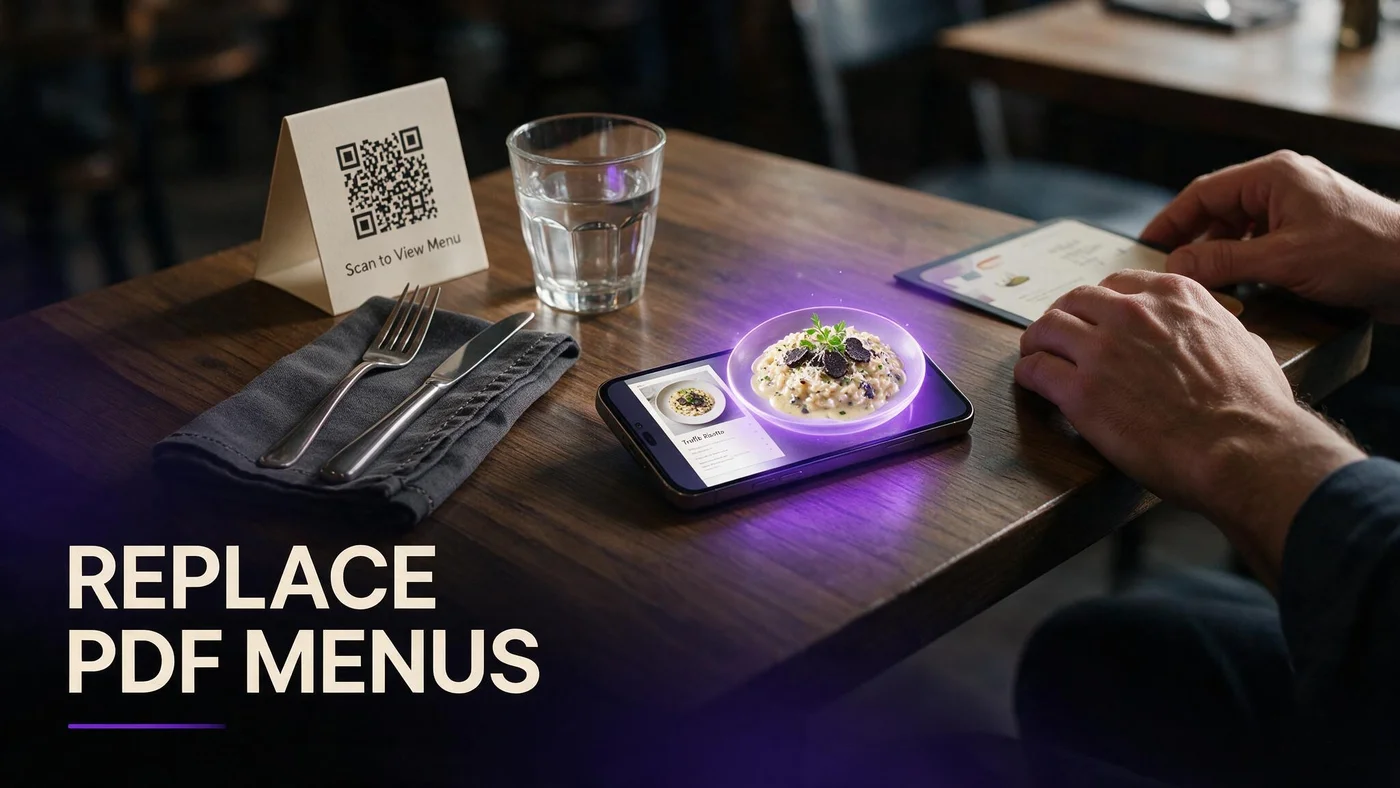
To replace a PDF menu with AR, you change the link behind your table QR from a static document file to a live mobile web menu where selected dishes carry optional WebAR preview badges. Guests still scan once, but they browse categories in Safari or Chrome instead of pinch-zooming a flat export.
You are not asking guests to install a restaurant app. WebAR preview runs in the browser when they tap hero tiles on signatures you mark in your dashboard.
Baseline vocabulary for staff cards: beforetable.com/blog/what-is-an-ar-restaurant-menu.
Same tent artwork, new landing page
Many US and Canada independents keep existing QR print design and only update the encoded URL to a live menu.
PDF archive can stay internal
Accountants may still want a printable PDF snapshot. Guest-facing QR should resolve to the live menu URL.
Why US and Canada restaurants replace PDF menus in 2026
PDF QR menus solved hygiene during the first digital rush but go stale the moment a price changes in the kitchen spreadsheet.
Replacing PDF with AR gives guests portion clarity on shareables without adding server questions during understaffed lunch services.
Live menu URLs also let you hide 86 items before the next scan instead of re-exporting files and coordinating print proofs.
Guest trust on accurate prices
When scanned prices differ from the check, guests blame the restaurant, not the outdated PDF timestamp.
Mobile PDF friction
Pinch zoom on allergen text at the bottom of page four drives scan abandonment on venue LTE.
PDF menu pain points AR solves at the table
PDF files load entire documents before guests find the section they want. Live menus open with category headers sized for thumb scroll.
Flat pages cannot show portion on a shareable platter. WebAR heroes answer how big is this for two without a server round trip.
Compare formats in depth: beforetable.com/blog/pdf-qr-menu-vs-ar-menu.
Seasonal rotation without reprint loops
Swap hero dishes and price lines in dashboard when LTO menus rotate. Stable URL means tents stay on tables.
Optional 3D on heroes only
Text menu stays fast because models fetch only when guests tap preview badges, not on initial scan.
BeforeTable pricing to replace PDF with AR (USD)
Free is $0 USD for 3 AR dishes plus full text menu with live price edits. Starter is $20/mo for 15 dishes. Growth is $200/mo for 50 dishes plus analytics.
Most independents replacing PDF start on Free while they prove preview tap rate on three signatures before upgrading hero count.
Full plan breakdown: beforetable.com/blog/beforetable-pricing-explained.
Free tier is production, not a trial
Three WebAR heroes at $0 USD is ongoing. You can replace PDF guest flow without a monthly bill on day one.
Starter when seasonal menus grow
Upgrade to Starter at $20/mo when you need more than three simultaneous WebAR heroes across dining room and patio sections.
Step one: audit your current PDF QR workflow
List every surface encoding your PDF link: table tents, window clings, receipt inserts, Google Business, and Instagram bio.
Note how often you re-export the PDF for price edits. That labor hours line item often exceeds a Starter subscription.
Free tier context for independents: beforetable.com/blog/free-ar-menu-for-restaurants.
Find the stale price moment
Track the last guest complaint about scanned prices versus checks. That date marks when PDF replacement pays for itself.
Pick one room for pilot
Run dining room only for one peak service before you re-point QR on patio tents and bar rail cards.
Step two: rebuild menu items in a live dashboard
Create a BeforeTable account and enter current prices, descriptions, allergen notes, and category order from your latest PDF export.
Treat the dashboard as source of truth going forward. Retire the habit of editing prices only in the design file.
Setup ladder: beforetable.com/blog/how-to-create-an-ar-restaurant-menu.
Match kitchen language
Use the same dish names servers speak at the table so guests connect scan to spoken specials.
Hide duplicates from PDF era
Retire buried combo lines that lived on page six of the old export. Cleaner mobile categories reduce scroll fatigue.
Step three: add WebAR heroes to replace flat PDF photos
Choose three signatures with the most portion questions: one entree, one shareable, and one dessert or cocktail with strong visual height.
Upload hero photos on service ware you plate. Wait for Ready status before you publish preview badges to guests.
Photography guide: beforetable.com/blog/dish-photography-angles-for-ar-menus.
Ready status before launch
Plan one business day for model processing after upload. Do not point QR at preview tiles until Ready confirms quality.
Kitchen must match hero plating
When expo matches the hero photo, guest trust in WebAR preview rises. Mismatch hurts faster on modeled dishes.
Step four: point table QR at the live menu URL
Generate QR from BeforeTable and encode your stable menu URL on existing tent artwork instead of the PDF path.
Print one test tent if the encoded link changes. After that single swap, price edits no longer require print shop runs.
QR plus WebAR flow: beforetable.com/blog/qr-code-menu-with-3d-models.
Short URL under the code
Print a typed fallback link for guests whose camera will not focus on gloss laminate.
Google Business same link
Publish the live menu URL on Google and social so discovery prices match dine-in scan.
How guests experience AR after you replace PDF
Guest scans QR, opens Safari or Chrome, scrolls text menu with current prices, taps dish with 3D badge, previews portion, closes viewer, orders with server.
No App Store step sits between scan and preview. Staff line: Scan for our menu. Tap 3D dishes to preview.
Guest path guide: beforetable.com/blog/how-guests-scan-food-in-ar.
WebAR on iPhone Safari and Android Chrome
Browser notes for US and Canada traffic: beforetable.com/blog/webar-menu-safari-chrome.
No guest login wall
Walk-ins browse and preview without creating accounts. See beforetable.com/blog/do-customers-need-app-ar-menu.
Replace your PDF menu with AR this week
Audit PDF surfaces, rebuild menu in dashboard, upload three heroes, wait for Ready, encode live URL on one test tent, run one busy lunch on Safari and Chrome.
Replacing a PDF menu with AR works when scan access, live text prices, optional WebAR preview, and kitchen output tell one honest story.
Start on Free at $0 USD for three WebAR heroes, then upgrade to Starter at $20/mo when seasonal rotations need more preview slots.
Frequently Asked Questions
How do I replace a PDF menu with AR?
Build a live menu in BeforeTable, upload hero photos, generate QR, and encode the menu URL on tents instead of the PDF link. Guide at beforetable.com/blog/how-to-create-an-ar-restaurant-menu.
Do guests need an app when I replace PDF with AR?
No. WebAR preview runs in Safari or Chrome after scan. Details at beforetable.com/blog/do-customers-need-app-ar-menu.
How much does it cost to replace a PDF menu with AR?
BeforeTable Free is $0 USD for 3 AR dishes plus live text menu. Starter is $20/mo. Growth is $200/mo. See beforetable.com/blog/beforetable-pricing-explained.
Can I keep my existing QR tent artwork?
Yes. Update the encoded URL from PDF path to your BeforeTable menu URL. Same print design, upgraded landing page.
What is the difference between PDF QR and AR menu?
PDF opens a static file. AR opens a live web menu with optional WebAR preview. Compare at beforetable.com/blog/pdf-qr-menu-vs-ar-menu.
How many AR dishes can I show on Free?
Three WebAR heroes at $0 USD. Swap which three are live without changing your menu URL.
Which browsers show AR preview after I replace PDF?
Test iPhone Safari and Android Chrome before launch for US and Canada dine-in traffic.
Do I reprint QR every time I change prices?
No when QR encodes a stable live menu URL. Edit prices in dashboard and the next scan shows fresh numbers.
Can Canadian restaurants replace PDF with AR?
Yes. Same USD plans and browser WebAR on iPhone Safari and Android Chrome.
How long until WebAR models are Ready after upload?
Plan one business day for Ready processing after clean photos on service ware you plate.
Should I delete my PDF entirely?
Keep an internal PDF archive if auditors require it. Guest-facing QR should land on the live menu.
Will replacing PDF slow menu load?
Live text menus load faster than multi-page PDFs on mobile LTE. 3D assets fetch only when guests tap hero tiles.
What dishes should get WebAR first?
High margin signatures, shareables with portion questions, and one strong visual dessert or cocktail.
Can I replace PDF on bar tents only first?
Yes. Pilot one room, confirm scan and preview flow, then re-point dining room and patio URLs.
How do staff explain AR after PDF removal?
Two-line script: Scan for our menu. Tap 3D dishes to preview. Same QR habit, richer landing page.
What if a guest phone cannot load WebAR?
They still browse full text menu with prices and allergens. Preview is optional on hero tiles.
When should I upgrade from Free after replacing PDF?
Upgrade to Starter at $20/mo when you need more than three WebAR heroes live at once.
Can groups preview different dishes from one scan?
Yes. One scan opens the menu URL. Each guest taps heroes on their own phone.
How do I photograph food for AR heroes?
Consistent angles and even light on service ware. Guide at beforetable.com/blog/dish-photography-angles-for-ar-menus.
What is the first step to replace PDF with AR?
Create a BeforeTable account, rebuild menu items with current prices, upload three hero photos, wait for Ready, and encode the live URL on one test tent.