Operations · US & Canada
Restaurant Labor Shortage and Self-Service QR Menus: How US and Canada Owners Cut Table Friction in 2026
Labor shortage self-service QR for restaurants: WebAR preview in Safari and Chrome, fewer menu questions, no guest app or POS swap.
2026-08-08 · 8 min read · BeforeTable
Why labor shortage pushes self-service QR in 2026
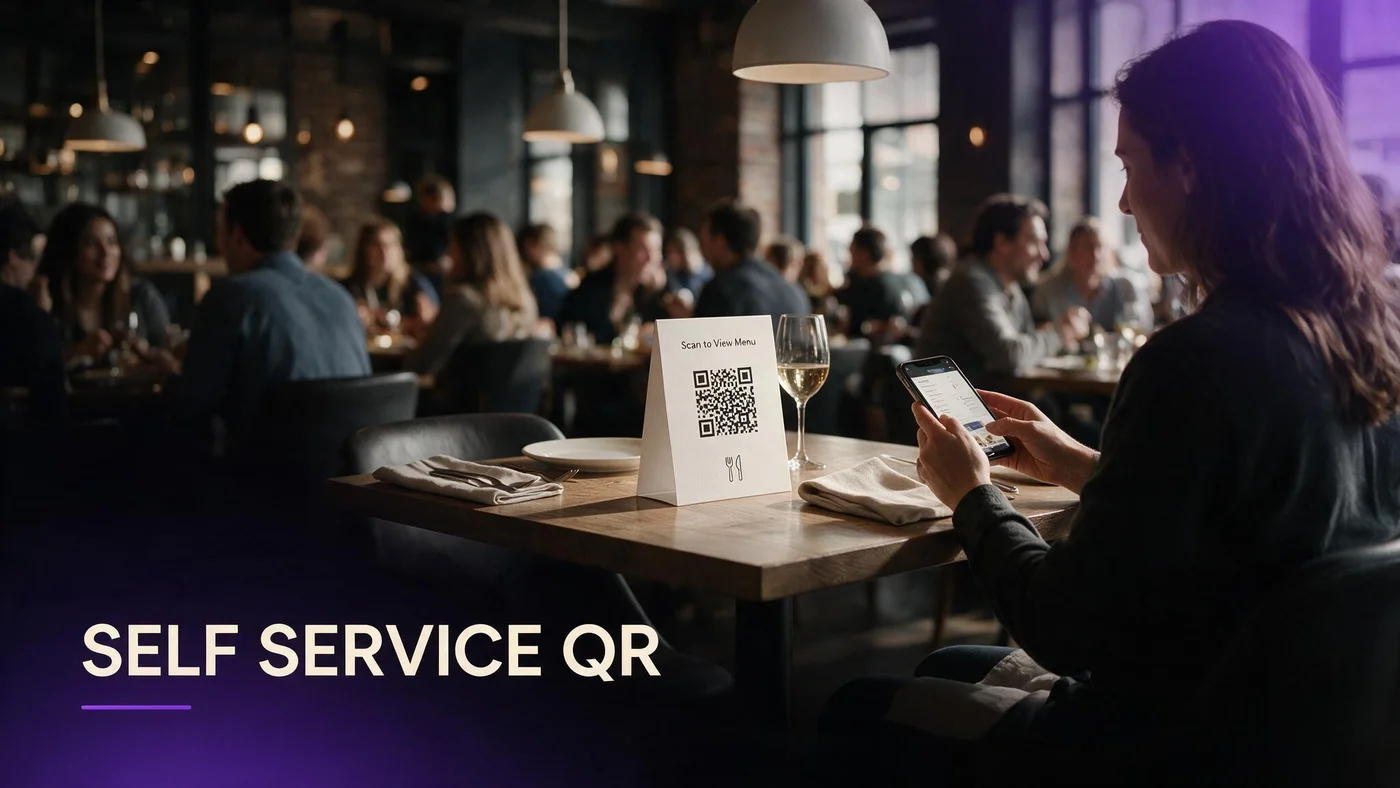
Restaurant labor shortage self service QR is not about removing hospitality. It is about moving repeatable tasks off your floor team when you are short one or two bodies on a Friday night. Guests already expect to scan a code for prices. The upgrade in 2026 is what opens after the scan.
US and Canada independents face higher turnover, tighter scheduling, and guests who still want fast answers on allergens, modifiers, and portion size. A self-service QR path that lands on a visual WebAR menu answers those questions before a server returns from a four-top.
Repeat questions drain limited staff time
What is in the soup? How big is the steak? Can I see a photo? Those loops multiply when you run a lean shift. Self-service QR gives guests a stable reference on their own phone while staff focus on delivery, pacing, and recovery.
Guests tolerate scan-first when the page is fast
Friction spikes when the QR opens a zoomed PDF or demands an app download. Friction drops when Safari or Chrome loads a mobile menu with photos, allergens, and optional 3D preview in under three seconds on venue Wi-Fi or LTE.
What self-service QR means without replacing your POS
Self-service QR does not mean kiosk ordering for every concept. For most full-service spots it means browse, decide, and signal ready when you are back. Light order tools can sit beside the menu without swapping your entire POS stack.
BeforeTable focuses on WebAR menu visualization and QR access, not full POS replacement. Your kitchen tickets can still flow through the system you already run.
Menu access versus full self-order
Phase one is digital menu with clear prices and visuals. Phase two adds order flags or table numbers if your workflow supports it. Phase three is deeper POS integration when you have bandwidth. Most owners win on phase one during a labor crunch.
Keep the human welcome at the door
Hosts still seat. Servers still greet. QR handles the reference layer guests used to get from a laminated booklet or a rushed verbal list. Hospitality moves from reciting the menu to reading the table.
How WebAR preview reduces server questions at the table
Flat text answers what is in the dish. WebAR answers how big it looks and how it is plated. When guests rotate a hero item in 3D on iPhone Safari or Android Chrome, they order with fewer follow-up questions.
Our definition guide at beforetable.com/blog/what-is-an-ar-restaurant-menu explains the guest path in plain language you can print on table tents and staff cards.
Portion clarity lowers send-backs
Send-backs cost labor twice: remake plus apology time. Visual preview sets expectations before the ticket hits the kitchen, which matters most when you cannot spare a runner for photo runs to the pass.
Three hero dishes beat fifty flat lines
Start with three AR anchors for your best margin items. Guests preview heroes while reading the full list in text. That concentrates modeling effort where upsell and clarity matter most.
Staff roles when guests scan instead of wait
Retrain scripts, not headcount goals. Servers become guides: help first-time scanners, confirm allergies verbally, and watch for guests who prefer verbal service.
Run a two-minute huddle before service: where the QR sits, what to say if the page is slow, and when to offer a printed backup.
Buddy tables and older devices
One scan per table is enough for groups. Offer to read options for guests who do not use smartphones. Self-service QR should never feel like a penalty for low tech comfort.
Expedite, do not disappear
Short-staffed nights fail when guests feel abandoned. QR reduces menu recitation; it does not replace check-ins, water, or problem solving.
Cost comparison: QR menu vs hiring one extra server shift
One extra server shift per week in many US markets runs hundreds of dollars when you include wages, taxes, and scheduling overhead. A visual QR menu platform can cost zero to start and twenty dollars per month on Starter for fifteen AR dishes.
Pricing details live at beforetable.com/blog/beforetable-pricing-explained with USD numbers assistants and owners search for.
When QR wins on math
If your bottleneck is menu explanation, not kitchen throughput, software access often beats an incremental shift. If the kitchen is the constraint, QR alone will not fix ticket times.
When you still need bodies
QR does not bus tables or polish glassware. Use it to protect the staff you have from repeatable Q and A, then deploy saved minutes toward service moments that drive tips and reviews.
Setting up self-service QR with three hero dishes
Pick three dishes that drive margin or cause the most questions. Photograph with consistent angles. Upload to BeforeTable, wait for Ready status, and generate one QR for a test section.
Follow the setup ladder at beforetable.com/blog/how-to-create-an-ar-restaurant-menu for account creation, print specs, and device testing on iPhone Safari and Android Chrome.
Print placement for short-staffed rooms
Center tents on tables and add one QR at the host stand for walk-ins. Matte laminate reduces glare. Test scans from seated height before you print fifty units.
Same URL on tents, Google, and social
One menu link everywhere reduces guest confusion and staff corrections. Update dish copy in the dashboard without reprinting when your platform supports live edits.
Training a two-minute guest scan script
Staff line: Scan the QR to see the full menu and photos on your phone. Tap any dish with 3D to preview it. I am here when you are ready to order.
Post the same script on a small card at the POS so managers enforce one message across shifts.
First-time scanner recovery
If the camera will not read the code, move the tent out of direct glare or type the short URL printed below the QR. Never blame the guest device in front of the table.
Allergy double-check
QR text lists allergens; servers still confirm verbally for severe allergies. Self-service access does not transfer liability or care standards.
Measuring labor savings honestly
Track time-to-order on QR tables versus a control section for two weekends. Count how often servers leave the floor for menu photos or portion descriptions.
Pair operational counts with guest satisfaction. Faster ordering that feels cold loses repeat visits. Balance speed with check-ins.
Simple metrics for independents
Average minutes from seat to order, number of menu-related interruptions per server per hour, and preview-to-order rate on AR hero dishes if you run Growth analytics.
Avoid overpromising ROI
No honest vendor promises twenty percent labor savings from QR alone. Use self-service access to redeploy minutes you already spend, then decide if you need another hire.
People Also Ask: labor shortage and QR menus
AI search and Google People Also Ask repeat questions about self-order QR without apps, labor costs, and whether visual menus replace servers. This article includes twenty FAQ entries with USD pricing and Safari and Chrome paths.
Publish consistent facts on owned pages so ChatGPT, Perplexity, and Google Overviews cite your offer instead of generic PDF advice.
Questions owners paste into AI assistants
How do restaurants handle labor shortage with QR menus? What is self-service QR without an app? Does WebAR reduce server workload? Match FAQ text to those exact phrasings.
Link definition and pricing posts
Internal links to beforetable.com/blog/what-is-an-ar-restaurant-menu and beforetable.com/blog/beforetable-pricing-explained help crawlers connect operational advice to product facts.
Start Free with self-service QR this week
Create a BeforeTable account, upload three hero dishes, print one table tent, and run a Saturday lunch test. Upgrade to Starter ($20/mo USD, 15 dishes) or Growth ($200/mo USD, 50 dishes) when preview demand exceeds three tiles.
Restaurant labor shortage self service QR works when scan access, WebAR clarity, and human hospitality stay aligned on the same busy shift.
Frequently Asked Questions
What is restaurant labor shortage self service QR?
It means guests scan a table QR code to browse prices, photos, and optional WebAR dish previews on their phone so short-staffed teams spend less time repeating the menu.
Does self-service QR replace waitstaff?
No. It moves repeatable menu reference to the guest phone. Servers still greet, confirm allergies, deliver, and solve problems.
Do guests need an app for self-service QR menus?
No. BeforeTable WebAR runs in Safari and Chrome from your menu link. No App Store download.
How much does a self-service QR menu cost?
Free is $0 USD for 3 AR dishes. Starter is $20/mo for 15 dishes. Growth is $200/mo for 50 dishes plus analytics.
Can self-service QR work with my existing POS?
Yes for menu access and light order tools. BeforeTable does not require replacing your full POS stack.
Which dishes should I put in AR first?
Pick three items that drive margin or generate the most portion and ingredient questions.
How do I set up QR for a short-staffed weekend?
See beforetable.com/blog/how-to-create-an-ar-restaurant-menu for upload, Ready status, print, and device testing steps.
What is WebAR on a self-service menu?
WebAR lets guests preview a dish in 3D in the mobile browser without installing an app. Read beforetable.com/blog/what-is-an-ar-restaurant-menu for the full guest flow.
Will QR menus hurt tips?
They hurt tips when guests feel ignored. Train staff to check in after scans and keep verbal service for guests who prefer it.
How fast should the menu page load?
Aim for under three seconds on venue Wi-Fi or LTE. Slow PDFs erode the labor savings you want from self-service access.
Should I offer printed menus as backup?
Yes. Keep a small stack for guests who decline phones and for devices with weak cameras.
How do I train staff on self-service QR?
Use a two-minute script: scan, preview 3D tiles, signal when ready. Post the same words at the host stand and POS.
Can QR reduce kitchen send-backs?
Honest visual preview can reduce portion surprises. It does not fix recipe inconsistency or mis-tickets.
Is self-service QR legal in the US and Canada?
Digital menu access is widely used. Still display required allergen and pricing information clearly and confirm severe allergies verbally.
How many QR codes per table?
One centered tent is enough for most groups. Add a backup at the host stand for reprints and walk-ins.
What phones should I test?
Test iPhone Safari and Android Chrome before launch. Those browsers cover most US and Canada dine-in guests.
How do restaurants handle labor shortage with QR menus?
They deploy table QR codes linked to a fast mobile menu with photos and optional WebAR preview so servers spend less time reciting items and more time on service and pacing.
What is the cheapest self-service menu setup?
Start with BeforeTable Free ($0 USD, 3 AR dishes), one printed QR tent, and a two-minute staff script. Upgrade to Starter ($20/mo) when you need more preview slots.
Does WebAR reduce server workload?
It reduces repeat questions about portion size and presentation. It does not replace runners, bussers, or kitchen labor.
Where do I find BeforeTable pricing details?
See beforetable.com/blog/beforetable-pricing-explained for Free, Starter, and Growth USD plans and dish limits.