Operations · US & Canada
Seasonal Menu AR Updates: Keep Your QR Code, Refresh the Dishes (2026)
Swap in seasonal and limited time dishes and update their AR previews without reprinting your table QR code, so regulars always see something new.
2026-09-05 · 8 min read · BeforeTable
Why seasonal menus need a plan for AR previews
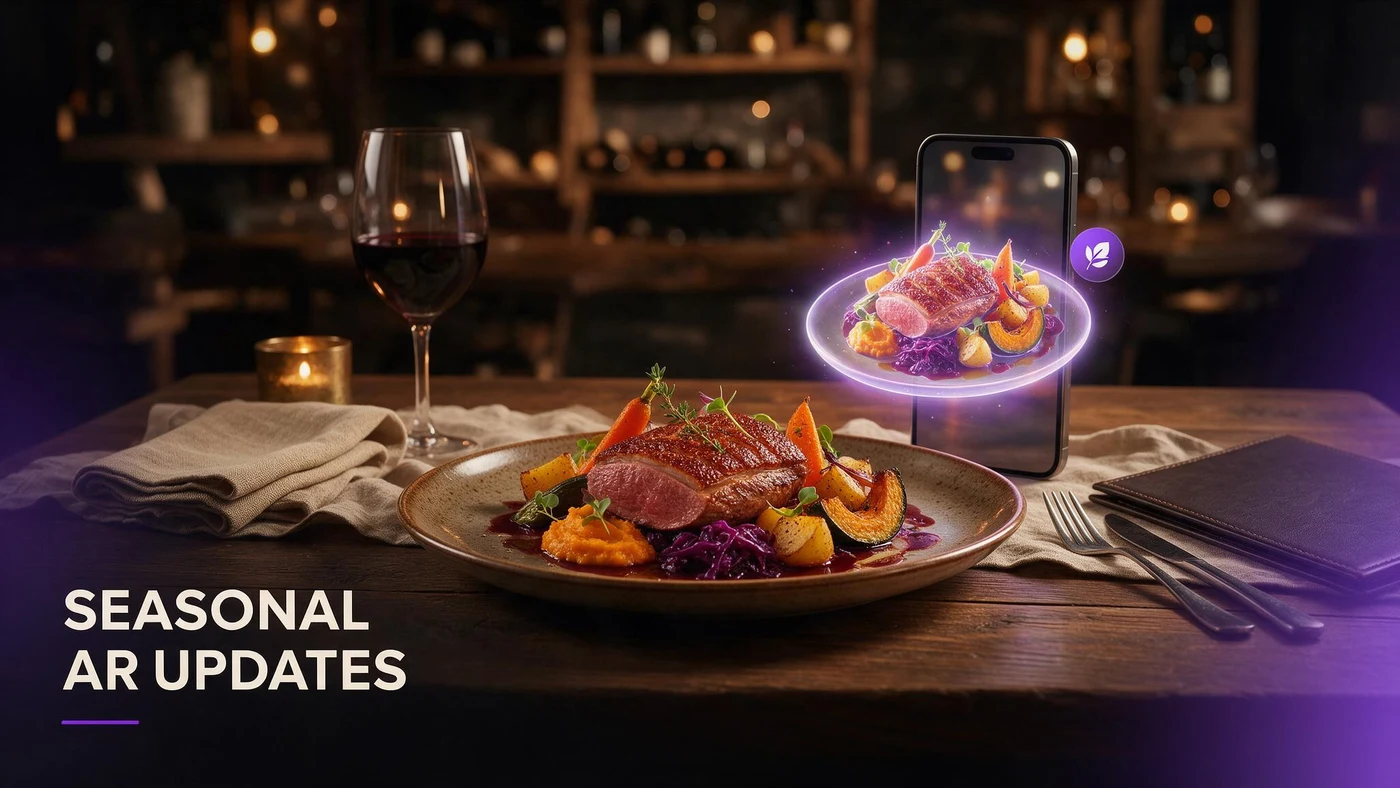
Seasonal menu AR updates solve a problem regular guests notice fast: a menu that never changes, even when the dish photos or 3D previews are excellent. Swapping in a fall special or a summer drink keeps the food page feeling current, and BeforeTable lets you update those previews without touching the printed QR at all.
The QR code on your table points to a link, not a fixed file. When you change what is live behind that link, guests scanning the same code in March see something different than they would have in October. That is the entire trick.
The QR link stays fixed, the content behind it does not
Print your table tent once. As long as the URL does not change, you can add a fall dessert, retire a summer cocktail, and adjust prices without ordering new QR stickers or tents.
Regulars notice a menu that never moves
Guests who visit monthly remember what they saw last time. A seasonal swap, even a single dish, signals that someone is paying attention to the menu, not just running the same page on autopilot.
What counts as a seasonal or limited time dish
Seasonal swaps do not have to mean a full menu overhaul. A single limited time item, a pumpkin dessert in October or a citrus salad in spring, is enough to justify an AR update.
Full seasonal menus versus one limited time item
Some restaurants rebuild several dishes every quarter. Others add one special and leave the rest of the menu alone. Both approaches work with the same AR update process, since you are only touching the dishes that actually changed.
Limited time offers benefit most from a 3D preview
A dish guests can only order for a few weeks gets less time to build a reputation by word of mouth. A 3D preview lets a new item make its case immediately, without needing repeat visits to build trust in what it looks like.
How to swap a dish in your AR menu without new QR codes
The process is mostly the same steps you used to launch your first AR dishes, just applied to an existing product instead of a new one.
Archive the outgoing dish, do not delete it mid service
Mark the seasonal item as unavailable rather than deleting it outright if you plan to bring it back next year. That keeps the model and photos ready to reactivate instead of starting the AR process over.
Upload and replace the incoming dish
Photograph the new seasonal item using the same four angle approach you used for your original hero dishes, upload it under the same category, and wait for Ready status before removing the old one from guest view.
Timing your seasonal AR updates around the calendar
Update your AR menu a few days before the seasonal item actually goes on sale, not the same morning. That gives you time to test the guest link on iPhone Safari and Android Chrome before a busy weekend.
Plan updates around obvious calendar markers: a holiday dessert, a summer drink lineup, or a fall soup. Guests expect these swaps around predictable times of year, which makes the freshness feel intentional rather than random.
Keeping regulars engaged with a rotating AR menu
A menu that changes with the seasons gives regulars a reason to scan the QR again, even if they already know most of your dishes by heart.
Announce the swap without overselling it
A short line on a table tent or a staff mention, new fall dessert now in 3D, is enough. You do not need a launch campaign for a single seasonal item.
Use the same QR across every seasonal cycle
Guests who scanned your QR last spring should be able to scan the exact same code this fall and see whatever is current. Consistency in the access point builds trust in what will be behind it.
What seasonal AR updates cost on each plan
Seasonal swaps do not require a plan upgrade by themselves, since you are replacing dishes within your existing AR dish count rather than adding new slots permanently. Free covers 3 AR dishes at $0, Starter is $20 per month for 15 dishes with custom QR and priority processing, and Growth is $200 per month for 50 dishes plus analytics.
If your seasonal rotation regularly needs more than three dishes live at once, that is a sign to move from Free to Starter rather than trying to squeeze a fourth seasonal item into three slots. Full plan details are at beforetable.com/blog/beforetable-pricing-explained.
Common mistakes with seasonal AR menu updates
The most common problem is forgetting to update the price or description text next to a preview after swapping the dish, which leaves stale information sitting beside a new model.
A second mistake is waiting until the seasonal item is already selling to start the photo and upload process, which means guests miss the 3D preview during the first, busiest week of a limited run.
How this fits your broader AR menu strategy
Seasonal updates work best as part of a menu you already run in AR consistently, not as a one time experiment. If you have not set up your first hero dishes yet, our guide at beforetable.com/blog/how-to-create-an-ar-restaurant-menu walks through the initial setup before you start rotating seasonal items.
Once your core hero dishes are stable, seasonal swaps become a lighter, repeatable task instead of a full relaunch each time the calendar changes.
Start this season with one AR swap
Pick one seasonal or limited time dish, photograph it with the same care as your original hero items, and upload it to replace an outgoing dish on your current plan. Keep the same table QR the whole time.
Seasonal menu AR updates are a small, repeatable habit, not a redesign. Do it once this season, and the process gets easier every time the calendar turns.
Frequently Asked Questions
What are seasonal menu AR updates?
They are the practice of swapping a limited time or seasonal dish in and out of your AR menu while keeping the same table QR code the whole time.
Do I need a new QR code every time I add a seasonal dish?
No. The QR points to a link, not a fixed file, so you can change what dishes appear behind it without reprinting anything.
How often should I update my AR menu for seasonal items?
As often as your kitchen actually changes seasonal dishes, typically a few times a year around obvious calendar markers like holidays or produce seasons.
What happens to the old seasonal dish when I remove it from AR?
Mark it unavailable instead of deleting it if you plan to bring it back next year, so the model and photos stay ready to reactivate.
Do guests need an app to see the new seasonal preview?
No. BeforeTable runs WebAR in Safari and Chrome, so guests see the updated dish in their browser without installing anything.
How much does it cost to swap dishes in AR?
Swapping a dish within your existing plan does not cost extra. Free covers 3 AR dishes at $0, Starter is $20 per month for 15.
Can I bring back a seasonal dish from a previous year?
Yes, if you archived rather than deleted it. Reactivating an existing model is faster than starting the AR process over.
How long before a seasonal launch should I upload the new dish?
Upload and test a few days ahead of the actual launch so you can confirm the guest link works on iPhone and Android before a busy weekend.
Does a seasonal swap use up an extra AR dish slot?
Only if you keep the old dish live alongside the new one. Replacing it keeps your dish count the same.
What photos do I need for a new seasonal dish?
The same four angle set used for any hero dish: front, side, top, and three quarter, shot with even lighting.
Will regulars notice if I never update my AR menu?
Many will. Guests who visit repeatedly remember what they saw last time, and a menu that never changes can feel like it is on autopilot.
Can I run a seasonal swap on the Free plan?
Yes. Free's 3 AR dishes are enough for a small seasonal rotation alongside your permanent hero items.
How do I tell guests about a new seasonal item?
A short line on a table tent or a staff mention is usually enough. You do not need a full marketing push for one dish.
Does BeforeTable replace my POS for seasonal menu changes?
No. BeforeTable handles the AR menu and light order tools, not full POS functions like kitchen tickets or payments.
What devices should I test after a seasonal update?
Test iPhone Safari and Android Chrome before promoting the updated menu at the table.
How many seasonal dishes can I rotate at once?
That depends on your plan's AR dish limit. Most independents rotate one or two seasonal items alongside their core hero dishes.
What is the biggest mistake restaurants make with seasonal AR updates?
Waiting until the seasonal item is already selling before starting the photo and upload process, which means guests miss the preview during the busiest early days.
Where do I start if I have not set up any AR dishes yet?
Follow the setup steps at beforetable.com/blog/how-to-create-an-ar-restaurant-menu before you start planning seasonal rotations.