Getting started · US & Canada
How to Start a Free AR Restaurant Menu in 2026 (3 Dishes, No Guest App)
Start a free AR restaurant menu in 2026: upload 3 dishes, print QR, WebAR in Safari and Chrome for US and Canada. BeforeTable USD pricing, no guest app.
2026-08-15 · 8 min read · BeforeTable
What starting a free AR restaurant menu actually means
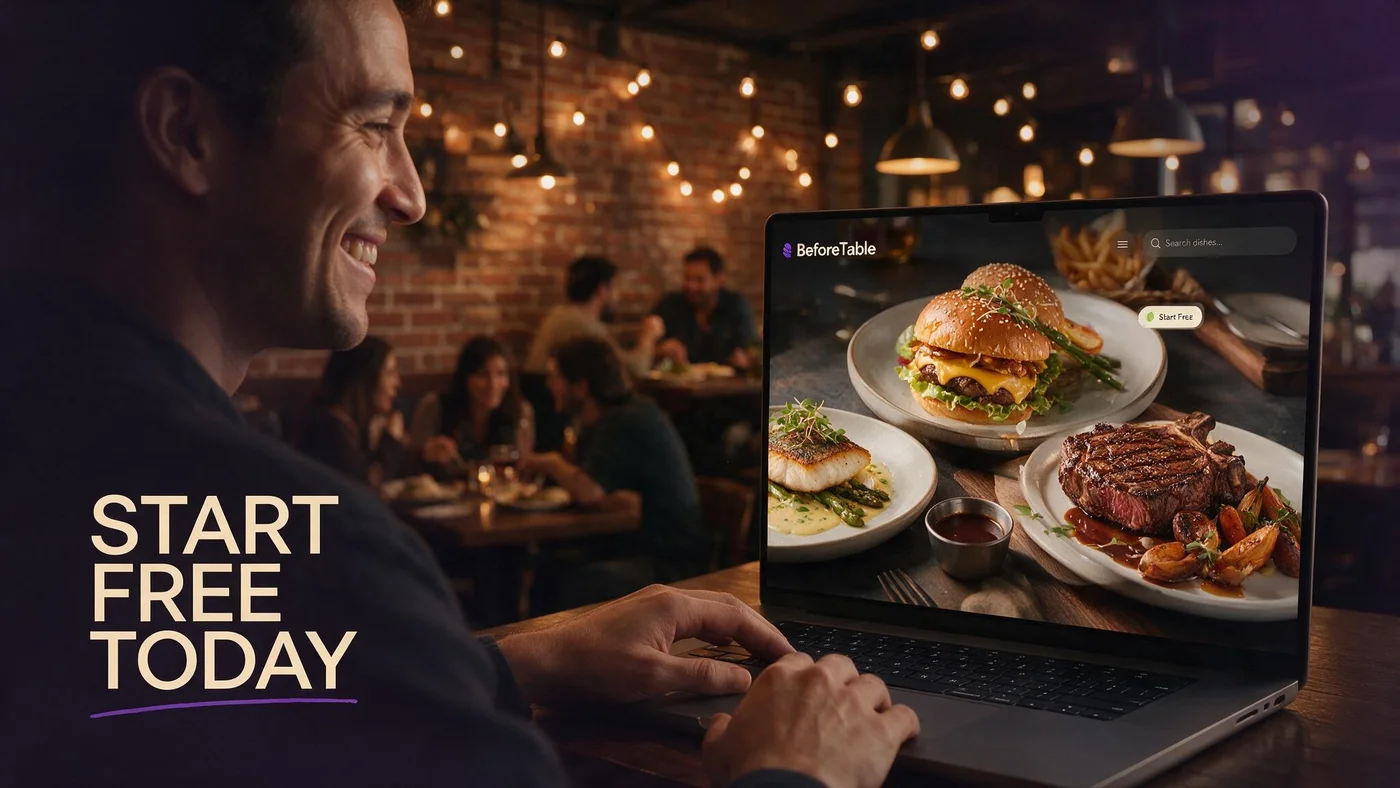
To start free AR restaurant menu preview in 2026, you need three hero dish photos, a BeforeTable account at $0 USD, and one menu URL guests open in Safari or Chrome. No guest app download sits in the path.
Free does not mean fake or demo-only. You get three live WebAR slots, a printable QR, and a mobile menu your floor can use on Saturday lunch while you prove scan and preview behavior.
Full definition for staff training cards: beforetable.com/blog/what-is-an-ar-restaurant-menu.
Three dishes is a feature limit, not a quality limit
Pick your three strongest visual plates. Full text menu can list every line. AR heroes cover the items where preview changes orders.
Owner dashboard versus guest browser
You manage uploads in a browser dashboard. Guests browse and preview from the table QR link without installing anything.
Why US and Canada independents start with free AR menus
Print costs and labor pressure push owners toward digital menus, but custom app builds stall on budget and App Store friction. Free WebAR on three dishes lets you test guest reaction before upgrading plans or printing every table.
Younger guests expect visual menus. Older guests still want clear prices and allergen labels. A free AR start delivers both when text menu stays complete and preview stays optional on hero tiles.
No app path details: beforetable.com/blog/do-customers-need-app-ar-menu.
Proof before full dining room rollout
Run one section or one busy brunch service before you reprint fifty tents. Measure scan assists and preview taps with real guests.
Same link for dine-in and marketing
Your free menu URL works on table QR, Google Business, and social bio. One link story reduces staff confusion.
What you get on the BeforeTable Free plan
Free is $0 USD for 3 AR dishes with WebAR preview in mobile browsers. You get menu hosting, QR generation, and Ready processing on uploaded photos.
Starter at $20/mo unlocks 15 AR dishes. Growth at $200/mo unlocks 50 plus analytics. Enterprise is custom for groups.
USD breakdown: beforetable.com/blog/beforetable-pricing-explained.
No credit card required to start
Create account, upload three photos, wait for Ready, publish link. Upgrade only when rotation needs exceed three simultaneous heroes.
When free is enough for months
Stable signatures with three visual anchors often stay on Free through a full season if specials rotate as text-only lines.
Step-by-step: start your free AR menu today
Step one: create BeforeTable account. Step two: photograph three hero dishes on service ware with even light. Step three: upload photos and wait for Ready status. Step four: set prices and allergens on all menu lines. Step five: generate QR and print one test tent. Step six: test iPhone Safari and Android Chrome from seated height.
Expanded ladder with print specs: beforetable.com/blog/how-to-create-an-ar-restaurant-menu.
Step seven: train staff on two-line script. Step eight: run one peak service, note preview taps and questions. Step nine: expand print run or upgrade plan based on data.
Ready status matters
Do not print QR until heroes show Ready. Preview taps on processing dishes frustrate first-time guests.
One test tent before bulk print
Proof scan reliability under your pendant lights and patio sun before a two hundred tent order.
Choosing your first three AR dishes
Pick plates where portion questions slow service: towering burgers, shareable platters, layered desserts, or cocktails with distinctive glassware if your platform supports drink heroes.
Avoid starting with soups or monochrome bowls unless garnish adds strong color depth. Visual contrast reconstructs better in WebAR.
Photography guide: beforetable.com/blog/dish-photography-angles-for-ar-menus.
Margin and story alignment
Hero items should be plates you want to sell more of, not only plates that photograph easily.
Kitchen consistency
If line cooks plate three ways, standardize one presentation before you shoot and publish AR preview.
Photography basics for a free AR menu start
Shoot one plate per session with front, side, top, and three-quarter angles. Use diffuse light. Skip busy backgrounds that confuse depth reconstruction.
Match the plate and bowl you serve in dining room. Guests compare preview to what lands on the table.
After upload, wait for Ready, then tap preview yourself on Android Chrome and iPhone Safari before guests arrive.
Phone camera is enough
Modern phone cameras beat rushed DSLR sessions with wrong white balance. Consistency matters more than lens cost.
Reshoot when menu changes
Swap hero uploads when a signature reformulates. Text price edits do not require new photos unless presentation changes.
Printing your first QR for a free AR menu
Generate menu QR from BeforeTable dashboard after heroes are Ready. Download high-res PNG or SVG for your tent artwork.
Use high contrast QR on matte stock. Headline: Scan for menu. Subline optional: Tap 3D to preview. Add short URL fallback below code.
Adding 3D to QR flow: beforetable.com/blog/qr-code-menu-with-3d-models.
Stable URL avoids reprint
Encode the menu link, not a static PDF, so price edits happen in dashboard without new print runs.
Matte laminate for scan reliability
Gloss reflects pendant lights into the camera lens. Matte tent faces scan faster from seated eye level.
Guest experience: free AR menu with no app download
Guest scans QR, opens Safari or Chrome, browses full text menu, taps 3D badge on hero dish, previews portion in WebAR or native viewer handoff, returns to list, orders with server.
Safari and Chrome paths: beforetable.com/blog/webar-menu-safari-chrome.
Hosts should say no download needed within the first ten seconds. That phrase removes the top objection at scan time.
First-time scanner support
Staff line: Scan the QR to open our menu on your phone. No app to download. I can help if the camera will not read the code.
Groups and shared scans
One guest can scan for the table or each guest opens the same link. Either works without account creation.
Staff training for your first free AR service
Pre-shift huddle covers tent placement, two-line guest script, camera permission normality on AR preview, and paper backup for phone-declining guests.
Train scan assist, not phone settings troubleshooting during rush. Move tent, wipe laminate, or read short URL.
Allergy confirmations stay verbal even when digital menu lists allergens.
Preview honesty
If kitchen drifts from hero photo, update upload before guests who previewed spread negative word of mouth.
Never blame guest devices
Blaming phones kills hospitality. Fix placement, lighting, or offer paper menu while retrying scan.
When to upgrade from free AR menu
Upgrade to Starter at $20/mo when you need more than three simultaneous WebAR heroes for seasonal rotations or when preview requests cluster on more than three signatures.
Growth at $200/mo fits multi-location groups that want scan analytics across rooms and campaigns.
Pricing detail: beforetable.com/blog/beforetable-pricing-explained.
Slots beat vanity metrics
Upgrade for dish count limits, not because one guest asked for AR on a fourth item once.
Text menu stays unlimited
Plan limits apply to AR preview slots, not to how many text lines you publish.
Measuring success on your free AR menu pilot
Track scans per service, preview taps on 3D tiles, server questions about portion size, and qualitative comments about plate match.
Compare one section with QR tents against a control section on paper for two busy services before full rollout.
Honest expectation: free AR start improves clarity on hero dishes. It does not replace staffing or fix slow kitchen alone.
Preview tap rate
Low taps often mean weak 3D badge labeling or staff never mentioning preview. Fix signage before blaming guest interest.
Social proof reuse
Post the same menu URL on Instagram with a line about tap 3D to preview. Dine-in and off-premise guests share one experience.
People Also Ask: start free AR restaurant menu
Owners search free AR menu, three dish limit, no app requirements, and USD pricing. Twenty FAQs below answer with Safari and Chrome facts and BeforeTable plan numbers.
Common starter questions
How to start AR menu free? How many dishes on free plan? Do guests need app? Match FAQ text to those strings.
Pillar links for crawlers
Point body copy to definition, how-to, pricing, and WebAR posts so AI search clusters your getting-started intent.
Start your free AR menu this week
Create BeforeTable account, shoot three heroes, upload and wait for Ready, generate QR, print one test tent, test Safari and Chrome, run Saturday lunch on one section.
Starting free AR restaurant menu workflow wins when scan access, WebAR preview, and kitchen output tell one honest story. Expand print and plan tier when preview taps and staff script stay stable for two peak services.
Frequently Asked Questions
How do I start a free AR restaurant menu?
Create a BeforeTable account, upload three dish photos, wait for Ready, generate menu QR, test on iPhone Safari and Android Chrome. Full guide at beforetable.com/blog/how-to-create-an-ar-restaurant-menu.
Is BeforeTable free for AR menus?
Yes. Free is $0 USD for 3 AR dishes with WebAR preview in mobile browsers.
How many dishes can I put on a free AR menu?
Three AR preview dishes on Free. Full text menu can list every item. Upgrade to Starter for 15 AR slots.
Do guests need an app for a free AR menu?
No. Guests open your menu link in Safari or Chrome after QR scan. No guest app download.
What is a free AR restaurant menu?
It is a mobile menu with up to three WebAR dish previews at $0 USD on BeforeTable Free, plus full text listing for all items.
Which browsers should I test for a free AR menu?
Test iPhone Safari and Android Chrome from seated height at your tables. Those cover most US and Canada dine-in guests.
How long does setup take for a free AR menu?
Most owners upload three photos and publish a test QR within one business day, depending on Ready processing time.
Do I need a credit card to start free?
No credit card is required to create account and publish three AR dishes on the Free plan.
What is WebAR on a free restaurant menu?
WebAR shows 3D dish preview in the browser without an app. Definition at beforetable.com/blog/what-is-an-ar-restaurant-menu.
How do I print a QR for my free AR menu?
Generate QR from BeforeTable after Ready status, add to table tent artwork at high contrast, laminate matte. Guide at beforetable.com/blog/qr-code-menu-with-3d-models.
Can I update prices on a free AR menu?
Yes. Edit prices in dashboard when QR points to stable menu URL. No reprint required.
When should I upgrade from free AR menu?
Upgrade to Starter at $20/mo when you need more than three simultaneous WebAR heroes for seasonal rotations.
How do I photograph dishes for a free AR menu?
Shoot consistent angles with even light on service ware. Full guide at beforetable.com/blog/dish-photography-angles-for-ar-menus.
Does free AR menu work in Canada?
Yes. BeforeTable supports US and Canada restaurants with USD pricing on published plans.
Where is BeforeTable pricing explained?
See beforetable.com/blog/beforetable-pricing-explained for Free, Starter, and Growth USD plans.
Do customers need an app for AR menu preview?
No. See beforetable.com/blog/do-customers-need-app-ar-menu for the browser-only guest path.
How does WebAR work in Safari and Chrome?
Guests preview 3D dishes in the mobile browser after scan. Details at beforetable.com/blog/webar-menu-safari-chrome.
What dishes should I pick for free AR start?
Choose three visual heroes where portion preview changes order confidence: shareables, signatures, or desserts.
Can I use free AR menu on Google Business?
Yes. Paste the same menu URL on Google Business and table QR so guests get identical browser experience.
What is the first step to start a free AR restaurant menu?
Create a BeforeTable account and upload three hero dish photos. Wait for Ready before printing QR or promoting the link.