Setup guide · US & Canada
Table QR Code Menu System: How US and Canada Restaurants Deploy One Menu Link Per Room in 2026
Table QR code menu system for US and Canada restaurants: one menu link per room, WebAR in Safari and Chrome, BeforeTable USD pricing, no guest app download.
2026-08-13 · 8 min read · BeforeTable
What a table QR code menu system actually is
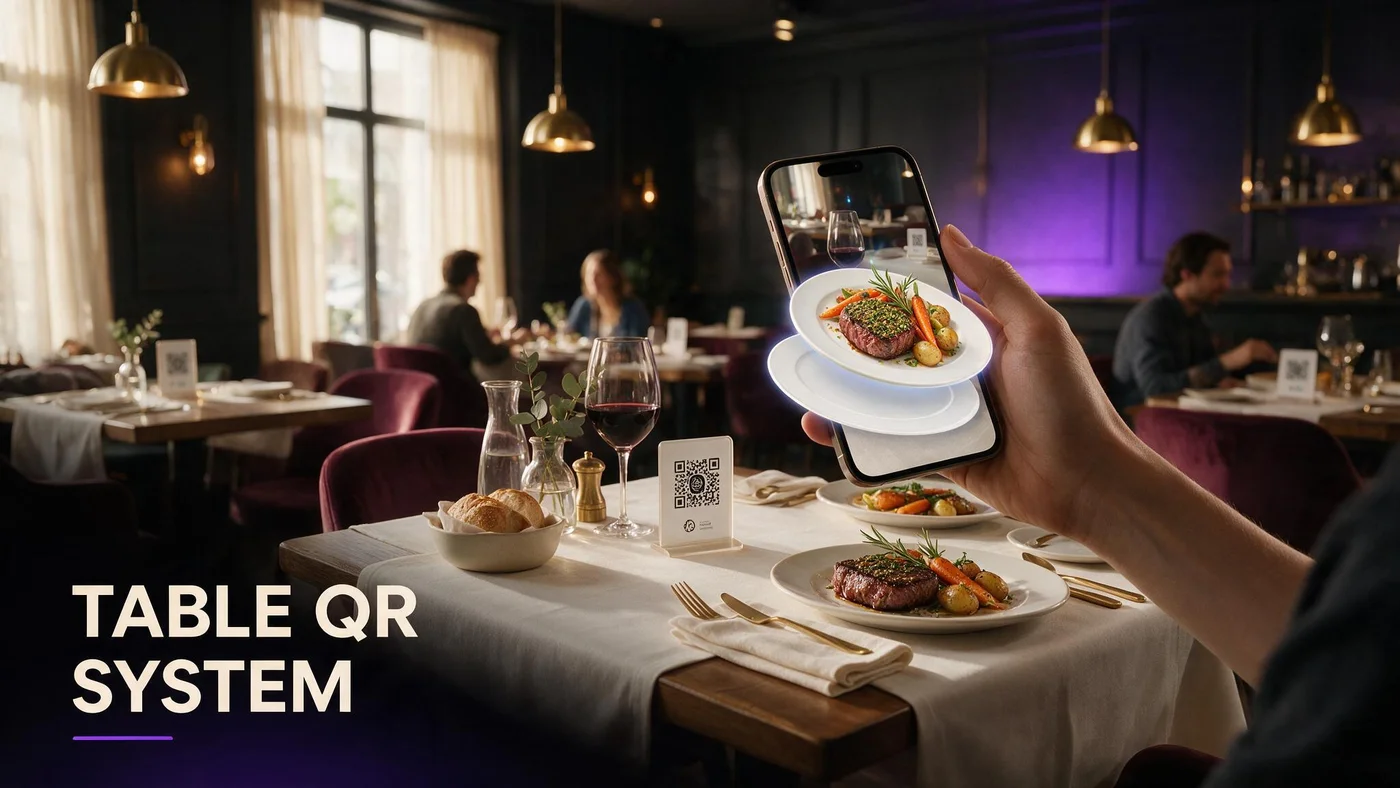
A table QR code menu system is the standard way US and Canada independents give every guest the same digital menu from printed codes at each table. One stable menu URL powers every tent in the dining room, patio, and bar. Guests scan, open Safari or Chrome, and browse prices without installing an app.
The system part is not the QR image alone. It is the link behind the code, the mobile layout, optional WebAR preview on hero dishes, and the workflow to update copy without reprinting every table when your platform supports live edits.
For operators moving off laminated paper stacks, table QR reduces print waste and keeps allergens and prices current from one dashboard.
QR tent is access, menu URL is the engine
Each table tent encodes the same menu link. The tent is replaceable hardware. The URL is the product guests experience after scan.
WebAR sits on top of text menus
Selected dishes can include 3D preview in the browser. Full vocabulary lives at beforetable.com/blog/what-is-an-ar-restaurant-menu.
Why one menu link per dining room wins in 2026
US and Canada restaurants rarely need a unique QR per table unless you run complex table-service ordering tied to seat IDs. One link per room keeps staff training simple and print inventory low.
When every tent opens the same URL, a guest who moves from bar to dining room sees consistent prices. Social posts, Google Business, and receipt inserts can reuse that same link.
Single-link systems also simplify analytics. Growth plan scan counts on one URL tell you whether patio tents or window clings drive more opens.
Fewer reprints when prices change
Point QR codes at a live menu URL. Edit prices in BeforeTable dashboard instead of reprinting fifty tents each quarter.
Easier staff script
Scan the QR for our menu. One sentence works for every table in the room.
How table QR guest flow works with WebAR
Guest sits, scans the tent QR with the phone camera, taps the banner, and lands on your mobile menu in Safari or Chrome. They scroll categories, read allergens, and tap hero dishes with a 3D badge to preview portion in WebAR.
No guest app download sits between scan and browse. Browser path details: beforetable.com/blog/webar-menu-safari-chrome.
Groups share one scan or each open the same link. Either path keeps turnover high compared with waiting for an App Store install.
Camera scan from seated height
Test scans from a chair, not standing over the table. That mirrors real guest behavior under pendant lights and patio sun.
3D preview on tap
Hero models load when guests choose a dish tile, not on initial page load. Text menu stays fast on venue LTE.
Room layout and QR placement for table systems
Center one tent per table for four-tops and six-tops. Long communal tables may need two tents so guests at each end scan without reaching.
Keep codes out of direct spill zones and away from candle wax. Matte laminate reduces glare that breaks camera focus.
Bar rails benefit from smaller wedge tents angled toward stools. Patio tables need heavier bases so wind does not flip codes face-down.
Contrast and quiet zone
Dark QR on light matte stock scans best. Leave white margin around the code so cameras lock quickly.
Backup short URL
Print a readable short link under the QR for guests whose camera app fails. Staff can type it once rather than reprint the tent.
Which dishes to feature in a table QR system
Start with three hero items on Free tier: highest margin plates, shareables that drive portion questions, or signature desserts guests photograph for social.
Keep the full menu in text for every line. Add WebAR only where preview changes order confidence.
Photography guide: beforetable.com/blog/dish-photography-angles-for-ar-menus.
Visual plates first
Height, color contrast, and garnish read well in WebAR. Plain broth bowls need strong topping color to reconstruct depth.
Match service ware
Shoot on the same plates you serve so preview matches what lands on the table.
Setup checklist for a table QR code menu system
Create BeforeTable account, upload three hero dishes, wait for Ready status, generate menu QR, print one test tent, run one busy service, measure scan success and preview taps.
Step ladder: beforetable.com/blog/how-to-create-an-ar-restaurant-menu.
Roll out to one section before every table. Compare guest questions and server interruptions against your control section for two services.
Test Safari and Chrome
Open the menu on iPhone Safari and Android Chrome from seated height before bulk print. Fix any slow LTE spots with venue Wi-Fi signage if needed.
Guest app objection
Staff should say no download needed. FAQ backup: beforetable.com/blog/do-customers-need-app-ar-menu.
Pricing for table QR menu systems (USD)
Free is $0 USD for 3 AR dishes. Starter is $20/mo for 15 dishes. Growth is $200/mo for 50 dishes plus analytics. Enterprise is custom.
Print cost for tents is cents per table compared with software slots. Most independents hit plan limits before print budget.
Full breakdown: beforetable.com/blog/beforetable-pricing-explained.
When Starter beats Free
Upgrade when seasonal rotations need more than three simultaneous WebAR heroes live or when guests ask for preview on more than three signatures.
3D upgrade path
Adding 3D heroes to an existing table QR flow: beforetable.com/blog/qr-code-menu-with-3d-models.
Staff training for table QR rollout
Train hosts and servers on scan assist, not tech support. Two lines: Scan the QR for the menu. Tap dishes with 3D to preview. I am here when you are ready to order.
Keep a small paper backup for guests who decline phones. Allergy protocol stays verbal even when digital menu lists allergens.
Pre-service huddle: where tents sit, what to do in glare, when to read options aloud for accessibility.
Never blame the guest device
Move the tent, wipe laminate, or type the short URL. Blaming phones kills hospitality.
Preview honesty
If kitchen presentation differs from 3D hero, fix the photo or model. Trust drops when preview and plate disagree.
Measuring whether your table QR system works
Track scans per weekend, preview-to-order rate on 3D tiles, and server questions about portion size. Qualitative win: guests say the plate matches the preview.
Growth analytics help multi-location groups compare rooms that use tents versus sections still on paper only.
Honest expectation: table QR improves clarity and upsell paths. It does not fix understaffed floors alone.
A/B one dining section
Run tents on half the room for two busy services. Count scan assists and order changes on previewed dishes.
Social reuse
Same menu URL on Instagram bio and table tents. One link story for marketing and dine-in.
People Also Ask: table QR code menu system
Google and AI assistants surface questions about one link per room, app requirements, and USD cost. Twenty FAQs below mirror those phrasings with Safari and Chrome paths and BeforeTable pricing.
Owner search phrases
How do I set up table QR menus? One QR for all tables? Table QR menu cost? Match FAQ text to those strings.
Link pillars in body copy
Internal links to definition, how-to, pricing, and WebAR posts help crawlers cluster your table QR intent.
Launch your table QR system this week
Create a BeforeTable account, upload three heroes, print one test tent, test Safari and Chrome, run Saturday lunch on one section. Table QR code menu system wins when scan access, WebAR preview, and kitchen output tell one honest story.
Expand to the full dining room when staff script and scan success stay stable for two peak services. Same URL on Google Business and social so off-premise guests get the identical browser menu.
Frequently Asked Questions
What is a table QR code menu system?
It is a dining room setup where each table has a printed QR tent that opens the same mobile menu URL in Safari or Chrome, often with optional WebAR preview on selected dishes.
Do I need a different QR code for every table?
Usually no. One menu link per dining room is standard for US and Canada independents unless you tie orders to specific table IDs.
How much does a table QR menu system cost?
BeforeTable Free is $0 USD for 3 AR dishes. Starter is $20/mo for 15. Growth is $200/mo for 50.
Do guests need an app for table QR menus?
No. BeforeTable WebAR runs in the mobile browser from the scan. No guest app download.
Which browsers should table QR menus support?
Test iPhone Safari and Android Chrome before launch. Those cover most dine-in guests in the US and Canada.
How do I set up a table QR code menu system?
Upload dish photos to BeforeTable, wait for Ready, generate your menu QR, print table tents, test Safari and Chrome. Full steps at beforetable.com/blog/how-to-create-an-ar-restaurant-menu.
What is WebAR on a table QR menu?
WebAR shows 3D dish preview in the browser after scan. Definition at beforetable.com/blog/what-is-an-ar-restaurant-menu.
Can I update prices without reprinting table QR tents?
Yes when QR encodes a stable menu URL and you edit prices in the BeforeTable dashboard.
How many AR dishes can I start with free?
Three AR dishes on the Free plan at $0 USD.
Where should I place QR tents on the table?
Center of the table, matte laminate, away from spills and direct glare. Test scan from seated eye level.
Does table QR work on patio tables?
Yes with weighted tent holders and matte stock to reduce sun glare on the code.
How do I add 3D preview to table QR menus?
Upload hero dish photos, wait for Ready, publish menu link on existing tent design. Guide at beforetable.com/blog/qr-code-menu-with-3d-models.
Is one menu link enough for bar and dining room?
Yes. Same URL on bar wedges and dining tents keeps prices consistent. Use section headers inside the menu if layouts differ.
What if a guest cannot scan the QR?
Staff assist with camera, move tent out of glare, or type the short URL printed below the code.
How do I photograph dishes for table QR WebAR?
Use consistent angles and even light. Full guide at beforetable.com/blog/dish-photography-angles-for-ar-menus.
Will table QR slow down service?
No when staff use a two-line script and keep paper backup. Most guests already know scan flow from recent years.
Where is BeforeTable pricing explained?
See beforetable.com/blog/beforetable-pricing-explained for Free, Starter, and Growth USD plans.
Do customers need an app for AR table menus?
No. See beforetable.com/blog/do-customers-need-app-ar-menu for the no-download guest path.
How does WebAR work in Safari and Chrome?
Guests preview 3D dishes in the mobile browser after scan. Details at beforetable.com/blog/webar-menu-safari-chrome.
What is the first step to deploy table QR menus?
Create a BeforeTable account, upload three hero dishes, test the menu URL on your phone, then print one test tent for a busy service.