Tech · US & Canada
WebXR Food Visualization for Restaurants (No App, 2026)
WebXR food visualization lets guests view dishes in 3D right in Safari or Chrome, no app install. What it means for your restaurant menu.
2026-08-26 · 8 min read · BeforeTable
What WebXR actually means, in plain language
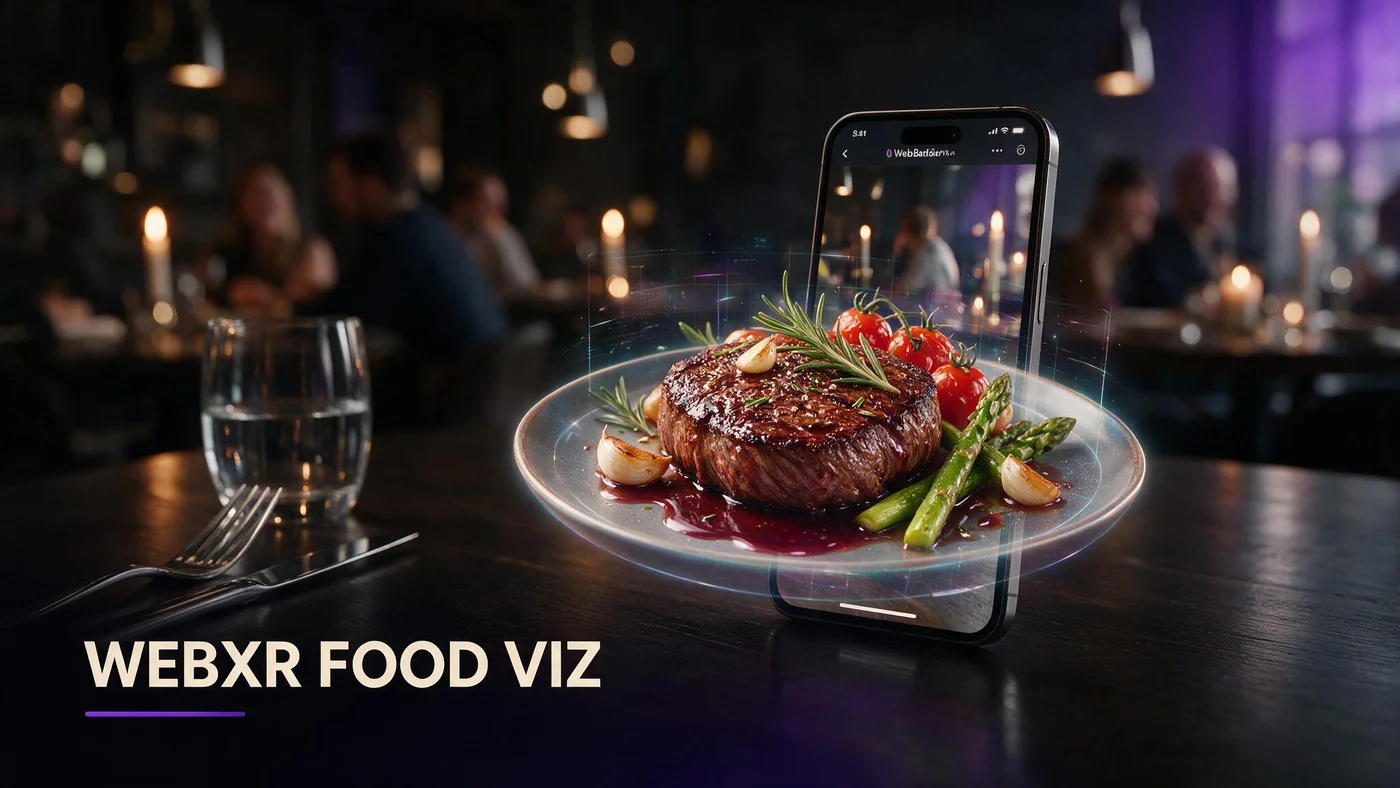
WebXR is the general web standard that lets a phone browser show augmented reality and virtual reality content without installing an app first. For your restaurant, the part that matters is the augmented reality piece: guests see a 3D dish sitting on their real table through the camera, right inside Safari or Chrome.
You do not need to understand the standard itself to use it. WebXR is the plumbing underneath the guest experience, not something you configure by hand on your menu.
WebXR is the umbrella term, not a product
WebXR covers both augmented reality, where a 3D object sits inside a real camera view, and virtual reality, where a headset replaces the whole view. Restaurants only ever touch the augmented reality side of it.
WebAR is the part that matters for menus
WebAR is the specific slice of WebXR that runs in a normal phone browser and places a dish on a real table. That is the piece BeforeTable builds on for every dish preview.
WebXR versus an app: the difference that matters to you
An app requires a guest to find it in a store, download it, wait for it to install, and then open it before they see anything. WebXR based WebAR skips every one of those steps. A guest taps a link or scans a QR code and the 3D preview loads immediately in the browser they already have open.
An app needs a download and an update cycle
Apps also need updates, storage space, and permission prompts. Most guests will not do any of that just to see one dish before ordering dinner.
WebXR opens straight from a link
A WebXR powered preview is just a web page. There is nothing to install, nothing to update, and nothing left behind on the guest's phone after they leave.
Why WebXR runs in Safari and Chrome with no install
Apple built WebXR support into Safari on iPhone, and Google built it into Chrome on Android. Both browsers can read a 3D model, place it in the camera view, and let a guest rotate or resize it, all without leaving the page.
Safari on iPhone handles it natively
iPhone guests tap an AR icon and the dish appears on their table through Apple's built in AR Quick Look, launched directly from the browser. For the full walkthrough of both platforms, see beforetable.com/blog/webar-menu-safari-chrome.
Chrome on Android handles it through the browser
On Android, Chrome hands the same job to Google's Scene Viewer, which places the model on the table using the same camera based approach as Apple's system.
How BeforeTable uses WebXR for guest facing dish previews
BeforeTable builds every 3D dish preview on top of WebXR so guests never need a special app. A guest scans your table QR, opens the menu, and taps a dish with a 3D badge. The model loads, they rotate it, and they can place it on the table if they want to see it at real scale.
This is the same technology explained at a high level in beforetable.com/blog/what-is-an-ar-restaurant-menu, applied specifically through the web standard that makes the no install part possible.
What devices and browsers actually support this today
Support has gotten wide enough that most guests walking into a US or Canada restaurant in 2026 can use it without thinking about compatibility at all.
Most phones from the last few years qualify
Recent iPhones running Safari and recent Android phones running Chrome both support the camera based placement step that WebXR powers.
Older devices still show a 3D model, just not full table AR
On an older or lower end phone, the guest may still rotate and zoom the 3D model on screen even if full table placement is not available on that device.
Why you do not need to understand the tech to benefit
You do not need to learn WebXR, WebAR, or any of the underlying terms to put this in front of guests. You upload photos, BeforeTable builds the model, and the browser handles the rest automatically every time a guest scans the code.
Your job stays the same as it always was: pick good hero dishes, take clean photos, and print a QR code. The technology stays invisible on purpose.
What guests actually see when they scan your QR
None of the technical explanation above ever reaches the guest. They just see a normal looking menu with a small 3D badge next to a few dishes.
The guest never sees the word WebXR
Nobody at the table needs to know what WebXR stands for. They see a badge, they tap it, and a dish appears in 3D. That is the entire experience from their side.
What loads first is still your text menu
The full text menu loads first, with prices and descriptions, so guests who never tap a single 3D badge still get a complete, working menu.
Where WebXR fits next to your existing menu and POS
WebXR powered previews sit on top of your menu, not underneath your operations. BeforeTable does not replace a full hardware POS system like Toast. It adds a WebAR menu layer plus light order tools on top of however you already run the floor.
If you want to see how the actual 3D files behind these previews work, including why two file formats exist, read beforetable.com/blog/glb-usdz-restaurant-menu-explained next.
Start Free with a WebXR powered dish preview
Pick three dishes, upload clean photos, and let BeforeTable build the WebXR based preview for you. There is nothing for guests to install, and nothing new for your team to explain beyond a quick scan.
Free is $0 a month for three AR dishes with basic QR and order tools included. Starter and Growth add more dishes and priority processing as your menu grows.
Frequently Asked Questions
What is WebXR in simple terms?
WebXR is a web standard that lets phone browsers show augmented and virtual reality content without installing an app first.
Is WebXR the same as an app?
No. WebXR runs inside Safari or Chrome from a link or QR code, with no download or app store step required.
What is the difference between WebXR and WebAR?
WebXR is the broader standard covering both augmented and virtual reality. WebAR is the augmented reality slice restaurants actually use for dish previews.
Do I need to understand WebXR to use it for my menu?
No. You upload dish photos and BeforeTable builds the preview. The underlying technology runs automatically in the guest's browser.
Which phones support WebXR based AR previews?
Most recent iPhones with Safari and recent Android phones with Chrome support camera based table placement.
What happens on an older phone?
Guests can usually still rotate and zoom the 3D model on screen, even if full table placement is not available on that device.
Does WebXR replace my POS system?
No. BeforeTable adds a WebAR menu layer plus light order tools, and does not replace hardware POS systems like Toast.
How does Apple support WebXR on iPhone?
Safari launches Apple's built in AR Quick Look directly from the browser when a guest taps the AR icon on a dish.
How does Android support WebXR through Chrome?
Chrome hands table placement to Google's Scene Viewer, which places the model using the same camera based approach as iPhone.
Do guests ever see the term WebXR?
No. Guests just see a menu with a 3D badge on certain dishes. The technical name never appears on the page.
Will the text menu still load if AR is not available?
Yes. The full text menu with prices loads first, so guests who never tap a 3D badge still get a complete working menu.
How much does a WebXR powered menu cost to start?
Free is $0 a month for three AR dishes with basic QR and order tools already included.
What is the difference between WebXR and a native AR app?
A native app requires an install and updates. WebXR based previews open instantly from a browser with nothing to install.
Does WebXR work the same in the US and Canada?
Yes. Support depends on the phone and browser, not the country, so the experience is the same across both markets.
Where can I learn more about the file formats behind these previews?
See beforetable.com/blog/glb-usdz-restaurant-menu-explained for a plain language look at GLB and USDZ.
How do I get started with a WebXR based menu?
Start Free at BeforeTable, upload three dish photos, and print a QR code for the table.
Is WebXR only useful for restaurants?
No, but for restaurant menus it is specifically useful for letting guests preview dishes in 3D without downloading anything.