Operations · US & Canada
Contactless QR Menu Best Practices for Independent Restaurants (2026)
Contactless QR menu best practices for US and Canada independents: table tent size, scan distance, lighting, wipeability, and a WebAR preview beyond flat PDFs.
2026-09-18 · 9 min read · BeforeTable
What contactless QR menu best practices actually cover
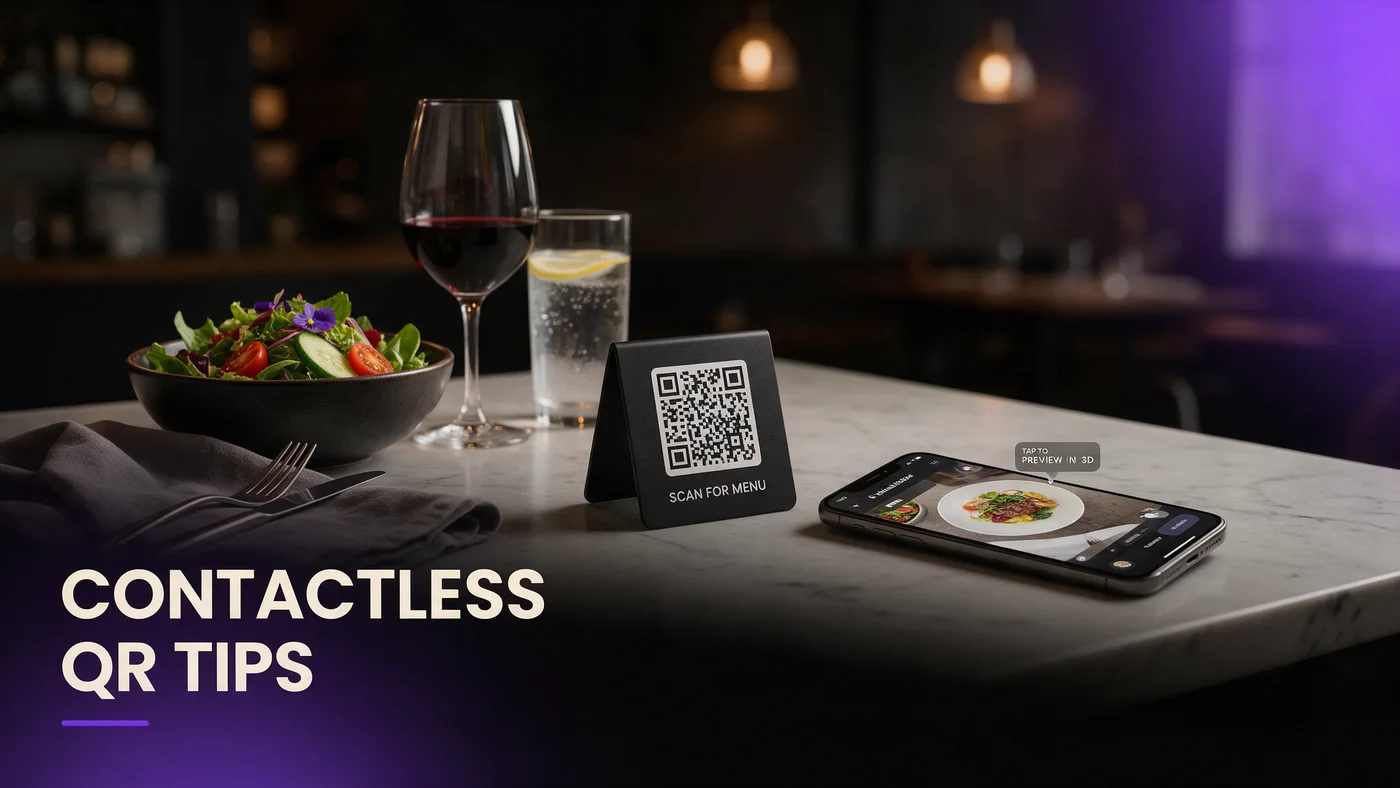
Contactless QR menu best practices come down to six things: table tent size, scan distance, lighting, wipeability, which connection you design for, and how staff introduce the code. Get those right and a guest scans once and sees the menu in seconds. Get one wrong, and you get a squinting guest or a server explaining a code that should have explained itself.
This guide walks through each area with testable steps, then covers the natural next step: a WebAR dish preview so guests see a real 3D plate instead of a flat photo trapped inside a PDF.
Designing a table tent guests actually notice
A table tent only works if a guest sees it within the first minute of sitting down. Placement and size matter more than most owners expect on a first print run.
Card size and where it sits on the table
A tent roughly 4 by 6 inches, angled toward the seat, gets noticed far more often than a small sticker tucked near the condiments. Put it where a guest's eyes land naturally, not pushed against the wall or a candle.
Contrast and type size for a quick glance
Use dark text on a light background or the reverse, never a busy photo behind the QR code itself. A short line like "Scan to see the menu" in a large, simple font tells a guest what the code does before they even lift their phone.
Getting scan distance right before you print
Most scan failures trace back to a code printed too small for real table distance. A code that scans fine on your desk at eight inches often fails at the fourteen to eighteen inches a guest naturally holds a phone above a table.
Minimum QR size for a normal table distance
Print the code no smaller than 1.5 inches square for typical table distance, closer to 2 inches if the tent sits further from the seat.
A five minute test before ordering 50 tents
Before a full print run, tape one test code to an actual table and scan it with an iPhone and an Android phone. Five minutes catches a sizing mistake before it shows up on every table.
Lighting conditions that break an easy scan
A code that scans under bright kitchen light can fail under dim dinner service or a flickering candle. Lighting is the top reason a guest gives up and asks for a paper menu.
Glare from candles, string lights, and window seats
A glossy laminate near a candle or sunny window throws a bright spot onto the code, which a camera reads as noise. Reposition the tent slightly off-center from the light source to avoid this.
Matte finish beats glossy laminate almost every time
A matte or satin laminate diffuses light instead of bouncing it into a camera lens. It costs about the same to print, so there is little reason to choose glossy for a table-facing code.
Wipeability and durability through a busy shift
A table tent gets wiped down and splashed every service. The wrong material means reprinting far more often than needed.
Materials that survive sanitizer and spills
A fully laminated card, sealed on all edges, survives a sanitizing wipe far better than a card with an open edge where moisture can warp the paper.
Putting table tents on a replacement schedule
Rather than waiting for visible wear, put a reminder on the calendar every few months to check every table. A scuffed code is easy to miss, and a guest who cannot scan it rarely mentions why.
Restaurant WiFi vs guest LTE: designing for the connection you don't control
You control the tent, not the connection a guest's phone is on. Good practice assumes the worst connection.
Why an LTE-first menu removes a login step
A menu that loads on a guest's own cell signal removes the need to join a network or clear a captive portal, both chances to give up.
When guest WiFi still earns its keep
Offer WiFi as a backup for dead zones, but do not build your strategy around it. Treat it as a safety net.
Training staff with a script that takes five seconds
The best table tent still benefits from a server pointing at it once. A short, consistent script trains guests faster than the tent alone.
One line servers say at the greet
A line like "Feel free to scan the code for the menu, and let me know if you have any trouble" takes five seconds and sets the expectation early.
What to do when a guest's phone won't scan
Keep one laminated backup menu per section for the rare guest whose camera is glitching or phone is dead. A thirty second fix beats a frustrated wait.
Moving beyond a flat PDF: adding a WebAR dish preview
A lot of independents stop at step one: a QR code that opens a PDF. That solves the contactless part, but not the oldest menu problem, which is that a guest still cannot tell how big a portion is.
A WebAR dish preview goes one step further from the same QR code. A guest scans, opens the link in Safari or Chrome, and rotates a real 3D model of a hero dish, with no app and no extra step beyond the scan they already made.
Why a PDF behind a QR code still feels flat
A PDF menu is a paper menu on a screen. It answers what a dish is called and what it costs, but not what it looks like in real proportions, the question a first-time guest is silently asking.
Adding a 3D preview without adding a guest step
The guest still scans one code and taps one dish. Nothing about the contactless flow changes, the preview simply replaces a static photo with something a guest can rotate before deciding.
Common mistakes independents make with QR menus
The most common mistake is printing a code sized for a desk test, not a real table distance, causing scan failures nobody reports. A second mistake is glossy laminate near windows or candles, guaranteeing glare during the services that matter most. A third is designing entirely around restaurant WiFi and skipping a test on plain LTE, which is what most guests actually use.
What this costs for an independent restaurant
Free starts at $0 for 3 AR dishes, enough to test a WebAR preview without commitment. Starter is $20 a month for 15 dishes, which covers most independent menus. Growth is $200 a month for 50 dishes with analytics, useful once you want to see which dishes guests rotate most. Full details are at beforetable.com/blog/beforetable-pricing-explained.
Start free with a better QR menu today
Fixing table tent size, lighting, and material is a one-afternoon project that pays off on every table, every service. Once that foundation is solid, adding a WebAR preview to two or three hero dishes is the natural next step.
Start Free with 3 AR dishes at $0 and test the full contactless experience, from the table tent to the 3D preview, before deciding how far to take it. See beforetable.com/blog/how-to-create-an-ar-restaurant-menu for setup details.
Frequently Asked Questions
What are contactless QR menu best practices?
They cover table tent size, scan distance, lighting, wipeable materials, designing for a guest's own LTE connection, and a short staff script, so a guest scans once and sees the menu without friction.
Do guests need to download an app to use a QR menu?
No. A QR code opens a page directly in Safari or Chrome, with nothing to install and no account required.
How big should a table QR code be printed?
Print the code at least 1.5 inches square for a normal table distance, and closer to 2 inches if the tent sits further from the seat.
What is the best material for a table tent?
A fully laminated card with sealed edges in a matte or satin finish survives sanitizer and spills better than glossy laminate, and it avoids glare near candles or windows.
How often should I replace QR table tents?
Check every table on a set schedule every few months rather than waiting for visible wear, since a scuffed code is easy to miss during a busy service.
Does restaurant WiFi need to be strong for a QR menu to work?
No. Design the menu to load well on a guest's own LTE signal first, and treat restaurant WiFi as a backup for dead zones, not the primary path.
What should servers say when introducing a QR menu?
A short line at the greet, like inviting the guest to scan the code and offering help if it does not work, trains guests faster than the tent alone.
What if a guest's phone camera won't scan the code?
Keep one laminated backup menu per section so a server can hand it over in seconds while the guest's phone issue gets sorted out.
Is a PDF QR menu the same as a WebAR menu?
No. A PDF QR menu shows a flat photo and text, while a WebAR menu lets a guest rotate a real 3D preview of a dish in their own browser.
How much does a WebAR dish preview cost?
Free is $0 for 3 AR dishes, Starter is $20 a month for 15 dishes, and Growth is $200 a month for 50 dishes with analytics.
What devices does a WebAR menu work on?
It works on iPhone in Safari and Android in Chrome, covering the large majority of guest phones in the US and Canada.
Does a QR menu replace my POS system?
No. A WebAR menu and light order tool works alongside your POS, not as a replacement for it.
Can I use a QR table tent outdoors on a patio?
Yes, as long as the material is rated for outdoor use. A weatherproof sticker or stand-up card handles sun and rain better than a standard laminated insert.
How do I stop glare from ruining a QR scan?
Choose a matte or satin laminate and place the tent away from direct light from candles, string lights, or a sunny window.
What is the biggest mistake independents make with QR menus?
Printing a code sized for a desk test rather than a real table distance, which causes silent scan failures that guests rarely report.
Do I need bilingual QR menus in Canada?
It depends on your guest mix. Markets like Quebec and Ottawa often expect both English and French, while other cities may not.
How long does it take to update a QR menu?
Updating dish names, prices, or photos behind an existing QR code takes minutes, since the code itself never needs to change or be reprinted.
What is the difference between Free, Starter, and Growth plans?
Free covers 3 dishes at $0, Starter covers 15 dishes at $20 a month, and Growth covers 50 dishes at $200 a month with analytics.
Where can I learn more about pricing and setup?
See beforetable.com/blog/beforetable-pricing-explained for pricing and beforetable.com/blog/how-to-create-an-ar-restaurant-menu for setup steps.