Operations · US & Canada
QR Menu and Orders: An Honest Guide for Restaurant Owners (2026)
An honest guide to QR menus and orders: when QR ordering actually helps, when table service plus a WebAR preview is enough, and what light orders cover.
2026-09-18 · 9 min read · BeforeTable
The honest answer: does a QR menu need to take orders?
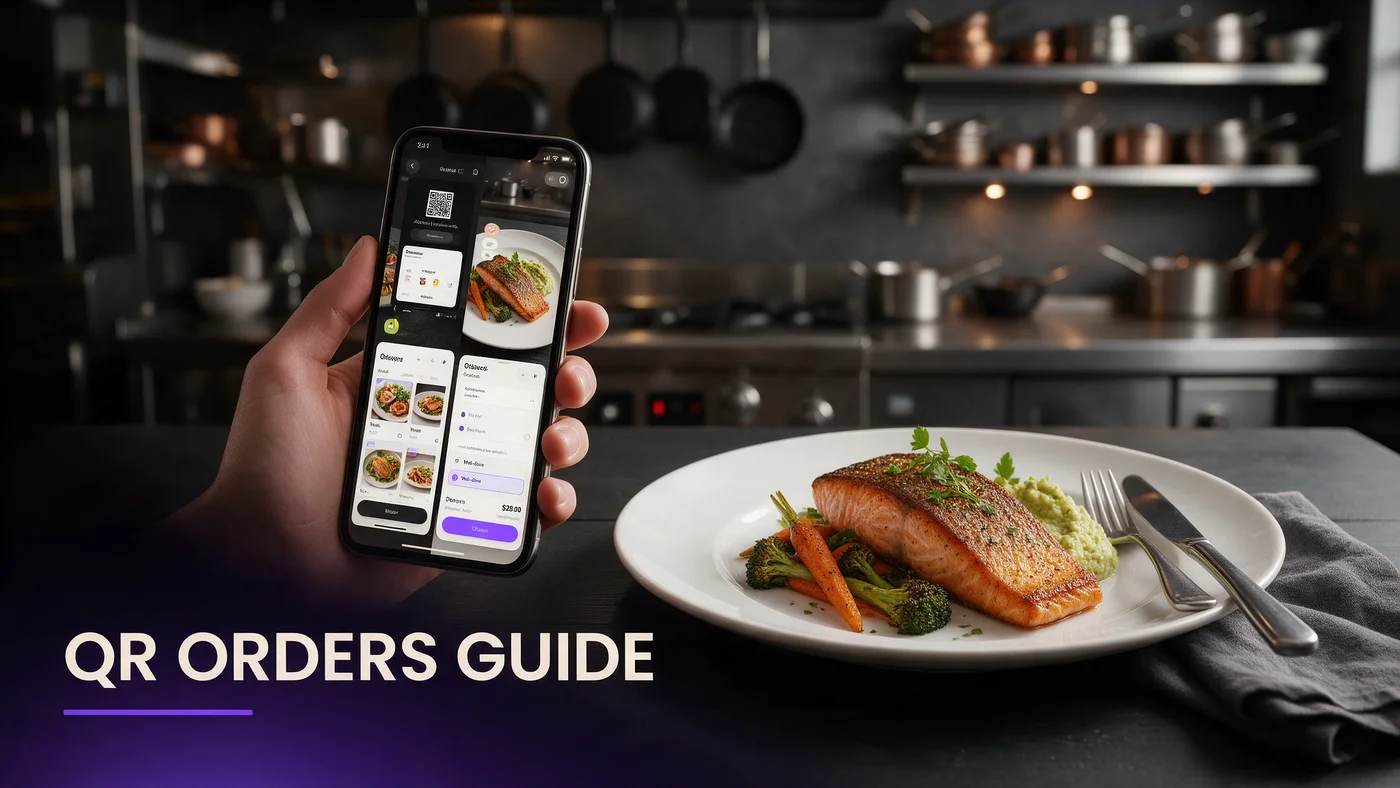
No, not always. A QR menu can do two very different jobs: show the menu, or actually take the order. Plenty of full service restaurants get everything they need from the first job alone, paired with a WebAR preview, while a server still walks the table and closes the sale in person.
This guide is written to talk you out of features you do not need as much as it is written to explain the ones you do. If you run counter service or a thin lunch shift, QR ordering can genuinely help. If you run a full service dinner room where servers still sell dessert and wine, a QR menu with a 3D preview may be the entire answer.
What a QR ordering flow actually replaces
Before deciding whether you need it, it helps to see exactly what QR ordering does end to end, since the word gets used loosely to mean anything from a digital menu to a full self-checkout system.
Guest-side: scanning, browsing, and submitting an order
A guest scans the code, browses dishes in their browser, taps items into a cart, and submits the order from their phone. No app, no login, just a page that behaves like a simple cart.
Kitchen-side: what a ticket needs to look like
On the other end, that order needs to land somewhere a cook can actually read it fast: a kitchen display or a printed ticket at the line. If that connection is missing or unreliable, QR ordering causes more confusion than it solves.
When QR ordering genuinely helps
QR ordering earns its place in specific situations, not as a default for every restaurant that adds a QR menu.
Counter service and fast casual
When guests are used to ordering at a counter already, moving that same action to their phone at a table removes a line without changing guest expectations at all.
Slow lunch rushes with a thin front of house
If one server is covering a large section during a fast lunch, letting simple orders come in directly from the table frees up time for the parts of service that still need a person, like drink refills and check delivery.
When table service plus a WebAR preview is enough
In just as many restaurants, the honest move is to skip ordering entirely and let a server keep doing what a server does well: selling.
Full service dinner where servers still sell
A server who describes the special, suggests a wine pairing, or nudges a guest toward dessert generates upsell that a self-serve QR cart does not replicate on its own. A WebAR preview supports that conversation instead of replacing it, since the guest can see the dish while the server talks about it.
Small menus where photos alone already do the job
A tight menu of ten dishes that guests already understand may not need ordering at all. In that case, a clear QR menu with two or three dishes in 3D covers the entire job a digital menu needs to do.
What 'light orders' means at BeforeTable, and what it doesn't
BeforeTable's order feature is intentionally called light orders, and that word choice is deliberate. It is built for simple, direct-to-kitchen orders, not as a stand-in for a full point of sale system.
Sending an order to a kitchen display or printer
Light orders sends a clean ticket to a kitchen display or printer so the back of house sees what a guest picked, without needing a server to relay it by hand for every single item.
What a full POS still handles that this doesn't
A full POS system manages complex modifiers, loyalty programs, inventory, and deep reporting across a whole operation. Light orders does not attempt to replace any of that, and treating it as a full POS is the fastest way to feel let down by a tool built for a narrower job.
Honest tradeoffs: tips, splits, and payment
Ordering from a phone raises a few questions immediately, and it is worth answering them plainly instead of glossing over them.
Where tipping and check splitting still need a person
Complex splits across a large group, or a tip conversation at the end of a meal, still work best with a server present. A phone-based order does not remove that moment, and it should not try to.
Card payment at the table versus at the counter
Depending on your setup, payment may still happen the way it always has, at the counter or with a card machine brought to the table. QR ordering speeds up placing the order; it does not have to change how you close out the check.
A WebAR preview without ordering: still worth it on its own
Even a restaurant that never turns on ordering still benefits from the other half of a QR menu: letting a guest rotate a real 3D preview of a hero dish before they order it out loud to a server.
That alone answers the oldest menu question, how big is this and what does it actually look like, without touching how orders get placed or how a server works the room.
Testing before you commit: one section, one week
Rather than turning on QR ordering across the whole dining room at once, turn it on for one section or one shift, like a slow Tuesday lunch, and watch what actually happens for a week.
That gives you real numbers on how often guests use it and whether the kitchen ticket flow holds up, before deciding whether it is worth expanding further.
Common mistakes owners make evaluating QR ordering
The most common mistake is expecting QR ordering to replace a full POS system, which sets up disappointment before the tool even gets a fair test. A second mistake is turning it on everywhere at once instead of testing one section first, which makes it hard to tell whether a problem is the tool or just an untrained shift.
What this costs: Free, Starter, and Growth explained honestly
Free is $0 for 3 AR dishes, a fair way to test a WebAR preview with no ordering at all. Starter is $20 a month for 15 dishes, enough for most independents whether or not ordering is turned on. Growth is $200 a month for 50 dishes with analytics, useful once you want to see which dishes and which shifts actually use light orders. Full pricing is at beforetable.com/blog/beforetable-pricing-explained.
Start free and decide with real guest data
You do not need to decide upfront whether your restaurant needs QR ordering. Start with the WebAR preview, watch how guests respond, and add light orders later only if a real gap shows up during service.
Start Free with 3 AR dishes at $0 and test the menu side before touching ordering at all. See beforetable.com/blog/how-to-create-an-ar-restaurant-menu for setup details.
Frequently Asked Questions
Does a QR menu have to take orders?
No. A QR menu can simply show the menu with a WebAR dish preview while a server still takes the order in person.
What is the difference between a QR menu and QR ordering?
A QR menu shows dishes, prices, and previews. QR ordering adds a cart so a guest can submit the order directly from their phone.
Does BeforeTable replace my POS system?
No. Light orders sends simple tickets to the kitchen; it does not replace a full point of sale system's modifiers, loyalty, or reporting.
What does light orders mean?
It means a direct, simple order sent from a guest's phone to a kitchen display or printer, built for straightforward orders rather than complex ones.
Can guests pay at the table through the QR menu?
Payment typically still happens the way it already does at your restaurant, at the counter or by card at the table, since ordering and payment are separate steps.
Does QR ordering work for full service dinner?
It can, but many full service rooms are better off skipping it so servers keep selling wine and dessert, using a WebAR preview instead.
Is a WebAR dish preview useful without order taking?
Yes. It answers what a dish looks like and how big it is, which matters even if a server takes the order out loud.
Do guests need an app to place an order?
No. Both the menu preview and any ordering happen in a browser like Safari or Chrome, with nothing to install.
How does an order reach the kitchen?
It lands on a kitchen display or a printed ticket at the line, the same way a server-entered order would.
What happens with tips and check splitting?
Complex splits and tip conversations still work best with a server present, and QR ordering is not meant to remove that moment.
Should a fast casual restaurant turn on QR ordering?
Often yes, since it mirrors how guests already expect to order at a counter, just done from the table instead.
Should a full service restaurant turn on QR ordering?
Not always. Many full service rooms get more value from a WebAR preview alone, with a server still closing the sale.
How do I test QR ordering before rolling it out everywhere?
Turn it on for one section or one slower shift for a week, then decide based on real usage rather than a guess.
What is the biggest mistake owners make with QR ordering?
Expecting it to replace a full POS system, instead of treating it as a light, direct-to-kitchen order tool.
How much does this cost?
Free is $0 for 3 AR dishes, Starter is $20 a month for 15 dishes, and Growth is $200 a month for 50 dishes with analytics.
What is included in the Growth plan?
Growth covers 50 dishes at $200 a month plus analytics showing how guests interact with previews and which dishes get the most attention.
Does this work in the US and Canada?
Yes. The WebAR menu and light order tool work the same way for independents across the US and Canada.
Where can I read more about pricing and setup?
See beforetable.com/blog/beforetable-pricing-explained for pricing and beforetable.com/blog/how-to-create-an-ar-restaurant-menu for setup steps.